




Project managers and team leads
Weekly team sync to align on project progress and assign tasks
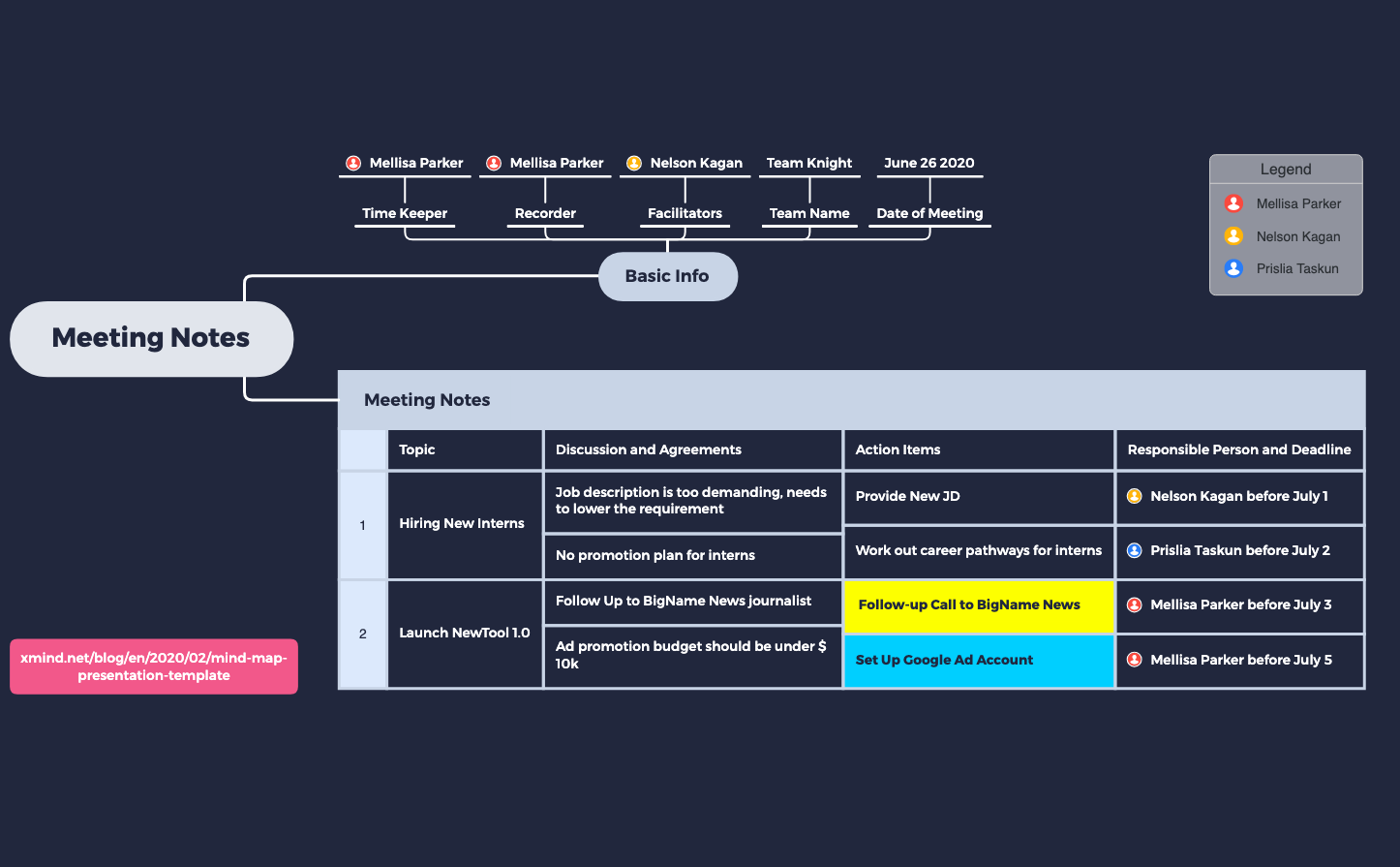
The Simple Meeting Notes mind map template provides a structured framework for capturing meeting minutes, covering 4 key branches: Basic Info, Meeting Notes, Action Items, and Responsible Person and Deadline. With 32 nodes, it includes specific fields such as 'Time Keeper', 'Recorder', 'Facilitators', and 'Team Name' to log participants, plus a dedicated 'Topic' section for agenda items like 'Hiring New Interns' and 'Launch NewTool 1.0'. This template helps teams document discussion points, agreements, and action items with assigned owners and deadlines. Ideal for project managers and team leads, the Simple Meeting Notes cheat sheet ensures no critical detail is missed during meetings.
使用條款Weekly team sync to align on project progress and assign tasks
Client kickoff meeting to document requirements and next steps
Sprint retrospective to capture what went well and action items for improvement
Open the template in Xmind and replace the sample data under Basic Info with your specific meeting date, team name, and facilitator details.
Add your meeting topics under the Topic node and record all key discussion points and agreements within the corresponding sub-branches.
List tasks under Action Items with assigned owners and deadlines before saving the file to distribute the minutes to your team.
The template includes four main sections: Basic Info (time keeper, recorder, facilitators, team name, date), Meeting Notes (topics, discussion and agreements), Action Items, and Responsible Person and Deadline. It contains 32 nodes to capture all essential meeting details.
Open the .xmind file, replace the sample data under Basic Info with your team's details, then add your agenda topics under 'Topic'. During the meeting, fill in discussion points and action items. Assign owners and deadlines in the Responsible Person section.
Yes, the template is free to use and fully editable in Xmind. You can customize all fields, add new branches, or remove existing ones to fit your meeting format.
Absolutely. Save a copy for each meeting date. The template's structure supports recurring use—just update the date, participants, and agenda items each time.
After the meeting, review the 'Action Items' branch and ensure each item has a responsible person and deadline under 'Responsible Person and Deadline'. Use the template as a checklist to follow up before the next meeting.
把你的心智圖範本分享給全球創作者,從你的作品中獲得收益。

