 Xmind Favorites
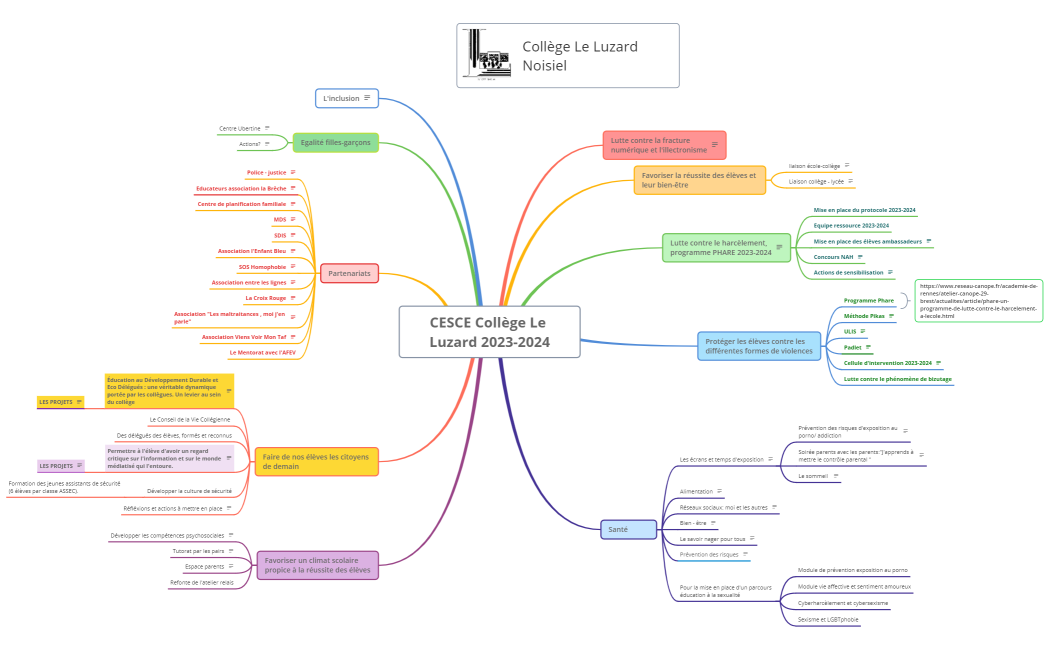
CESCE Collège Le Luzard 2023-2024
Free


617 templates · Organized meeting notes templates to capture decisions, actions, and follow-ups.
Xmind Favorites Xmind Favorites
-mzkdd-1337876033418.jpg) Xmind Favorites
Xmind Favorites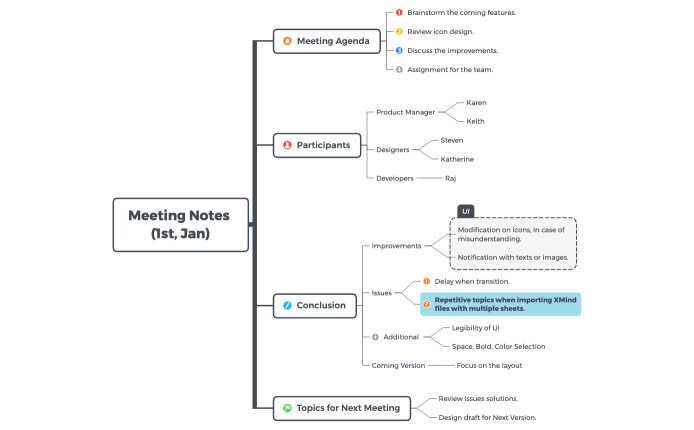 Xmind Favorites
 Xmind Favorites
 Xmind Favorites
 Xmind Favorites
 Xmind Favorites
 Xmind Favorites
 Xmind Favorites
 Xmind Favorites
 Xmind Favorites
-kyabj-1342984355001.jpg)
Capture decisions, assign action items, and never lose a follow-up with Xmind.
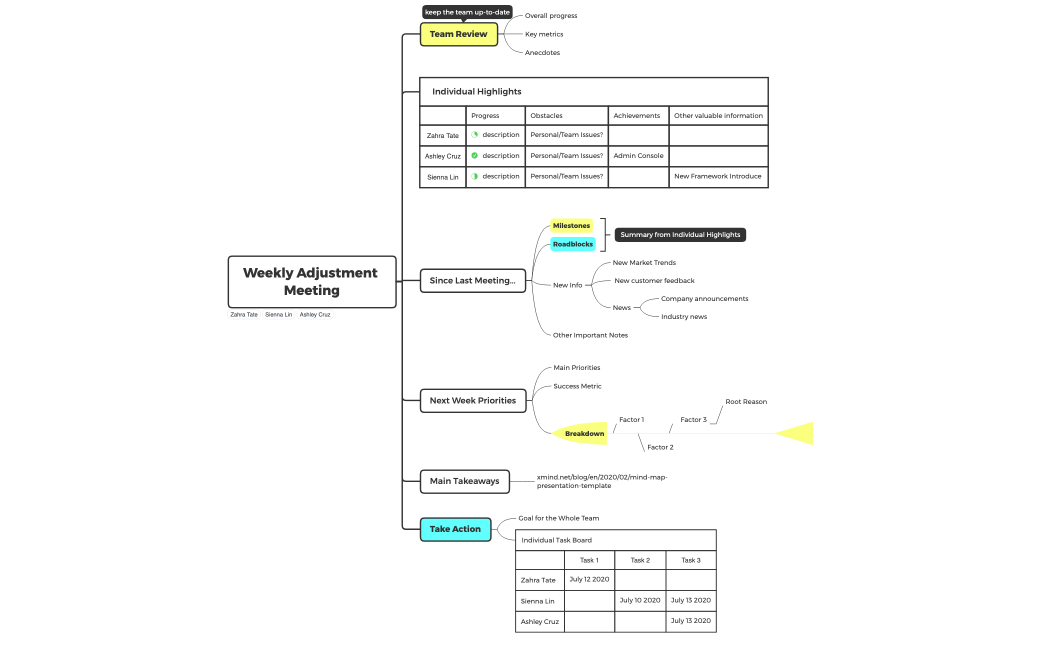
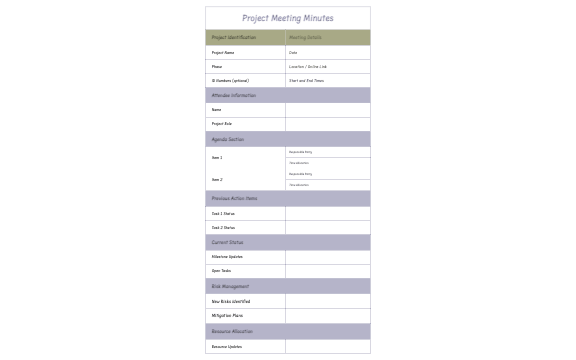
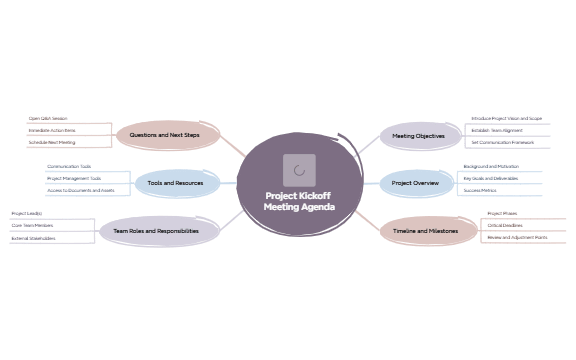
Meeting notes template options within Xmind provide a visual framework for capturing executive briefings, project kickoffs, and daily stand-ups. Project managers, marketers, founders, team leads, and analysts utilize these structures to ensure that key decisions and action items are documented with precision. The library includes specialized layouts for board meetings and cross-functional syncs, allowing teams to map participant contributions directly to specific project milestones. By moving beyond linear text, these templates help stakeholders visualize the relationship between discussion points and resulting tasks. Whether you are managing a high-level corporate strategy session or a quick technical huddle, these templates offer a systematic way to organize complex information. The collection features diverse styles ranging from simple outlines to detailed maps, ensuring that every professional role finds a format that matches their specific reporting requirements and organizational workflow.
Project managers can transform scattered discussion points into actionable tasks using the built-in task management and checkbox features.
The non-linear structure allows team leads to map participant contributions and sidebars without losing the main meeting flow.
Xmind AI Copilot assists in summarizing long meeting transcripts into concise nodes for faster post-meeting distribution.
Visual mind maps provide a clearer overview of project dependencies compared to traditional bulleted lists in standard documents.
Exporting meeting maps to PDF or Markdown ensures that stakeholders can access organized summaries across different platforms easily.
Select a meeting layout Browse the library to find a meeting notes template that matches your specific session type like a kickoff or stand-up.
Map participant contributions Create main branches for each agenda item and add sub-topics to record specific feedback from individual team members.
Assign specific action items Use the task info panel to turn discussion points into trackable assignments with priorities and deadlines for the team.
Refine with visual markers Apply icons or tags to highlight key decisions and urgent blockers so they stand out during the post-meeting review.
Share the final summary Export your completed meeting map to a shareable format or present it directly from Xmind during the next sync.
Many community Meeting Notes templates are free for anyone to open and use immediately. Premium templates require a one-time purchase per file rather than a recurring subscription. After you acquire a template, you own the file permanently and can edit it offline within the Xmind app.
Turn your best mind maps into templates the whole community can use.
