




Project managers and team leads
Starting a new project and need to outline key areas and tasks.
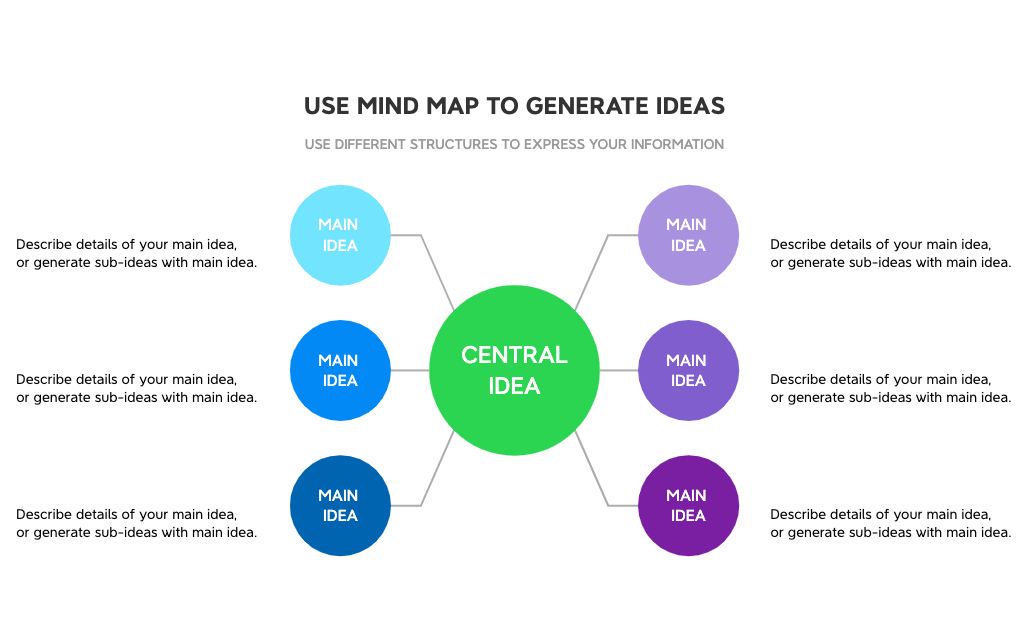
The Generate Ideas 2 mind map template helps individuals and teams brainstorm and organize thoughts around a central concept. It provides a structured framework with 6 MAIN IDEA branches, each prompting users to describe details or generate sub-ideas. The template also includes two guidance nodes: 'USE DIFFERENT STRUCTURES TO EXPRESS YOUR INFORMATION' and 'USE MIND MAP TO GENERATE IDEAS', encouraging creative exploration. This Generate Ideas 2 template is ideal for project planning, content creation, and problem-solving sessions.
Terms and ConditionsStarting a new project and need to outline key areas and tasks.
Brainstorming content topics for a blog or social media campaign.
Facilitating a creative workshop to solve a complex problem.
Open the template in Xmind and replace the central node with your specific project topic or problem statement.
Fill the six main branches with sub-ideas while utilizing the guidance nodes to experiment with different visual layouts.
Organize your brainstormed thoughts into a final structure and export the map as a PDF or image for your team.
The template includes a central topic, 6 MAIN IDEA branches with descriptive placeholders, and two guidance nodes for using different structures and generating ideas.
Start by replacing 'CENTRAL IDEA' with your topic. Then expand each MAIN IDEA branch by adding details or sub-ideas. Use the guidance nodes to explore alternative structures.
Yes, you can edit all text, add new branches, change colors, and rearrange nodes in Xmind to fit your specific needs.
Absolutely. Xmind supports real-time collaboration, so team members can contribute ideas simultaneously on the same mind map.
Use the MAIN IDEA branches to capture broad categories, then drill down into specifics. The 'USE DIFFERENT STRUCTURES' node encourages you to try mind maps, flowcharts, or lists.
Share your mind map templates with creators around the world and start earning from your work.

