 Xmind Favorites
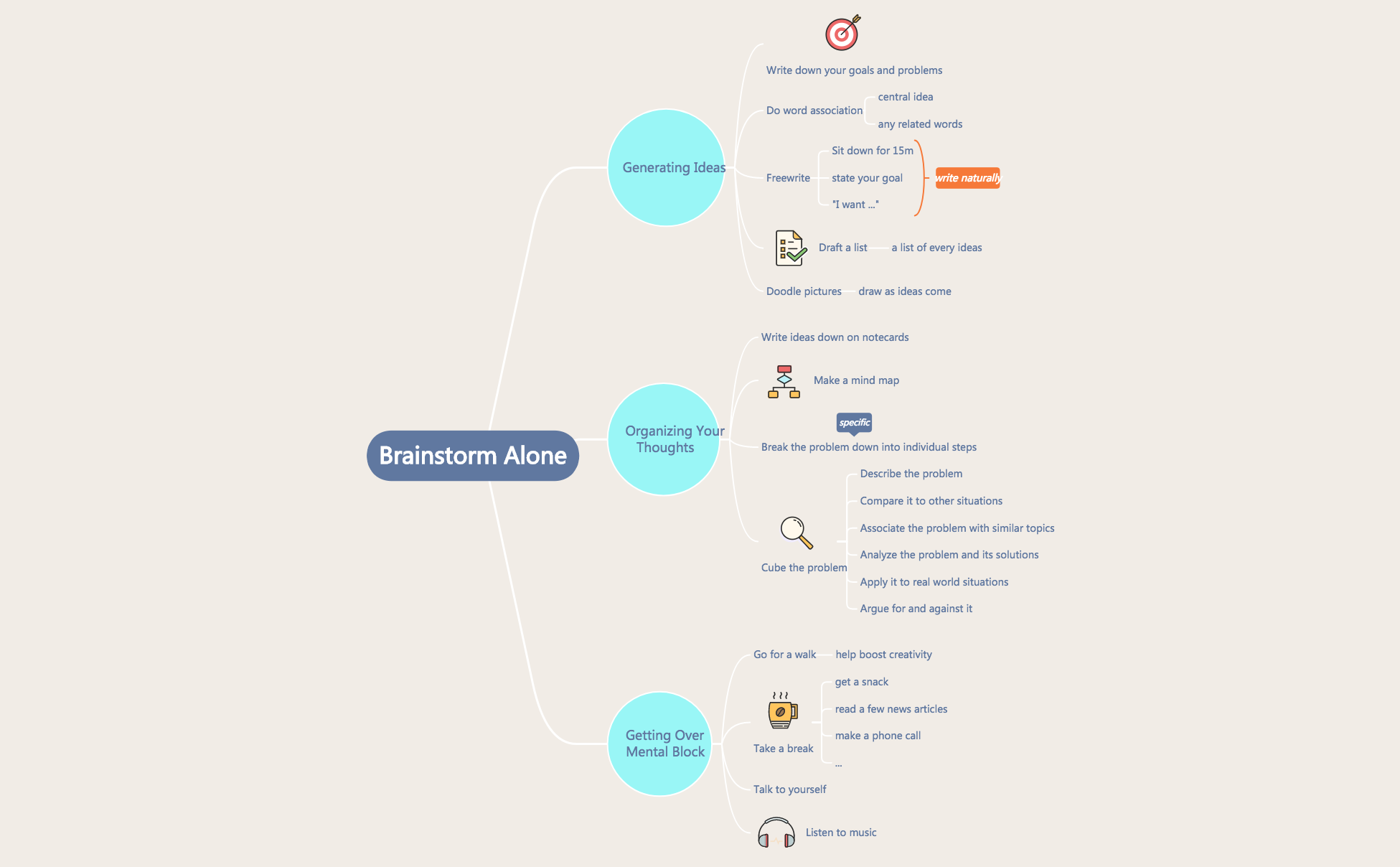
Brainstorm Alone
Free


1899 templates · Flexible concept map templates to connect ideas, terms, and relationships.
Xmind Favorites Xmind Favorites
 Xmind Favorites
 Xmind Favorites
 Xmind Favorites
 Xmind Favorites
 Xmind Favorites
 Xmind Favorites
 Xmind Favorites
 Xmind Favorites
 Xmind Favorites
 Xmind Favorites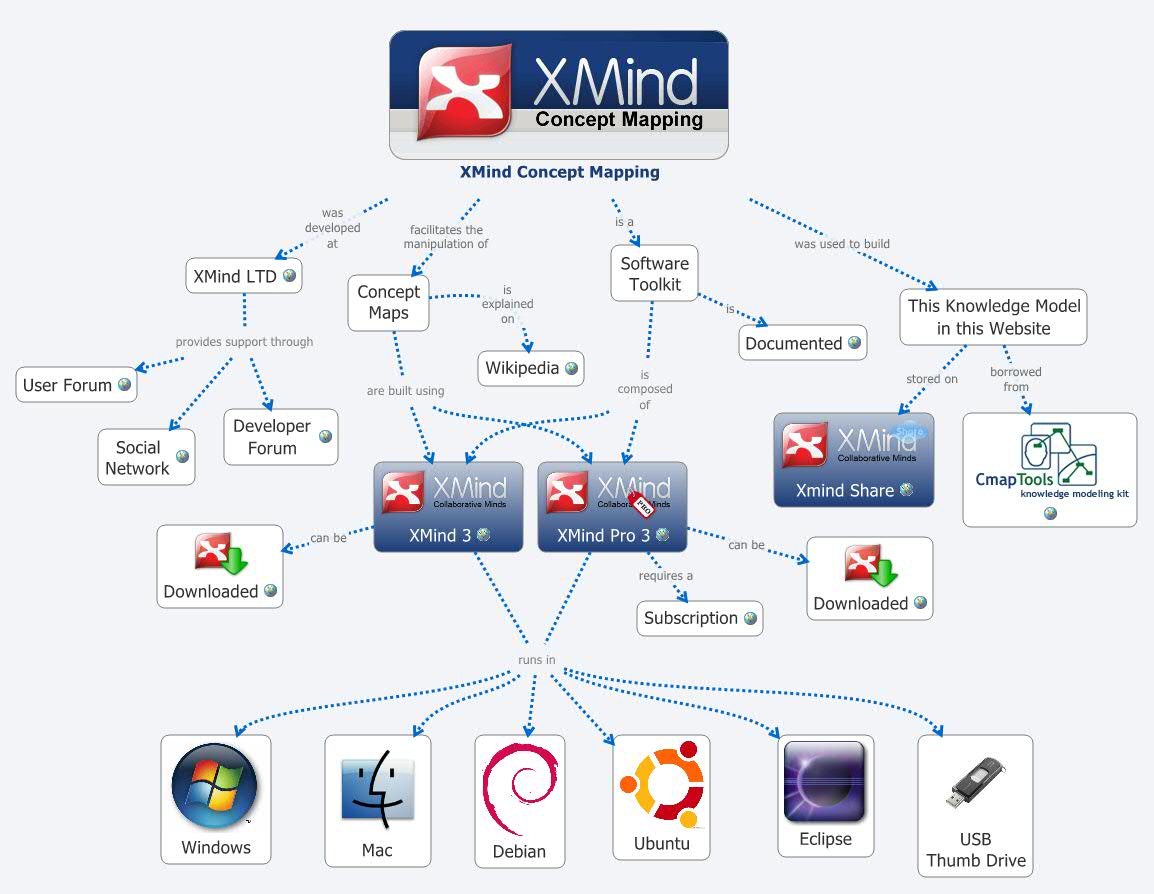
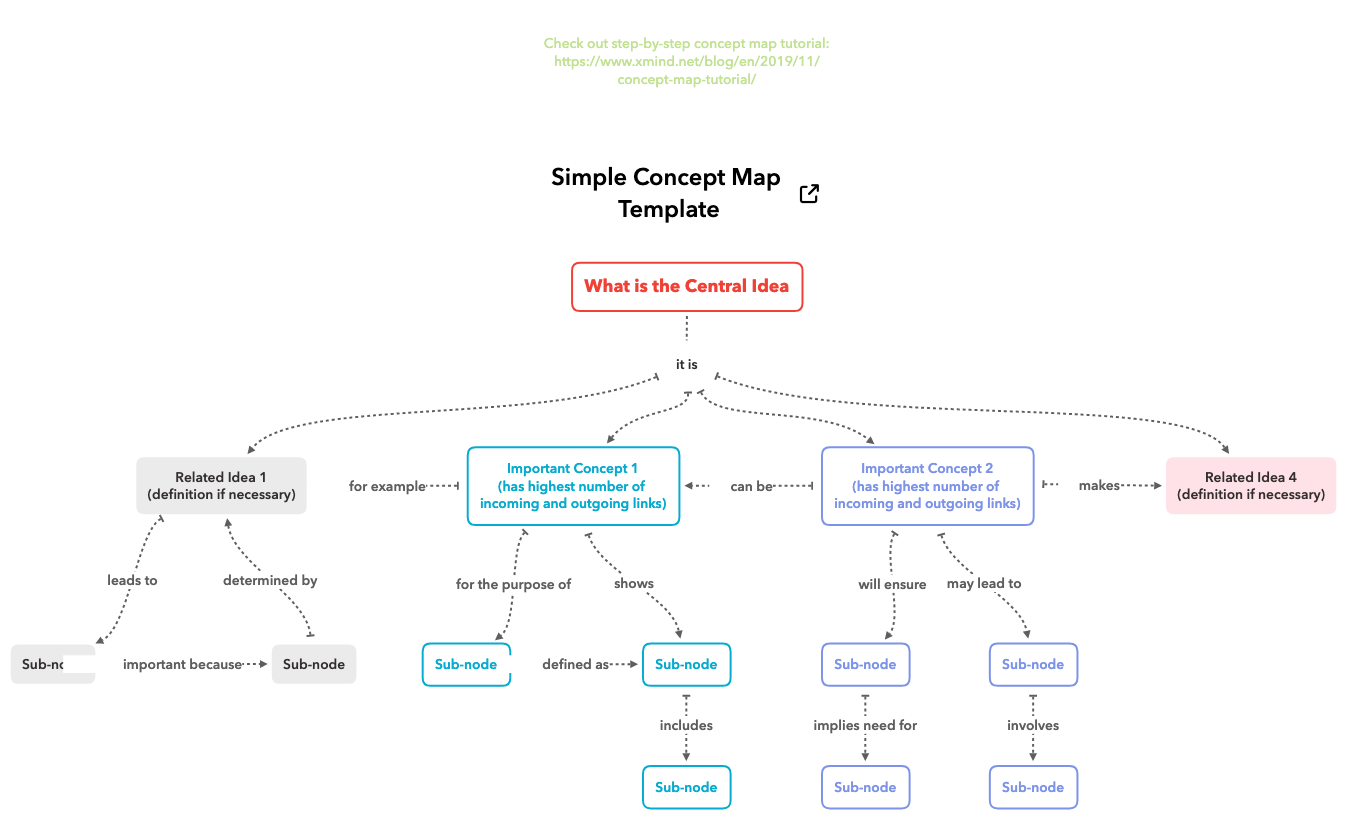
Connect ideas, show relationships, and make complex topics clear with Xmind.
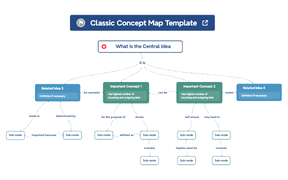
Concept map template options provide the essential framework for visualizing complex relationships between interconnected ideas using nodes and cross-links. Product managers, marketers, founders, team leads, and analysts utilize these structures to move beyond simple hierarchies into the realm of systems thinking and semantic networks. This library covers knowledge mapping and technical schemas designed to illustrate how distinct concepts influence one another within a broader ecosystem. By utilizing a concept map template, professionals can document non-linear workflows and identify hidden dependencies in their strategic planning. The available templates range from high-level knowledge maps to granular technical diagrams, ensuring that team leads can communicate sophisticated logic to stakeholders clearly. Whether you are mapping out a marketing funnel or a product architecture, these templates serve as a blueprint for translating abstract theory into actionable visual data.
Analysts use the non-linear structure to map out intricate semantic networks and cross-linked dependencies between disparate data points.
Team leads can visualize complex systems thinking models by connecting nodes with labeled relationship lines to clarify influence.
The visual-first structure allows users to organize massive amounts of information without losing the context of the central theme.
Xmind AI Copilot assists in expanding nodes by generating relevant sub-topics and logical connections based on your initial concept.
Export options enable users to share high-resolution diagrams in multiple formats for professional presentations or technical documentation.
Select a starting framework Browse the library and choose a concept map template that aligns with your specific knowledge mapping or systems thinking goals.
Define core concepts Input your primary ideas into central nodes and use the relationship tool to draw cross-links that define how they interact.
Label relationship paths Add linking phrases to the connection lines to specify the exact nature of the relationship between two distinct map nodes.
Refine the visual hierarchy Adjust the layout and styling to ensure that the most critical semantic connections are visually prominent for your target audience.
Save and sync Finalize your concept map and save it to your local device or cloud storage for offline access within the Xmind app.
Many community Concept Map templates are free for anyone to open and use immediately. Premium templates require a one-time purchase per file rather than a recurring subscription. After buying a template, you own the file permanently and can edit it offline within the Xmind app.
Turn your best mind maps into templates the whole community can use.
