




Computer science instructors and curriculum planners
Designing a semester-long operating systems course syllabus
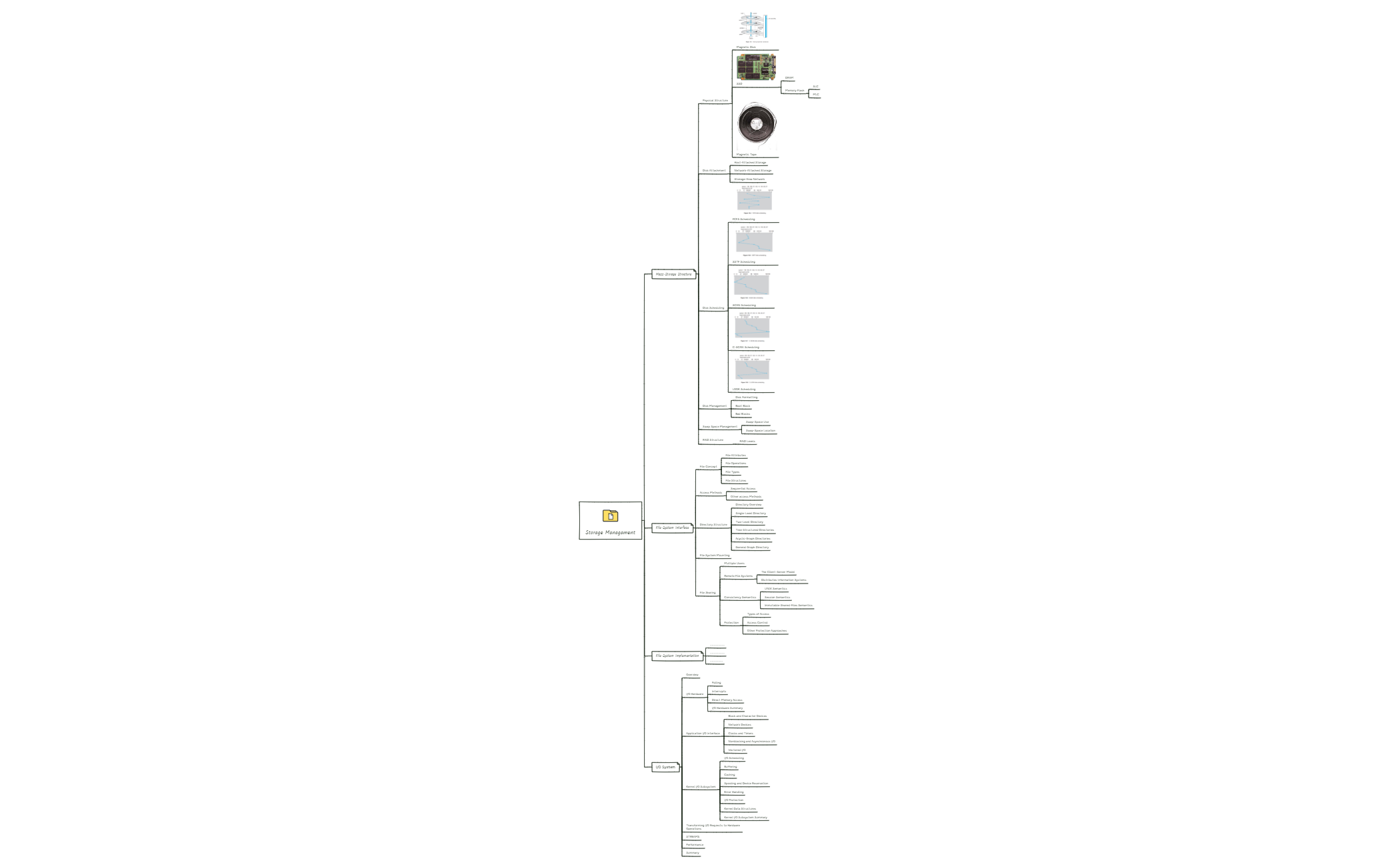
The Course Syllabus mind map template for Storage Management provides a structured overview of 91 nodes across four major branches: Mass-Storage Structure, File-System Interface, File-System Implementation, and I/O System. Designed for instructors and students in operating systems courses, this template covers disk scheduling algorithms like FCFS Scheduling and SCAN Scheduling, file system mounting, and I/O hardware concepts such as Direct Memory Access. It serves as a comprehensive study guide and syllabus outline, helping learners organize key topics, objectives, and resources for effective learning.
Terms and ConditionsDesigning a semester-long operating systems course syllabus
Reviewing storage management concepts before an exam
Preparing lecture notes on file system implementation
Open the template in Xmind to navigate the four major branches covering storage structures and file systems.
Customize node text and add attachments to tailor the syllabus to your specific course objectives and resources.
Utilize the map for self-testing or export it as a PDF to distribute comprehensive study guides to students.
The template covers four main areas: Mass-Storage Structure (disk scheduling, RAID), File-System Interface (file concepts, directory structures), File-System Implementation, and I/O System (hardware, kernel subsystems).
Use the mind map to review key concepts like disk scheduling algorithms (FCFS, SCAN) and file system mounting. Expand branches to add notes, then test yourself by hiding details.
Yes, you can open the .xmind file in Xmind and customize all nodes, add subtopics, change colors, and attach resources to tailor it to your course.
It includes File Concept (attributes, operations, types), Access Methods (Sequential Access), Directory Structure (from single-level to general graph), File Sharing, and Protection.
Yes, the Mass-Storage Structure branch includes a RAID Structure section with RAID Levels, which can be expanded to detail each level's pros and cons.
Share your mind map templates with creators around the world and start earning from your work.

