




Product designers and UX researchers
Brainstorming descriptive qualities for a new product feature during a design sprint.
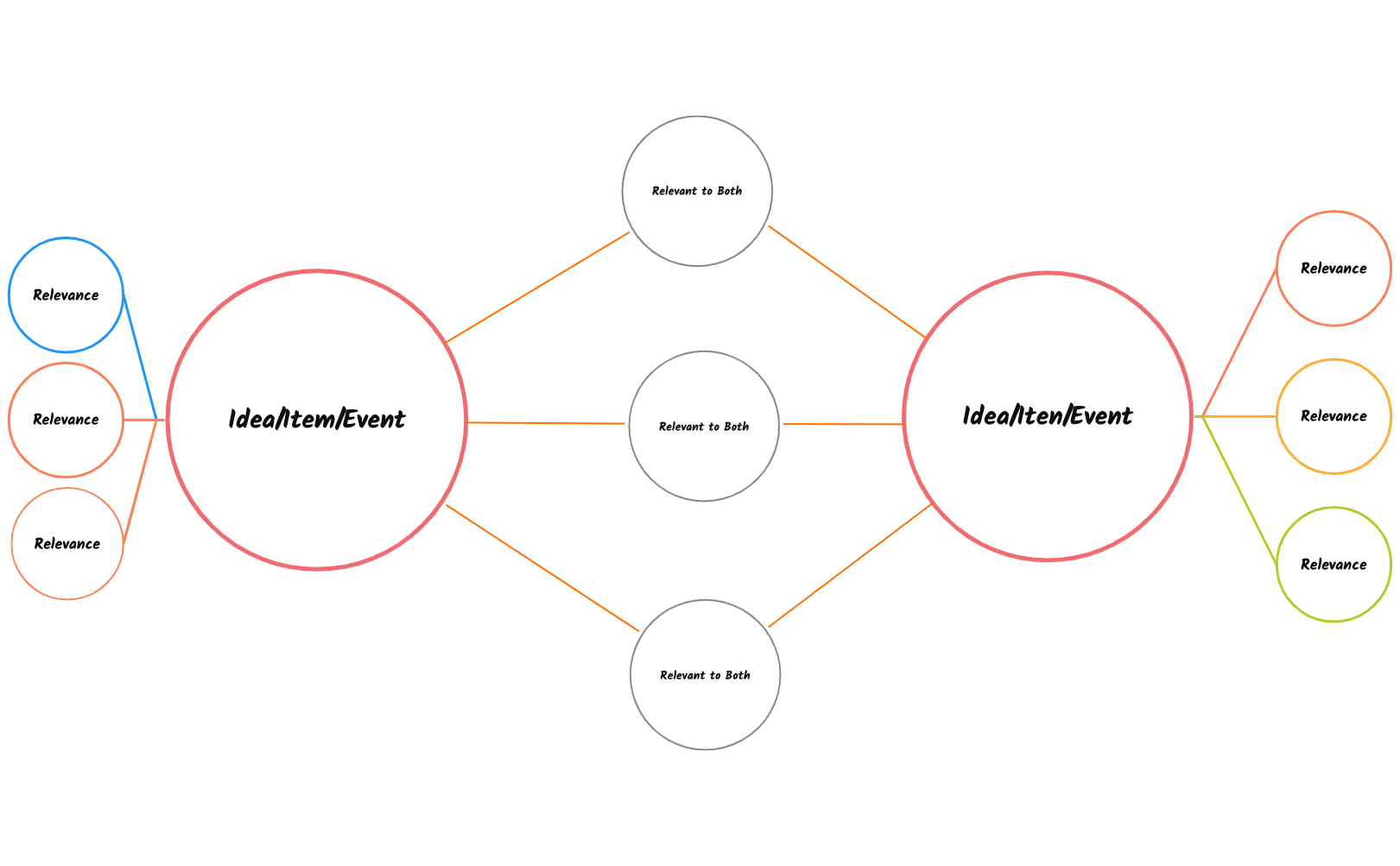
A Bubble Map mind map template is a visual thinking tool used to describe a central topic—such as an idea, item, or event—by surrounding it with related adjectives or attributes. This template, organized around a central 'Idea/Item/Event' node, includes 11 nodes arranged in a radial structure with three 'Relevance' branches and three 'Relevant to Both' connectors. It helps users brainstorm and categorize descriptive qualities, making it ideal for educators, students, and creative professionals. The template's layout encourages free association and comparison, with nodes like 'Relevance' and 'Relevant to Both' prompting users to identify key traits and shared characteristics. As a Bubble Map template, it simplifies complex topics into an intuitive visual format.
使用條款Brainstorming descriptive qualities for a new product feature during a design sprint.
Teaching students to analyze a historical event by identifying its key characteristics.
Comparing two competing brands by listing their unique and shared attributes.
Open the .xmind file in Xmind (desktop, web, or mobile).
Click on the central 'Idea/Item/Event' node and type your main topic.
Replace the 'Relevance' nodes with adjectives or phrases that describe your topic.
Use the 'Relevant to Both' nodes to add attributes that connect two or more ideas.
Customize colors, icons, and layout to match your preference, then export or share.
A Bubble Map is used to describe a central idea, item, or event by surrounding it with adjectives or descriptive phrases. It helps brainstorm qualities, compare attributes, and organize thoughts visually.
Open the .xmind file in Xmind, then replace the central 'Idea/Item/Event' node with your topic. Add adjectives or attributes to the 'Relevance' branches and use 'Relevant to Both' for shared qualities.
Yes, the template is fully editable in Xmind. You can customize nodes, colors, and layout, then export as PDF or image for printing.
'Relevance' nodes describe unique attributes of the main topic, while 'Relevant to Both' nodes highlight qualities that apply to two or more connected ideas or items.
Absolutely. The Bubble Map's simple radial structure makes it easy for teams to collaboratively add descriptive terms during workshops or classroom activities.
把你的心智圖範本分享給全球創作者,從你的作品中獲得收益。

