




Product managers and engineering leads
Kicking off annual product planning to align the team on key milestones and deadlines.
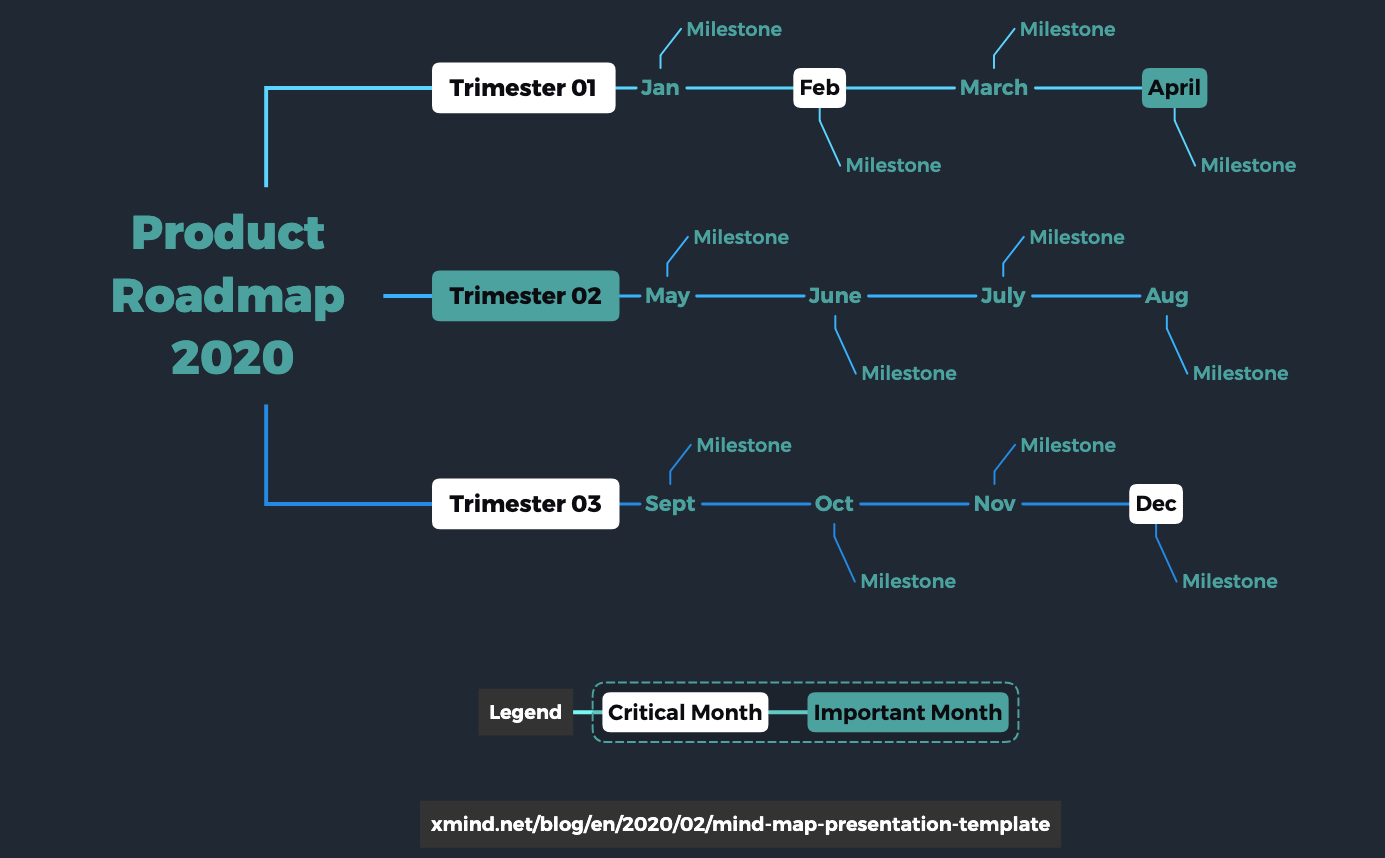
The Product Roadmap 2020 mind map template helps product managers and teams visualize a full year of milestones across three trimesters. With 32 nodes organized into Trimester 01, Trimester 02, and Trimester 03, each month from Jan to Dec contains a Milestone node. A Legend section defines Critical Month and Important Month markers. This Product Roadmap of the Year template also links to a blog post on mind map presentation techniques, making it a practical tool for strategic planning and stakeholder communication.
Điều khoản sử dụngKicking off annual product planning to align the team on key milestones and deadlines.
Presenting the product roadmap to executives or investors during quarterly reviews.
Tracking progress of product releases across multiple teams throughout the year.
Launch the template in Xmind to explore the pre-organized trimesters and monthly milestone nodes designed for your yearly planning.
Replace the placeholder text with your specific product goals and use the legend markers to highlight critical or important months.
Utilize Xmind's presentation mode or export the final roadmap as a PDF or image to communicate your vision to stakeholders.
The template includes 12 monthly milestones across three trimesters (Trimester 01, 02, 03), a Legend with Critical Month and Important Month markers, and a link to a blog post on mind map presentation.
Open the .xmind file in Xmind, then replace each Milestone node under the respective month with your actual product milestones. Use the Legend to mark critical or important months.
Yes, the template is fully editable in Xmind. You can add, remove, or rename nodes, change colors, and attach notes or resources to each milestone.
Absolutely. Simply rename the root node 'Product Roadmap 2020' to your desired year and adjust the month names if needed. The structure is reusable for any annual plan.
Use Xmind's presentation mode to walk through each trimester sequentially. The Legend helps highlight critical months, making it easy to communicate priorities.
Chia sẻ mẫu sơ đồ tư duy của bạn với người sáng tạo trên khắp thế giới và bắt đầu kiếm tiền từ tác phẩm của mình.

