




Product managers and project leads
Kicking off a new product initiative and need a clear roadmap from idea to launch.
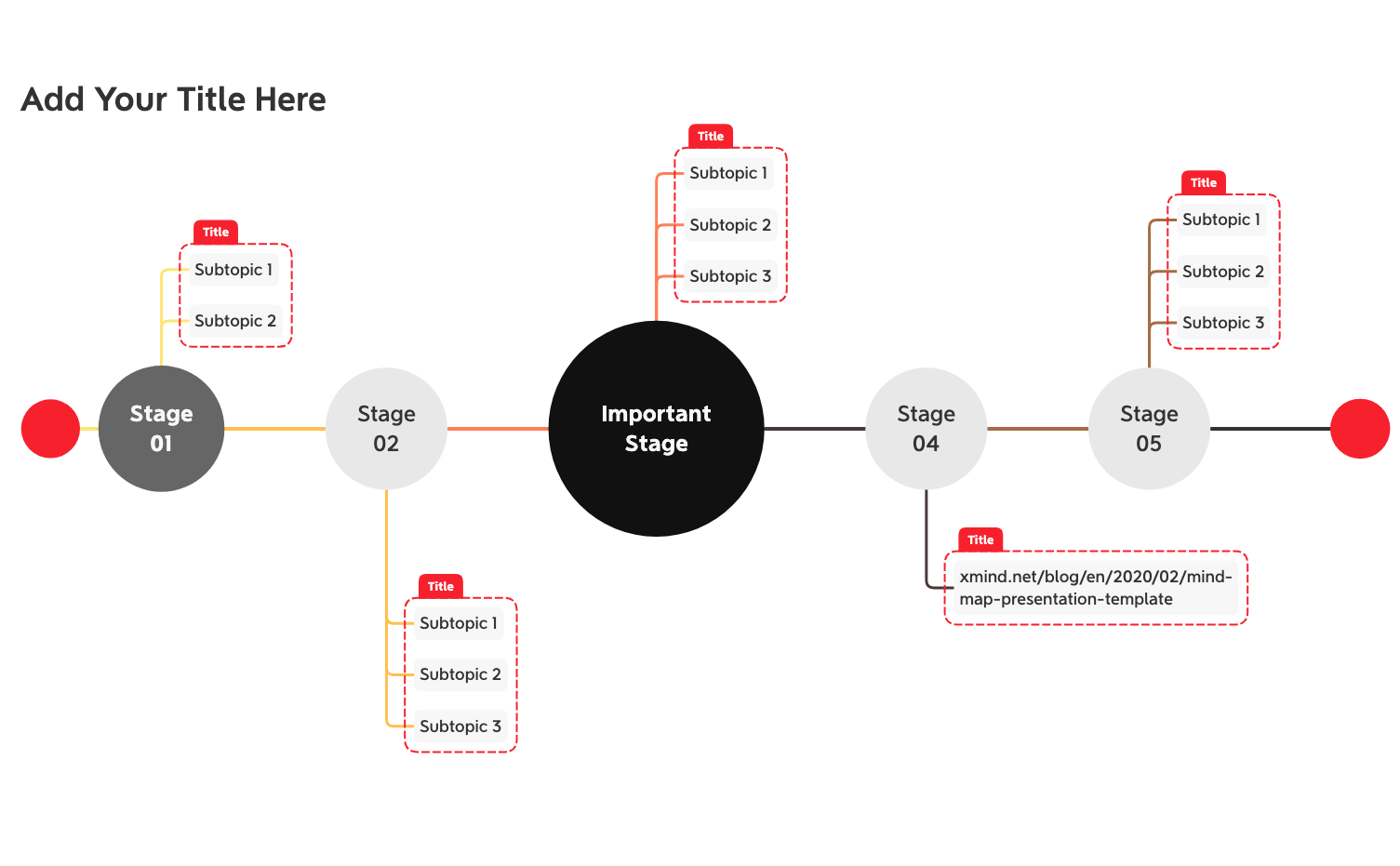
The Product Development Timeline mind map template from Xmind provides a structured 5-stage framework for managing product creation from concept to launch. Designed for product managers, project leads, and innovation teams, this template covers key phases including 'Stage 01' (ideation and research), 'Stage 02' (planning and design), 'Important Stage' (critical development milestones), 'Stage 04' (testing and validation), and 'Stage 05' (deployment and post-launch). With 20 nodes organized in a linear timeline layout, users can track deliverables, deadlines, and dependencies across each stage. The template also includes an 'Add Your Title Here' placeholder for customizing the project name. This Product Development Timeline template serves as both a roadmap and a checklist, ensuring no critical step is overlooked during the product lifecycle.
NutzungsbedingungenKicking off a new product initiative and need a clear roadmap from idea to launch.
Planning a product release cycle and tracking milestones across multiple teams.
Presenting a product development timeline to executives or investors.
Launch the template in Xmind and rename the central root node to reflect your specific product development project.
Populate the five stages with specific tasks and deadlines while using the Important Stage node to highlight your most critical project milestones.
Update the timeline as development progresses and export your final roadmap as a PDF or image to align your team.
The template includes five predefined stages (Stage 01 through Stage 05), an 'Important Stage' for critical milestones, and a customizable title node. It provides a linear timeline structure with 20 nodes to map out product development phases.
Open the .xmind file in Xmind, then rename the stages to match your agile sprints (e.g., Sprint 1, Sprint 2). Use the 'Important Stage' to mark release candidates or sprint reviews, and add subtasks under each stage for user stories.
Yes, you can edit any node text in Xmind. Replace 'Stage 01' with your own phase names like 'Discovery' or 'Development'. The 'Add Your Title Here' node allows you to set the overall project name.
The template is available on Xmind's marketplace. It is fully editable in Xmind desktop or web app, allowing you to add, remove, or rearrange nodes as needed.
After customizing the template, export it as an image or PDF from Xmind. You can also share the .xmind file directly for collaborative editing in Xmind Team.
Teilen Sie Ihre Mindmap-Vorlagen mit Erstellern weltweit und verdienen Sie mit Ihrer Arbeit.

