 Xmind Favorites
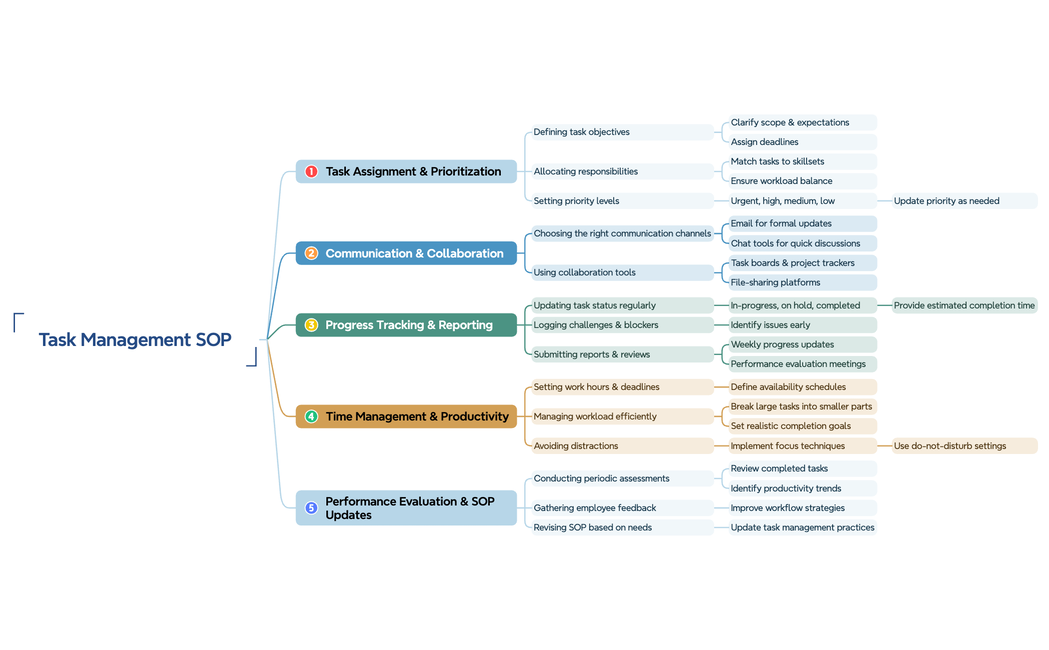
SOP for Task Management
Free


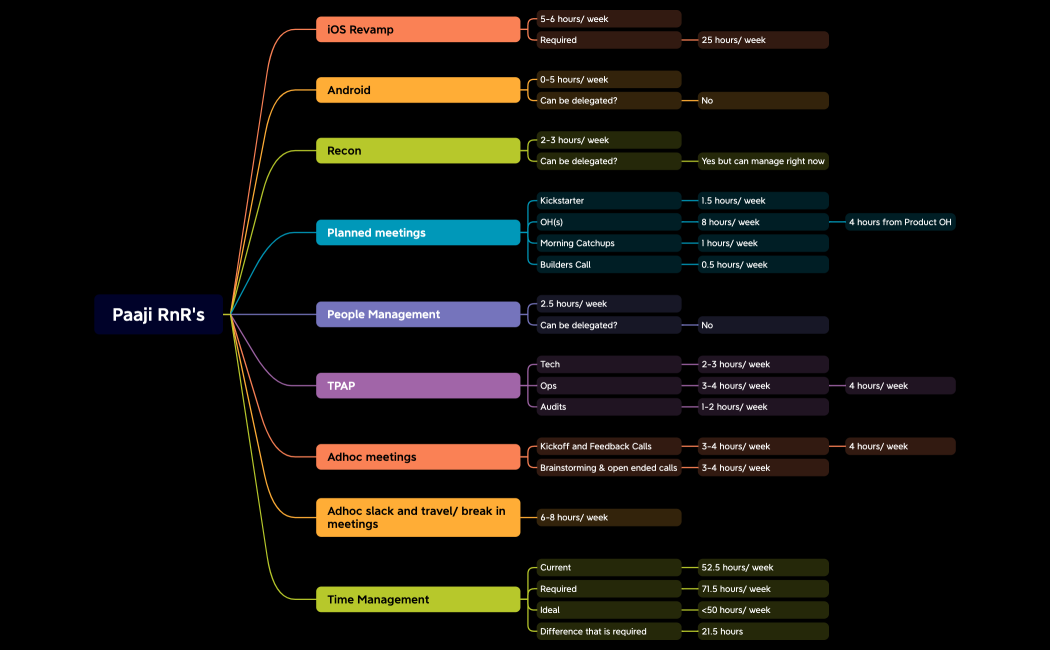
1453 templates · Practical task breakdown templates to split work into clear, trackable steps.
Xmind Favorites Xmind Favorites
 Xmind Favorites
 Xmind Favorites
 Xmind Favorites
 Xmind Favorites
 Xmind Favorites
 Xmind Favorites
 Xmind Favorites
 Xmind Favorites
 Xmind Favorites
 Xmind Favorites
Break big projects into clear, trackable tasks and stay on top of work with Xmind.
Utilizing a professional task breakdown template allows project managers and teams to transform overwhelming projects into structured, executable hierarchies. This use case focuses on Work Breakdown Structure (WBS) methodologies, enabling PMs, marketers, founders, team leads, and analysts to decompose complex deliverables into granular sub-tasks and manageable action plans. By visualizing project phases and dependencies, users can ensure no detail is overlooked during the planning stage. The available templates range from high-level phase decomposition to detailed technical task lists, providing a visual framework for organizing resources and timelines. Whether you are launching a marketing campaign or developing a new product, these templates serve as a foundational roadmap for your team. Xmind provides a variety of both free and premium options tailored to different industries, ensuring that every professional can find a structure that fits their specific workflow requirements.
Project managers can use the logical hierarchy to decompose high-level deliverables into specific Work Breakdown Structure levels for better resource allocation.
Marketers and analysts can visualize task dependencies and critical paths to identify potential bottlenecks before they impact the project timeline.
The visual-first structure allows teams to see the entire scope of work at a glance without getting lost in complex spreadsheets.
AI Copilot assists in brainstorming sub-tasks and generating logical groupings to ensure comprehensive coverage of all project requirements and phases.
Users can export their finalized task hierarchies into multiple formats to share clear action plans with stakeholders and external collaborators.
Select a task breakdown template Browse the library to find a structure that matches your specific project scope and complexity level.
Define your primary deliverables Enter your main project goals as central topics and branch out into major phases or work packages.
Decompose into granular sub-tasks Break down each major phase into smaller actionable items until the work is manageable for individual team members.
Assign resources and milestones Use markers and labels to indicate task ownership and set clear deadlines for every deliverable in the hierarchy.
Export and sync with team Save your completed breakdown as an image or PDF to provide a visual reference for your team during execution.
Many Task Breakdown templates are free for anyone to open and use immediately. Premium templates require a one-time purchase per file rather than a recurring subscription. After purchasing a premium template, you own the file permanently and can edit it offline within the Xmind app.
Turn your best mind maps into templates the whole community can use.
