 Xmind Favorites
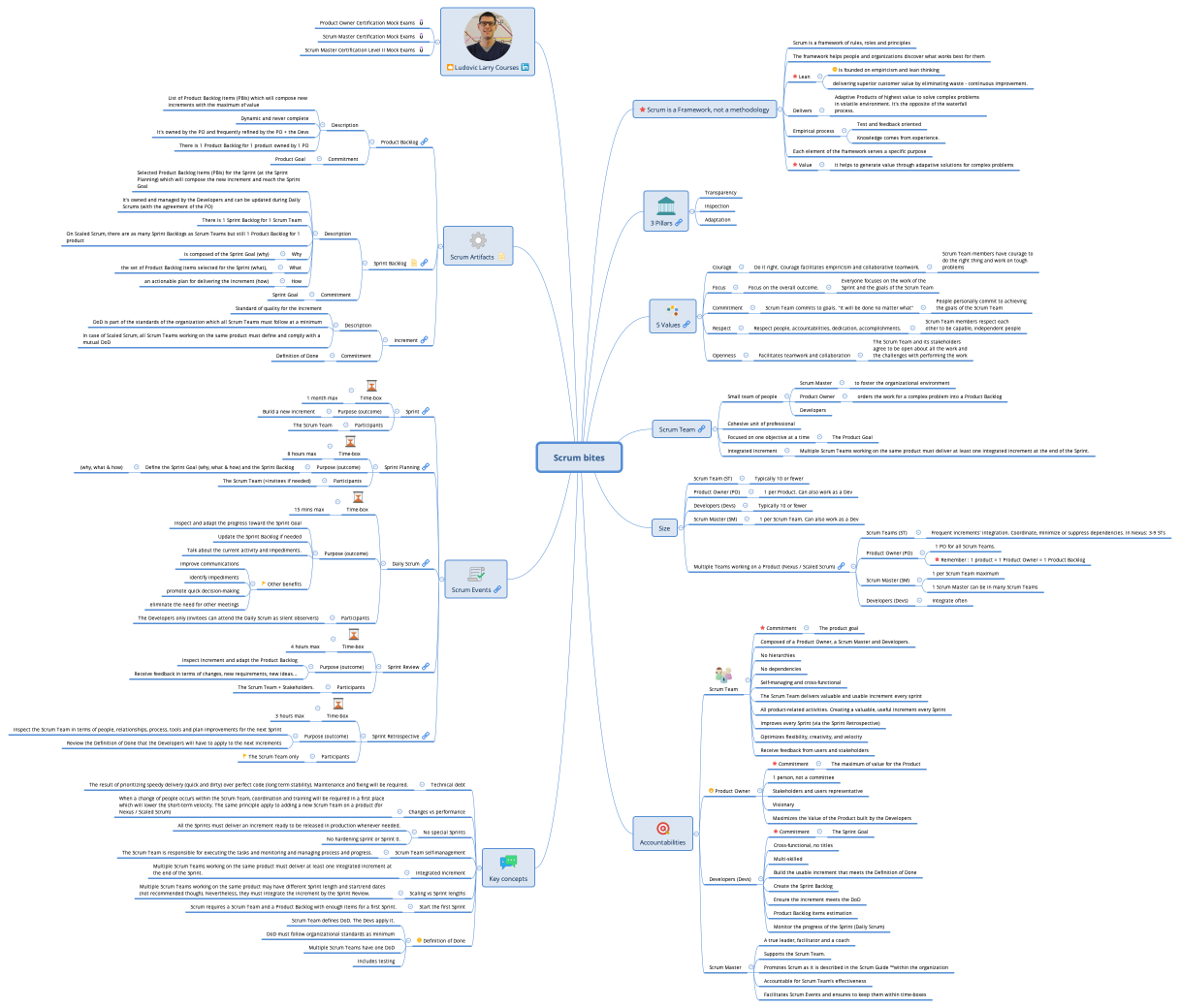
Scrum bites
Free


51 templates · Focused sprint planning templates to scope work, assign tasks, and set goals.
Xmind Favorites Xmind Favorites
 Xmind Favorites
 Xmind Favorites
 Xmind Favorites
 Xmind Favorites
 Xmind Favorites
 Xmind Favorites
 Xmind Favorites
 Xmind Favorites
 Xmind Favorites
 Xmind Favorites
Scope sprints, assign tasks, and align your team on goals with Xmind.
Sprint planning template options within Xmind provide a visual foundation for scrum ceremonies and iterative development cycles. Product managers, marketers, founders, team leads, and analysts utilize these structures to bridge the gap between a high-level product roadmap and actionable bi-weekly tasks. The collection covers essential agile phases including backlog refinement, capacity planning, and task estimation to ensure team velocity remains consistent. By utilizing these templates, teams can define clear sprint goals and assign ownership across complex workstreams without losing sight of the broader project timeline. Whether you are managing a software engineering team or a marketing launch, these visual frameworks help identify dependencies and potential bottlenecks before the sprint begins. The available library includes specialized layouts for scrum masters and project coordinators who require a centralized source of truth for resource allocation and commitment tracking during high-pressure development phases.
Agile teams use Xmind to map complex dependencies between backlog items and sprint goals within a single non-linear interface.
Scrum masters can visualize team capacity and individual workload distribution to prevent over-commitment during the planning phase.
The visual-first structure allows stakeholders to see the hierarchical relationship between epics, user stories, and specific technical tasks.
Xmind AI Copilot assists in breaking down broad project requirements into granular sub-tasks for more accurate estimation and tracking.
Exporting maps to PNG or PDF formats ensures that sprint outcomes and task assignments are easily shared across different departments.
Select a planning framework Browse the library to find a sprint planning template that aligns with your team's specific scrum or kanban workflow.
Refine the product backlog Import or list your existing user stories to prioritize high-value features for the upcoming development cycle.
Estimate task complexity Assign story points or hour estimates to each branch to ensure the total workload fits within your team's capacity.
Define the sprint goal Use a central topic to clearly state the primary objective that the team commits to achieving by the sprint end.
Save and sync files Store your finalized planning map locally or in the cloud to reference during daily stand-ups and retrospective meetings.
Many Sprint Planning templates are free and available for immediate use by any user. Premium templates require a single one-time purchase rather than a recurring subscription. Once you buy a template, you own the file permanently and can edit it offline within the Xmind app.
Turn your best mind maps into templates the whole community can use.
