 Xmind Favorites
Information Architecture
Free


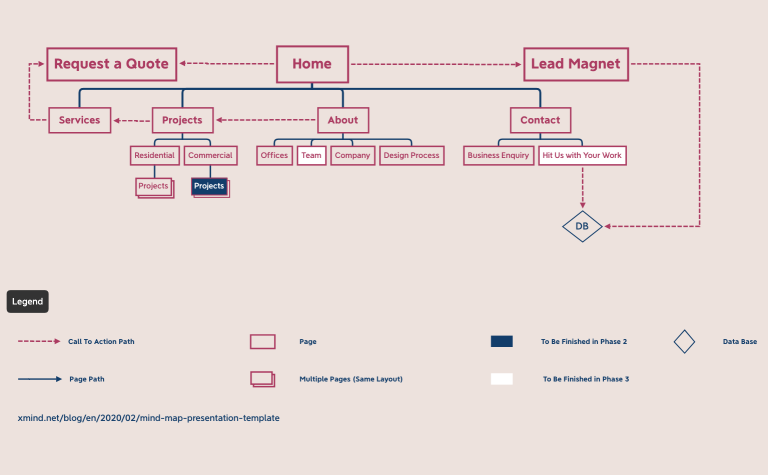
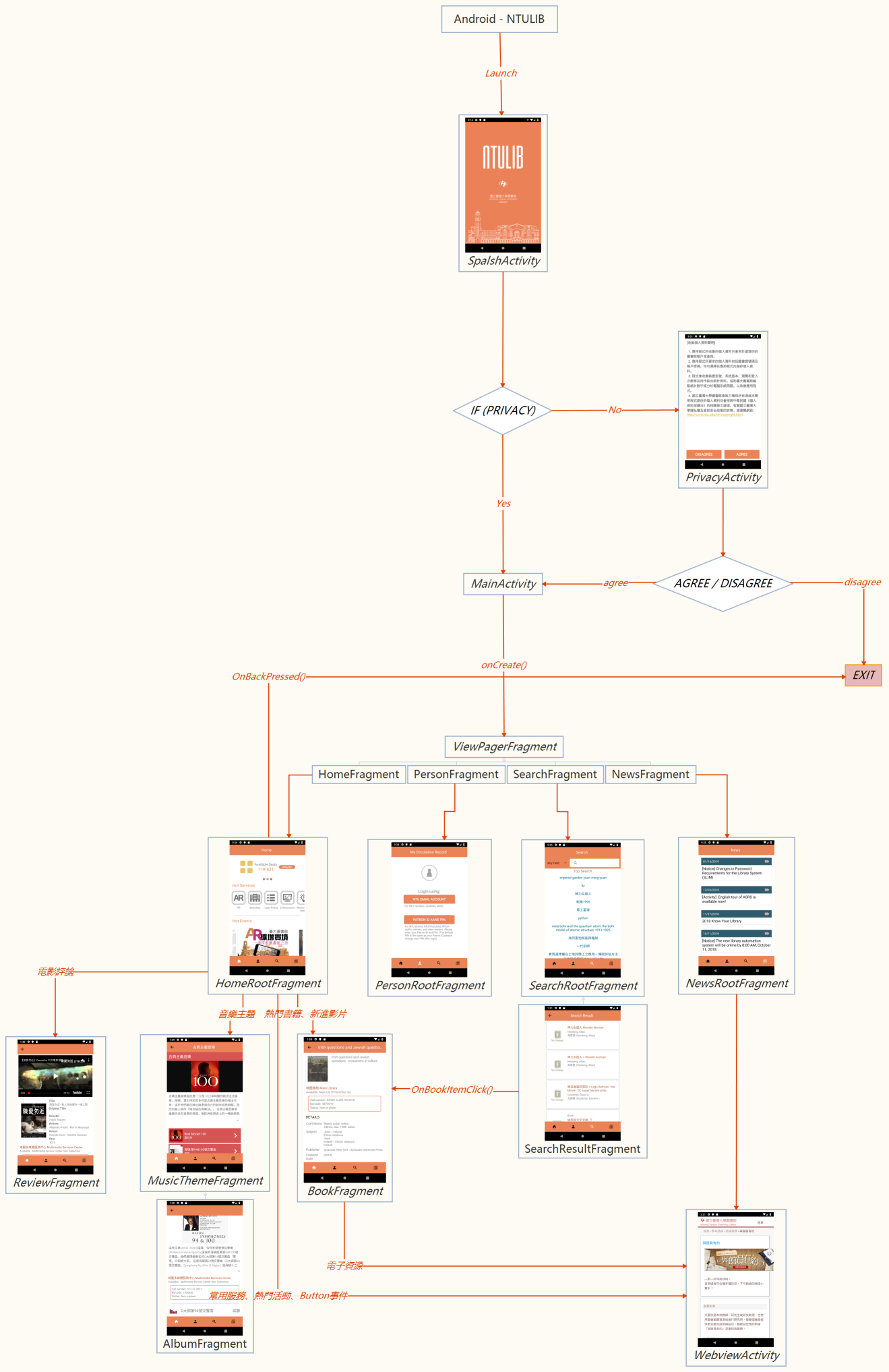
966 templates · Clear site map templates to structure pages, navigation, and content hierarchy.
Xmind Favorites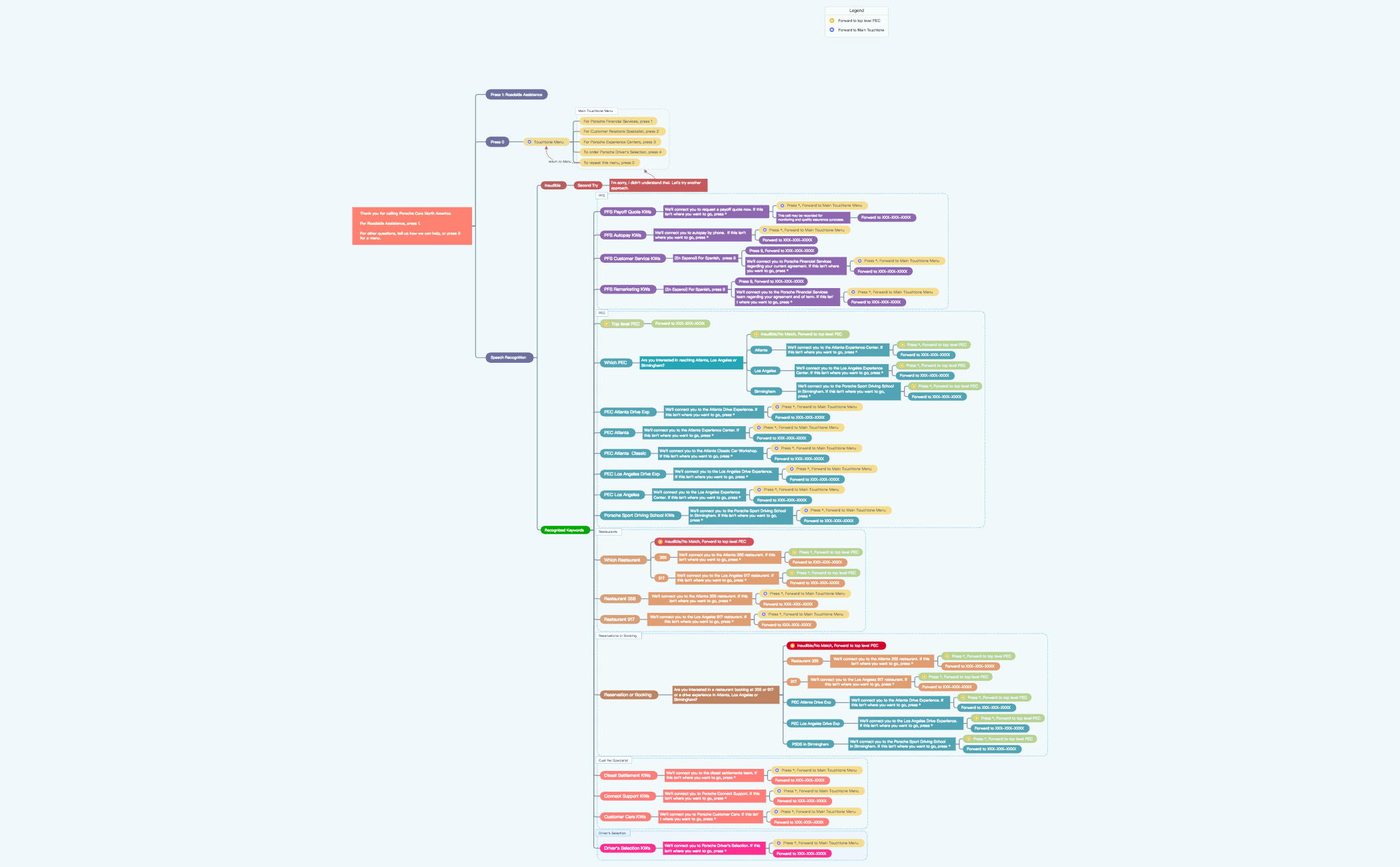 Xmind Favorites
 Xmind Favorites
 Xmind Favorites
 Xmind Favorites
 Xmind Favorites
 Xmind Favorites
 Xmind Favorites
 Xmind Favorites
 Xmind Favorites
 Xmind Favorites
 Xmind Favorites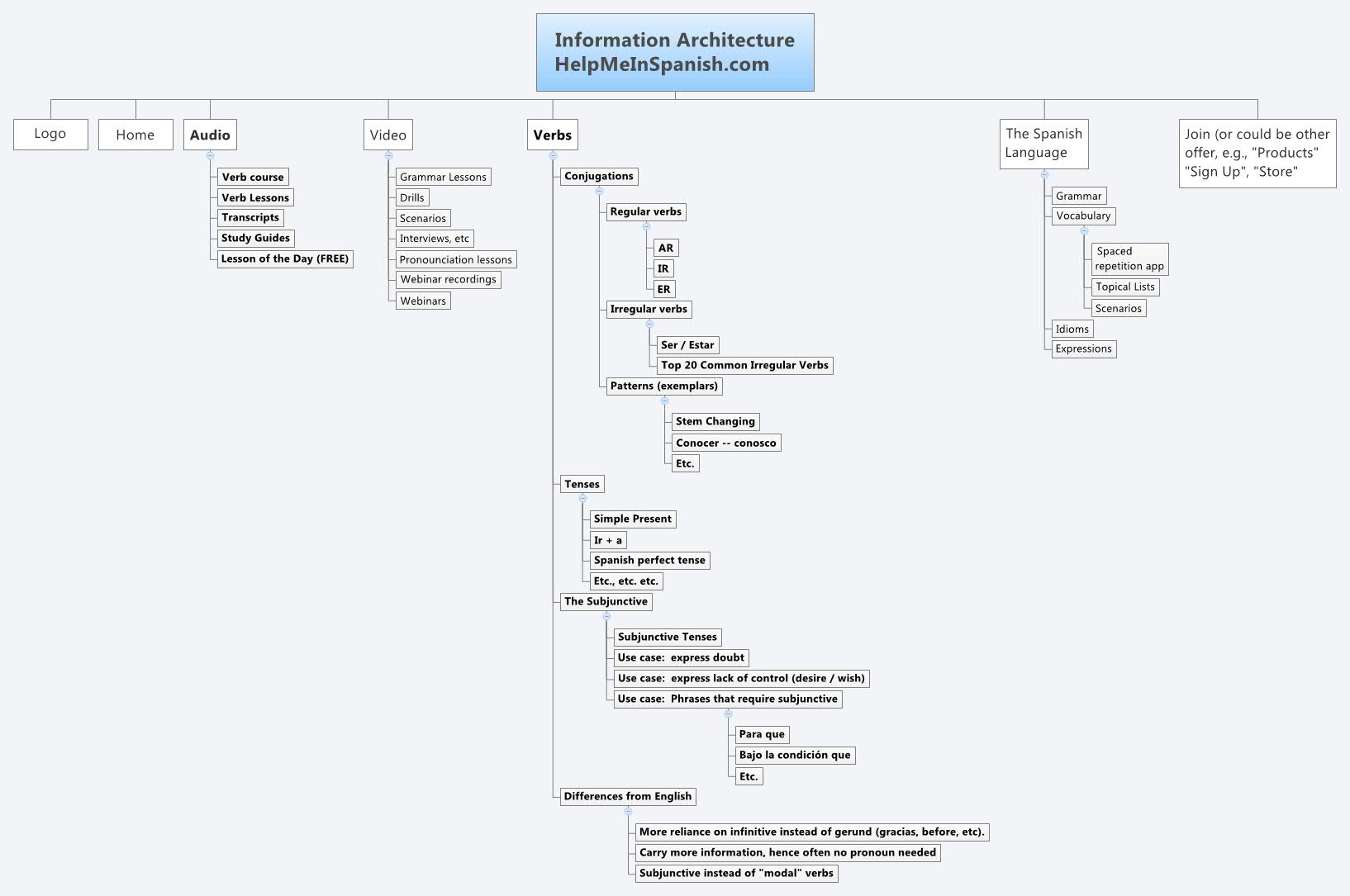
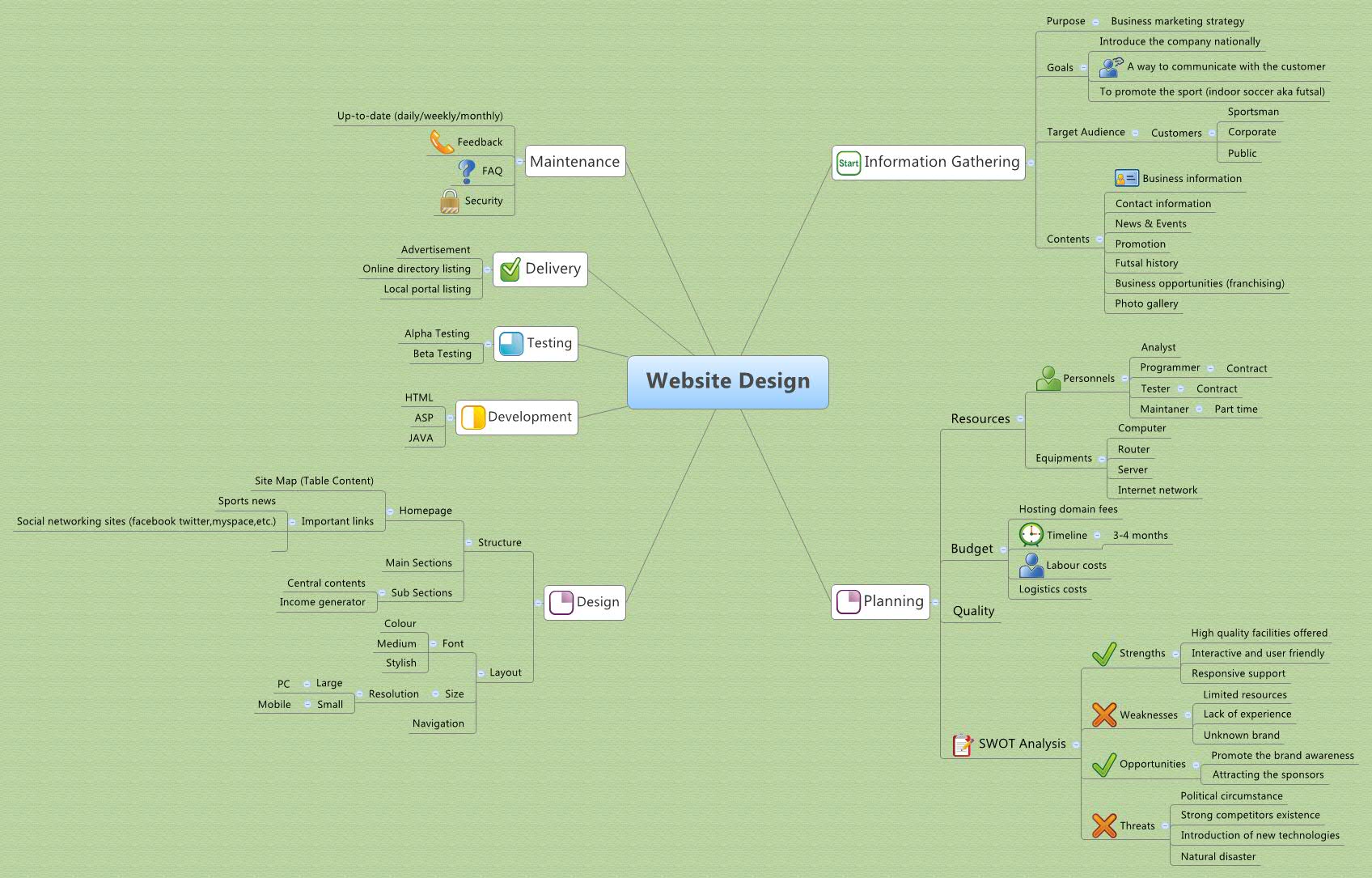
Structure pages, plan navigation, and visualize your site architecture with Xmind.
Using a site map template helps teams build a visual foundation for website architecture and digital content hierarchies. This process involves mapping information architecture, navigation flows, and content inventories to define complex website taxonomy and user paths. Designed for PMs, marketers, founders, team leads, and analysts, these Xmind templates bridge the gap between abstract ideas and technical execution for UX designers and web developers. The available frameworks offer various structures ranging from simple vertical trees to comprehensive multi-level diagrams that account for every page on a domain. By using these structures, professionals can ensure logical page nesting and a clear user experience before moving into wireframing or development stages. Each template serves as a blueprint to organize metadata, URL structures, and internal linking strategies across diverse web projects. These tools help you manage site growth and track how different sections connect to one another. Xmind provides the clarity needed to plan effective digital environments from the ground up.
Visualize complex website taxonomy using hierarchical structures that clearly define the relationship between parent pages and child subdirectories.
Map intricate user navigation flows to identify potential friction points in the digital experience before starting the development process.
Utilize the visual-first structure to transform messy content inventories into organized diagrams that stakeholders can easily review and approve.
Leverage AI Copilot to brainstorm missing page categories or generate logical sub-pages based on your primary website goals and industry.
Export your completed architecture as high-resolution images or PDFs to provide developers and designers with a clear technical reference.
Pick a template Select a site map template from the library that matches the scale and complexity of your intended website architecture.
Define core navigation Establish your primary header categories and main landing pages to set the top-level hierarchy of the entire domain structure.
Map page relationships Add sub-pages and utility links to visualize exactly how users will navigate from the homepage to deep-level content sections.
Annotate content types Use labels or callouts to specify whether nodes represent static pages, dynamic blog posts, or interactive functional modules for the developers.
Export and share Save your finalized site map in a format compatible with your project management tools to ensure team alignment during the build.
Many Site Map templates are free and available for immediate use. Premium templates require a one-time purchase per file rather than a recurring subscription. Once purchased, you own the file permanently and can edit it offline within the Xmind app.
Turn your best mind maps into templates the whole community can use.
