 Xmind Favorites
PM Job
專案經理 職務
Free

'%3e%3cpath%20fill-rule='evenodd'%20clip-rule='evenodd'%20d='M16.0002%203.2002C8.93095%203.2002%203.2002%208.93095%203.2002%2016.0002C3.2002%2023.0695%208.93095%2028.8002%2016.0002%2028.8002C23.0695%2028.8002%2028.8002%2023.0695%2028.8002%2016.0002C28.8002%208.93095%2023.0695%203.2002%2016.0002%203.2002ZM5.6002%2016.0002C5.6002%2010.2564%2010.2564%205.6002%2016.0002%205.6002C21.744%205.6002%2026.4002%2010.2564%2026.4002%2016.0002C26.4002%2021.744%2021.744%2026.4002%2016.0002%2026.4002C10.2564%2026.4002%205.6002%2021.744%205.6002%2016.0002ZM16.0002%208.0002C11.5819%208.0002%208.0002%2011.5819%208.0002%2016.0002C8.0002%2020.4184%2011.5819%2024.0002%2016.0002%2024.0002C20.4184%2024.0002%2024.0002%2020.4184%2024.0002%2016.0002C24.0002%2011.5819%2020.4184%208.0002%2016.0002%208.0002ZM10.4002%2016.0002C10.4002%2012.9074%2012.9074%2010.4002%2016.0002%2010.4002C19.093%2010.4002%2021.6002%2012.9074%2021.6002%2016.0002C21.6002%2019.093%2019.093%2021.6002%2016.0002%2021.6002C12.9074%2021.6002%2010.4002%2019.093%2010.4002%2016.0002ZM16.0002%2013.6002C14.6747%2013.6002%2013.6002%2014.6747%2013.6002%2016.0002C13.6002%2017.3256%2014.6747%2018.4002%2016.0002%2018.4002C17.3256%2018.4002%2018.4002%2017.3256%2018.4002%2016.0002C18.4002%2014.6747%2017.3256%2013.6002%2016.0002%2013.6002Z'%20fill='%235EBAB2'/%3e%3c/g%3e%3cdefs%3e%3cclipPath%20id='clip0_11502_53171'%3e%3crect%20width='32'%20height='32'%20fill='white'/%3e%3c/clipPath%3e%3c/defs%3e%3c/svg%3e)
222 templates · Balanced performance review templates to assess goals, growth, and feedback.
Xmind Favorites Xmind Favorites
 Xmind Favorites
 Xmind Favorites
 Xmind Favorites
 Xmind Favorites
 Xmind Favorites
 Xmind Favorites
 Xmind Favorites
 Xmind Favorites
 Xmind Favorites
 Xmind Favorites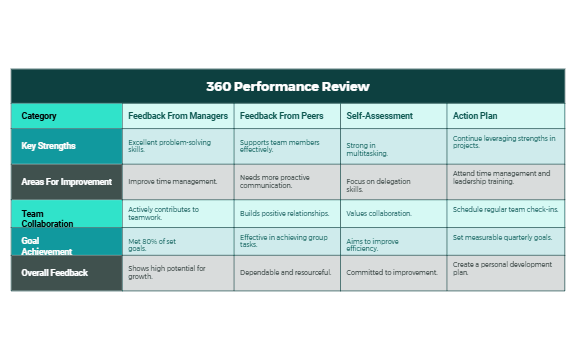
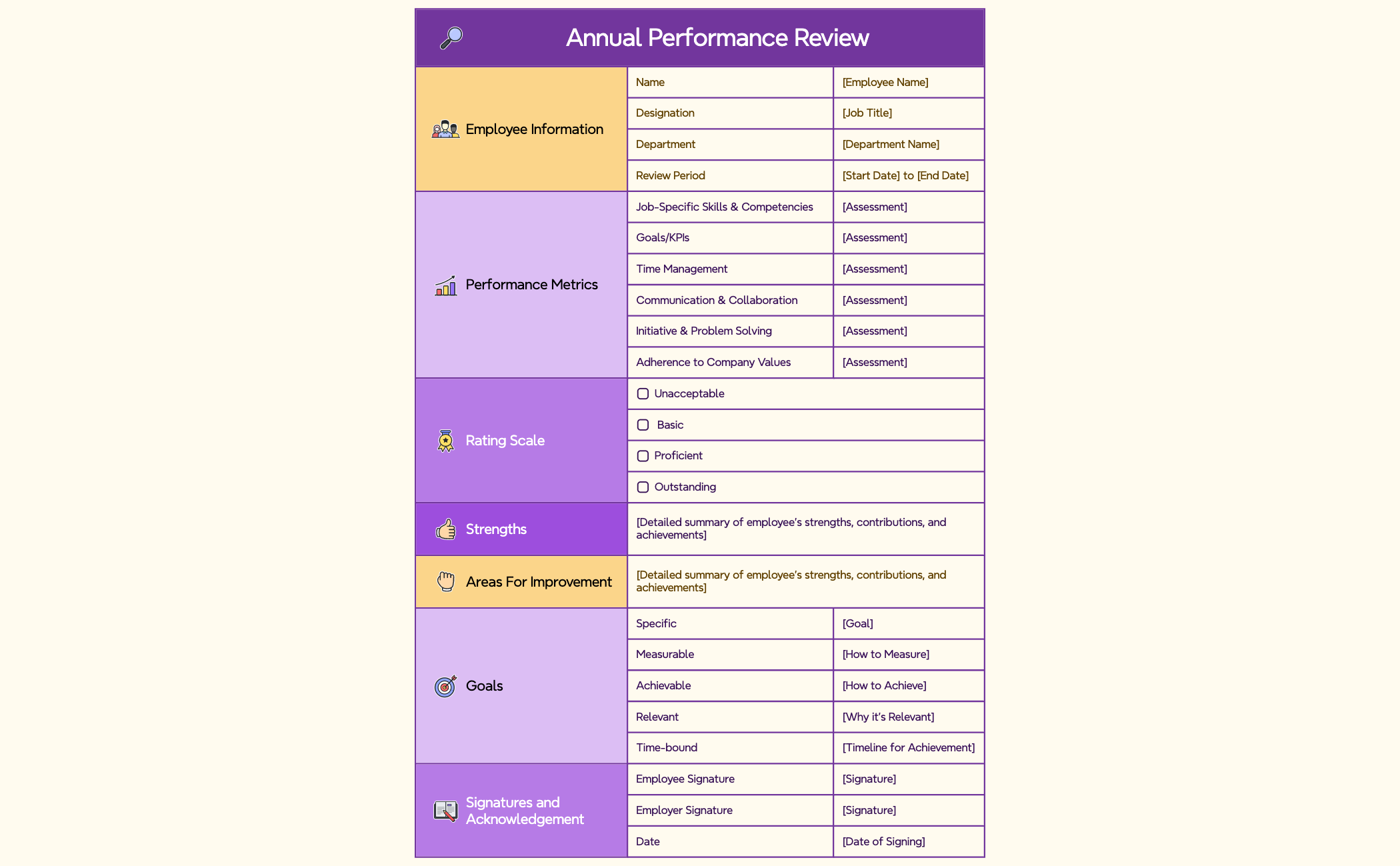
Assess goals, capture feedback, and plan growth with structured reviews in Xmind.
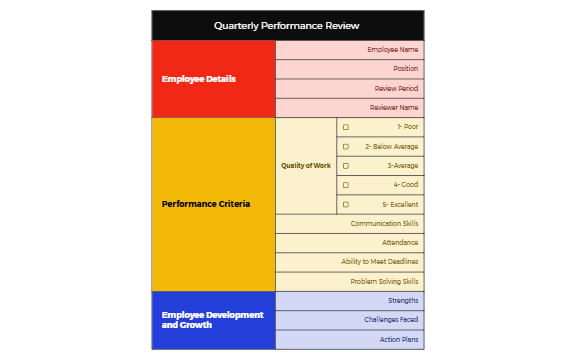
Team leads and founders utilize a performance review template to transform subjective evaluations into objective, data-driven career development conversations. This collection is designed for PMs, marketers, and analysts who need to synthesize quarterly OKR reviews, 360-degree feedback, and core competency assessments into a single visual map. These templates cover the entire evaluation lifecycle, from initial self-assessments to long-term employee development plans that track career progression goals. By mapping out KPIs and specific performance metrics, managers can identify skill gaps and growth opportunities more effectively than through linear documents. HR teams use these visual frameworks to ensure consistency across departments while maintaining a focus on individual achievement. Whether conducting a standard annual appraisal or a specialized technical review, these templates provide the necessary structure to document feedback, set future expectations, and align individual output with broader organizational objectives.
Managers can map complex 360-degree feedback from multiple stakeholders into a non-linear format that reveals recurring behavioral patterns.
The visual hierarchy allows team leads to connect individual KPI achievements directly to quarterly OKR targets for transparent evaluations.
Xmind Copilot assists in summarizing lengthy performance notes into concise bullet points for clearer communication during review meetings.
The infinite canvas provides ample space to build out multi-year career progression paths alongside immediate performance improvement plans.
Export options like PDF and PNG enable HR professionals to securely share finalized review maps with internal personnel systems.
Select a specialized layout Choose a performance review template that matches your specific evaluation type, such as a 360-degree feedback map or an OKR review.
Input core competency data Populate the main branches with specific KPIs, core competencies, and qualitative feedback gathered during the performance period.
Analyze feedback patterns Use relationship lines to connect self-assessment data with manager observations to highlight alignment or discrepancies in performance perception.
Define career progression goals Create a dedicated sub-branch for the employee development plan to outline actionable steps for the next quarter.
Export for documentation Save the completed mind map as a PDF to provide a visual record for the employee and HR department.
Many of our community Performance Review templates are free to open and use immediately. Premium templates require a single one-time purchase per file without any recurring subscription fees. Once you acquire a template, you own the file permanently and can edit it offline within the Xmind app.
Turn your best mind maps into templates the whole community can use.
