 Xmind Favorites
公司架构
Free


499 templates · Clear org chart templates to map teams, roles, and reporting lines.
Xmind Favorites Xmind Favorites
 Xmind Favorites
 Xmind Favorites
 Xmind Favorites
 Xmind Favorites
 Xmind Favorites
 Xmind Favorites
 Xmind Favorites
 Xmind Favorites
 Xmind Favorites
 Xmind Favorites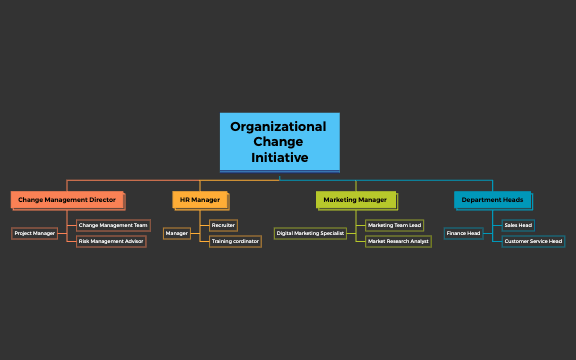
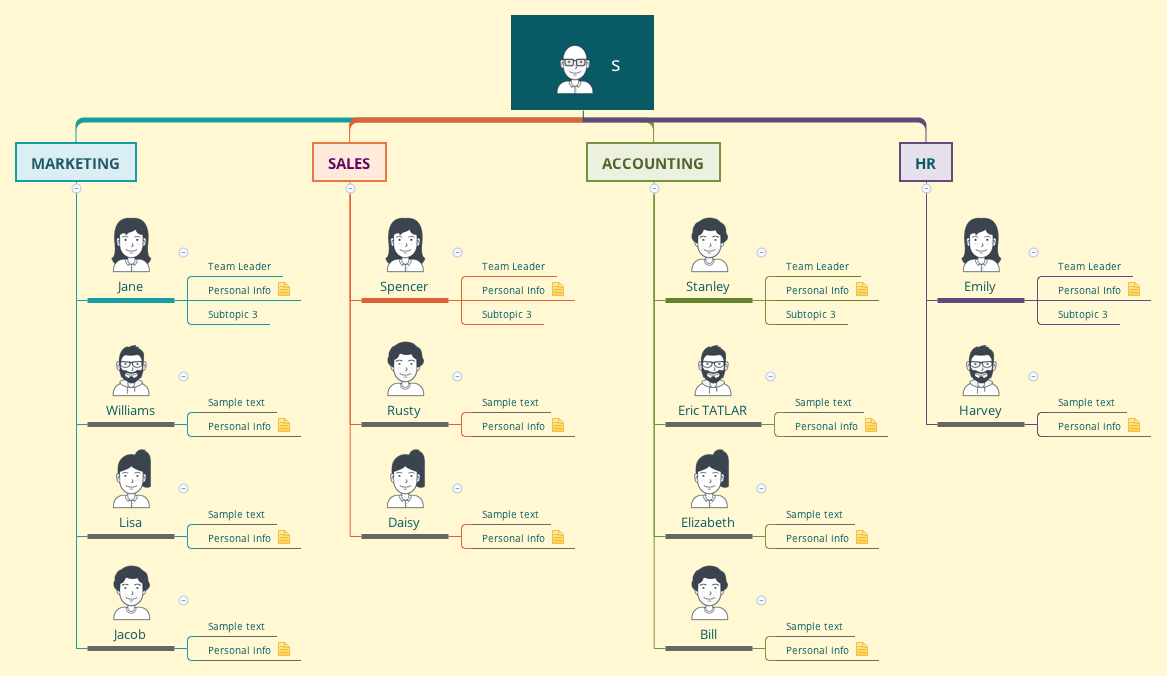
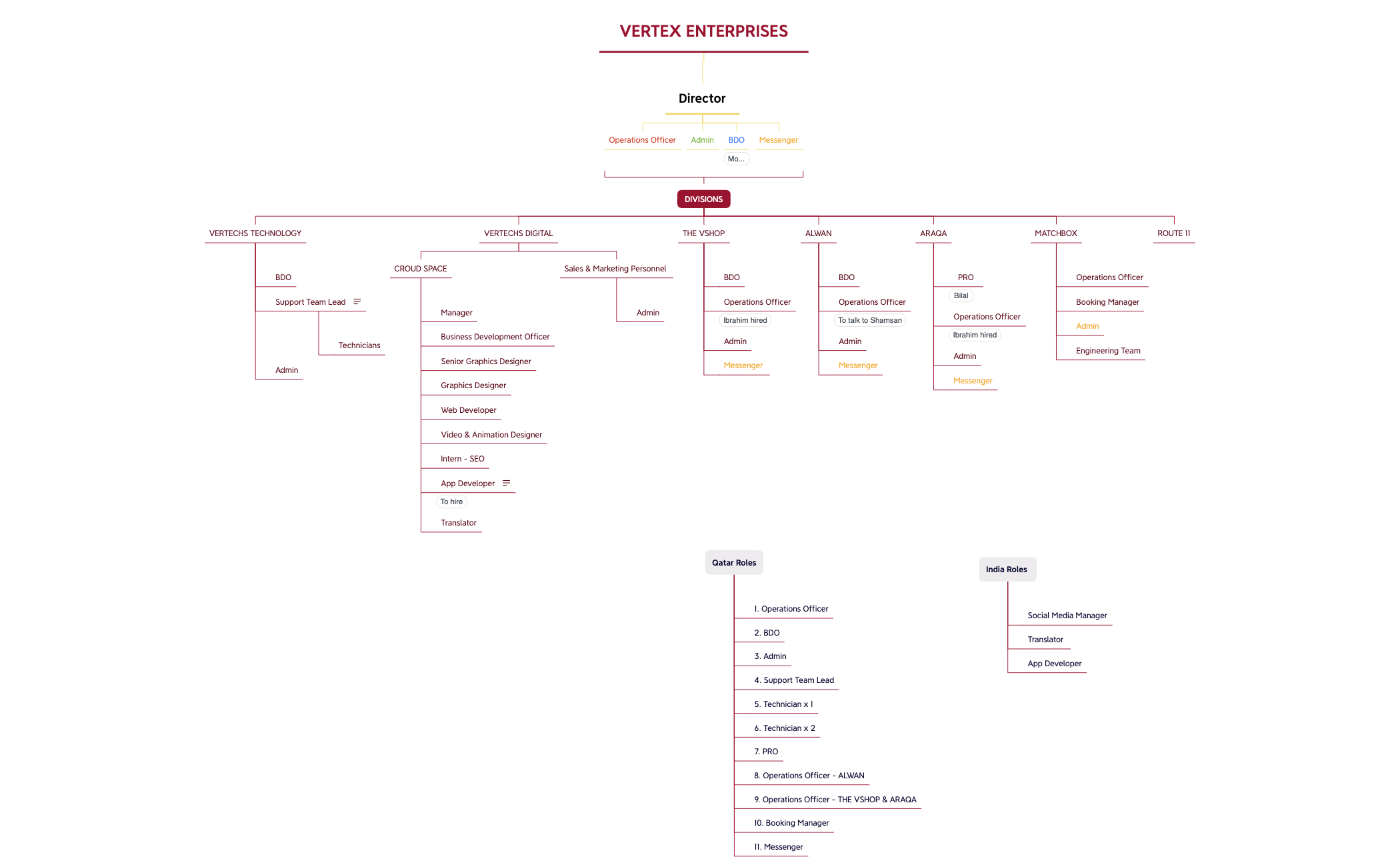
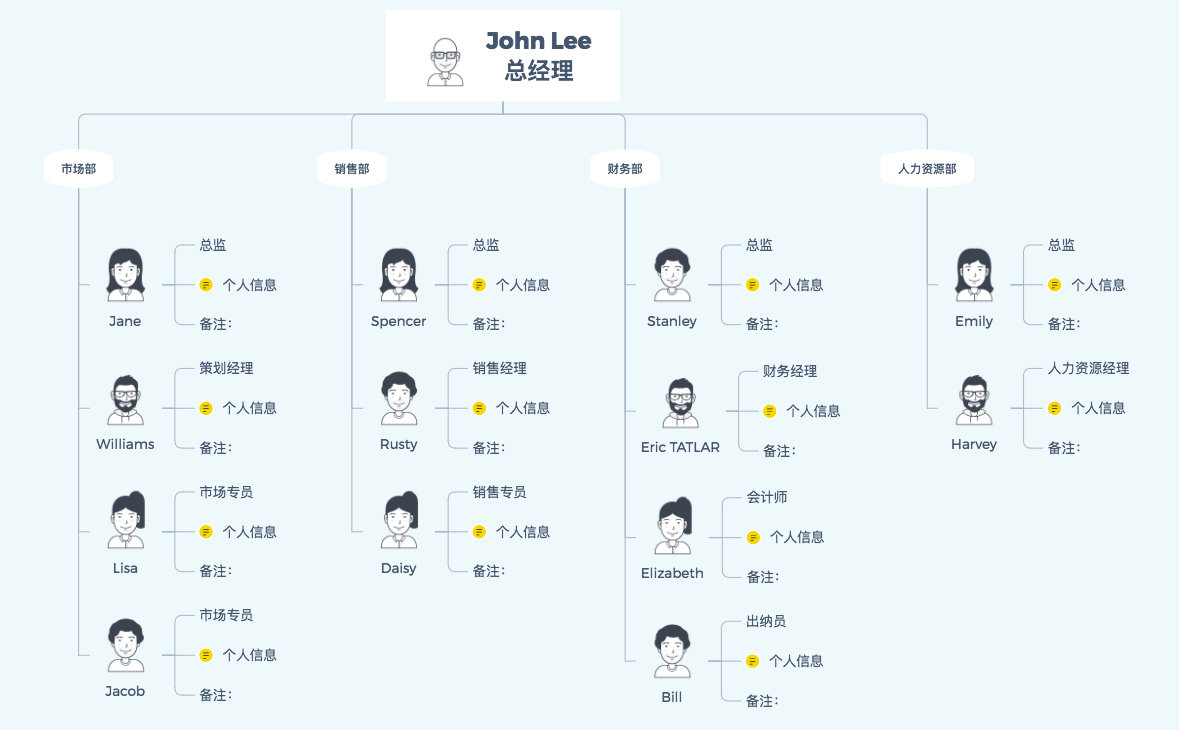
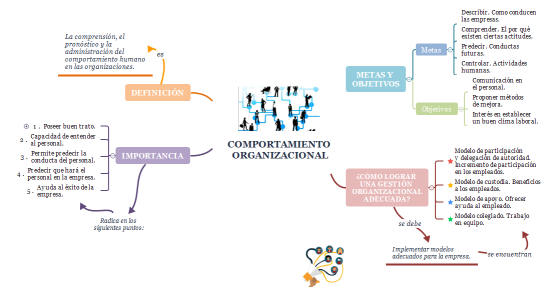
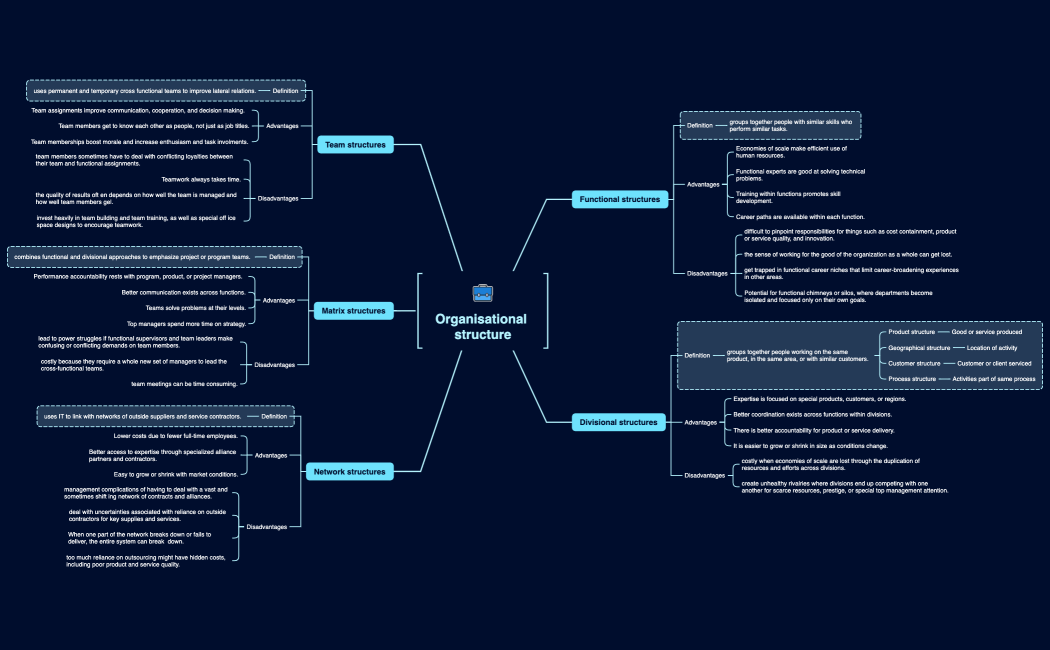
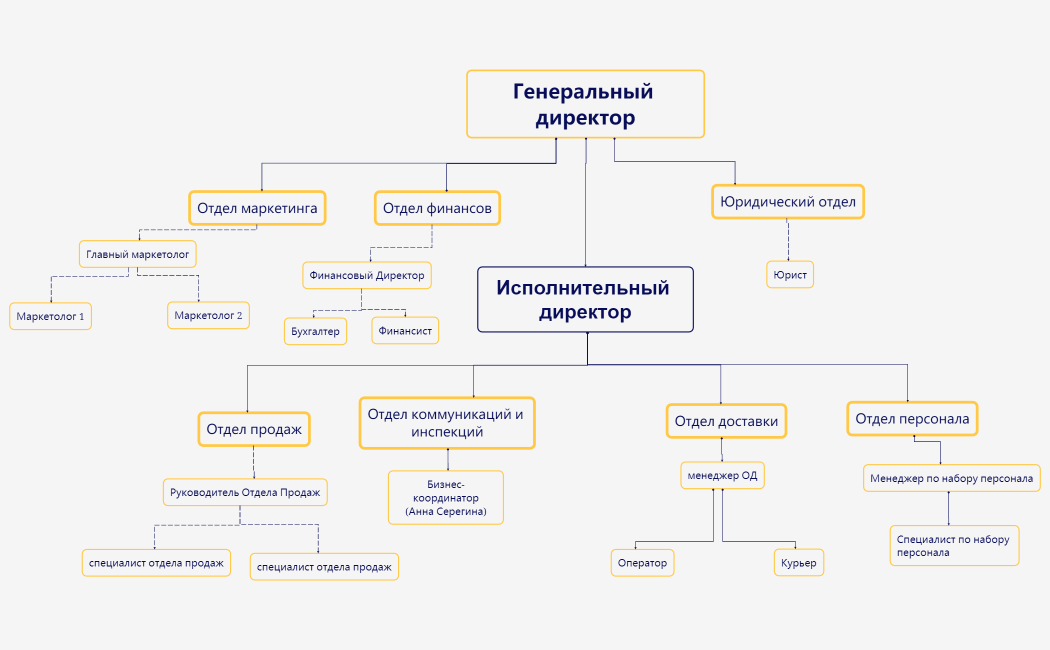
Map teams, roles, and reporting lines to clarify structure with Xmind.
Every org chart template in this library provides a visual foundation for defining reporting lines and departmental breakdowns across diverse business models. Founders and team leads use these templates to map out functional hierarchies, while analysts and HR managers rely on them to visualize complex matrix or flat organizational structures. These resources cover essential management needs for startups, established enterprises, and non-profits by clarifying who reports to whom and how specific teams intersect. Marketers and project managers can utilize these layouts to assign roles for cross-functional campaigns or internal restructuring phases. The collection includes various professional formats ranging from traditional top-down trees to horizontal flowcharts. By selecting a pre-designed layout, users can immediately begin documenting personnel data and operational chains of command without starting from a blank canvas.
Founders can visualize complex reporting lines using the specialized Org Chart structure that automatically balances branches for clarity.
Analysts utilize the matrix layout to map cross-departmental relationships and functional dependencies within large enterprise environments.
The visual-first structure allows users to collapse or expand specific departments to focus on high-level strategy or granular details.
Xmind AI Copilot assists in generating initial team structures or job descriptions based on the specific industry context provided.
Users can export their finalized organizational maps to high-resolution PDF or PNG formats for inclusion in official company handbooks.
Select a layout Browse the library to choose an org chart template that matches your specific functional, matrix, or flat organizational needs.
Define the hierarchy Input the executive leadership at the root and create sub-branches to represent various departments and their respective team leads.
Input personnel details Add names, job titles, and contact information into the individual nodes to create a comprehensive directory for your entire organization.
Style the connections Use different colors or line styles to distinguish between direct reporting lines and dotted-line relationships in matrix structures.
Sync and share Save your file locally to the Xmind app and export the visual map to share with stakeholders during management planning sessions.
Many community Org Chart templates are free for anyone to open and use immediately. Premium templates require a single one-time purchase per file rather than a recurring subscription. Once purchased, you own the file permanently and can edit it offline within the Xmind app.
Turn your best mind maps into templates the whole community can use.
