 Xmind Favorites
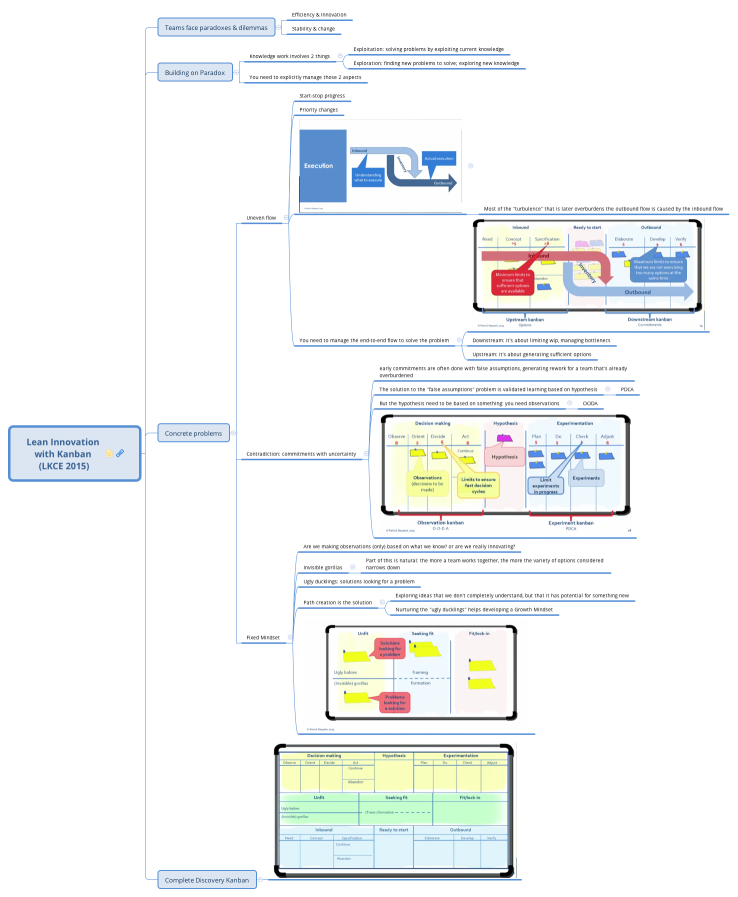
Lean Innovation with Kanban (LKCE 2015)
Free


6 templates · Simple Kanban board templates to visualize workflow and track work in progress.
Xmind Favorites Xmind Favorites
 Xmind Favorites
 Xmind Favorites
 Xmind Favorites
 Xmind Favorites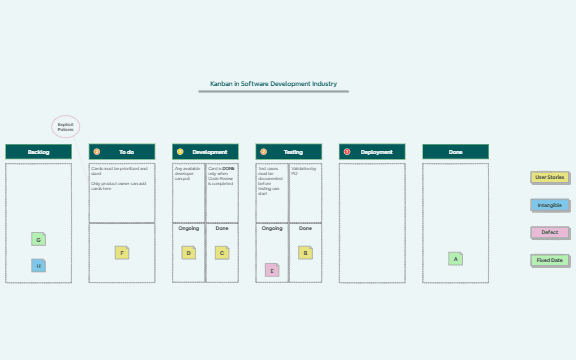
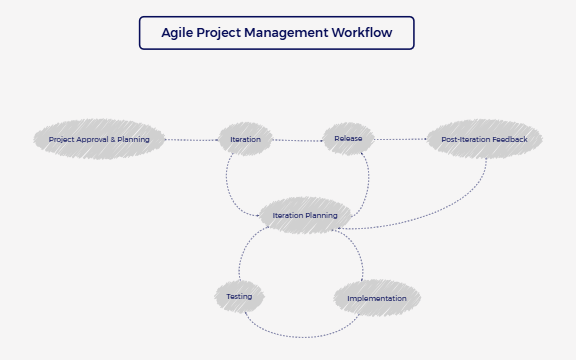
Visualize workflow, limit work in progress, and keep tasks moving with Xmind.
Every kanban board template in this collection is designed to help product managers, marketers, founders, and team leads visualize workflow stages from initial backlog to final completion. These templates utilize the Kanban Board layout to provide a clear overview of work-in-progress, making them essential for agile development cycles, inventory management systems, and personal task tracking. By mapping out specific columns for To-Do, Doing, and Done, analysts and project leads can identify bottlenecks and optimize resource allocation across teams of any size. The library includes diverse structures ranging from simple three-column boards to complex multi-stage pipelines for software engineering and content production. Each template serves as a visual foundation that can be adapted to specific operational needs, ensuring that team members maintain a shared understanding of project status and priorities without the clutter of traditional spreadsheets.
Project managers use the Kanban Board layout to transform flat task lists into dynamic visual pipelines that highlight workflow bottlenecks.
Marketers and analysts can toggle between mind map and Kanban views to brainstorm campaign ideas before organizing them into execution stages.
The visual-first structure allows founders to map out complex product roadmaps and pivot strategies with a single drag-and-drop interface.
Integrated AI Copilot assists team leads by generating subtasks and descriptions directly within the Kanban Board cards to accelerate planning.
Export options allow teams to share their finalized boards as high-resolution images or PDFs for stakeholder presentations and status reports.
Select a template Browse the gallery and choose a kanban board template that aligns with your specific project scope or team workflow.
Define your columns Customize the horizontal headers to represent your unique workflow stages such as backlog, design, testing, or deployment.
Populate task cards Add individual tasks into the appropriate columns and use labels or markers to denote priority levels and assignees.
Manage task flow Move cards across the Kanban Board as work progresses to maintain an accurate real-time visualization of your project status.
Share with stakeholders Export your completed board or use the cloud sharing feature to align your team on current sprint goals and deadlines.
Many community Kanban Board templates are free for anyone to open and use immediately. Premium templates require a one-time purchase per file rather than a recurring subscription. After purchasing a premium template, you own the file permanently and can edit it offline within the Xmind app.
Turn your best mind maps into templates the whole community can use.
