 Xmind Favorites
Flowchart-Process Chart
Free


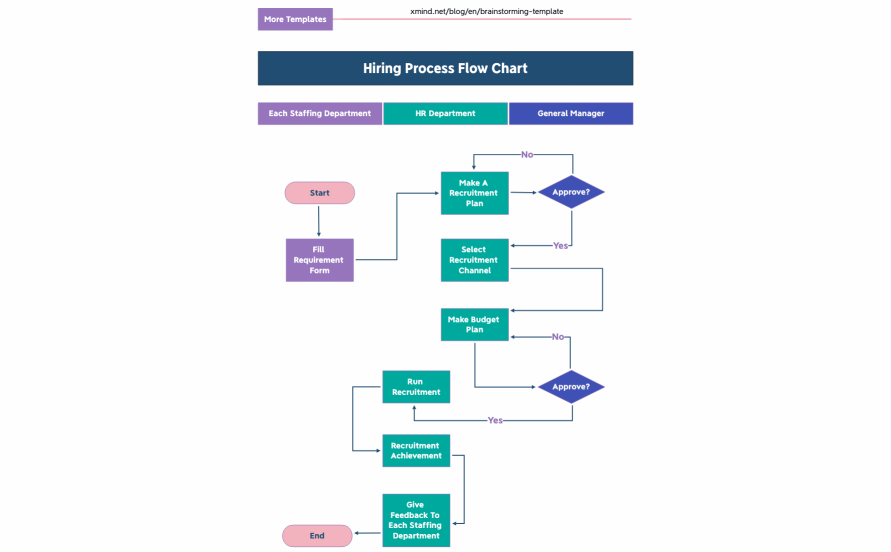
166 templates · Organized hiring plan templates to map roles, pipelines, and interview stages.
Xmind Favorites Xmind Favorites
 Xmind Favorites
 Xmind Favorites
 Xmind Favorites
 Xmind Favorites
 Xmind Favorites
 Xmind Favorites
 Xmind Favorites
 Xmind Favorites
 Xmind Favorites
 Xmind Favorites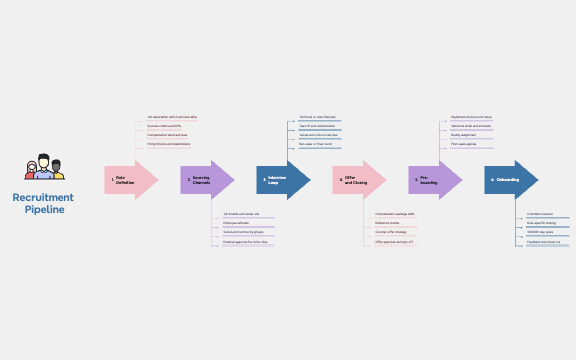
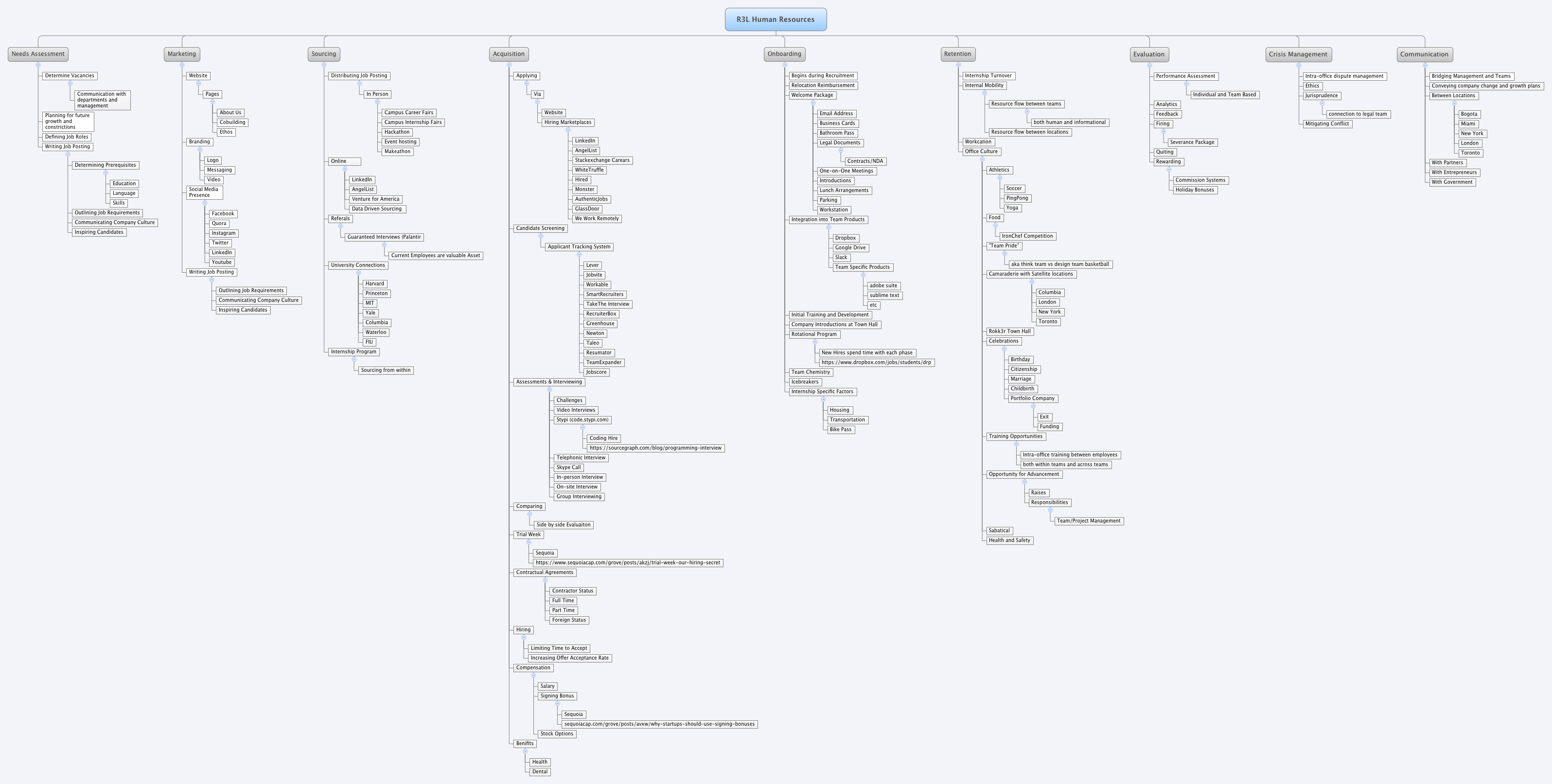
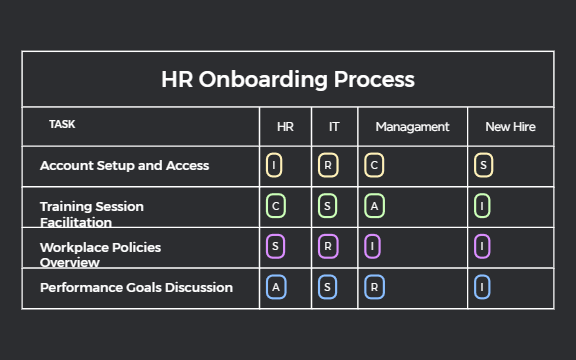
Plan roles, map pipelines, and streamline your hiring process with Xmind.
Building a structured hiring plan template is essential for scaling teams with precision and clarity. This use case covers the entire talent acquisition lifecycle, including headcount forecasting, recruitment workflows, sourcing strategies, and interview scheduling. Designed for PMs, marketers, founders, team leads, and analysts, these templates provide a visual framework to manage end-to-end onboarding processes and talent pipelines. Whether you are an HR professional coordinating multiple departments or a hiring manager defining specific role requirements, these templates help organize candidate evaluations and departmental needs. The collection includes various layouts tailored to different organizational structures, ensuring that every stakeholder remains aligned on recruitment goals. By using these visual tools, teams can transition from chaotic spreadsheets to organized roadmaps that track every stage from the initial job posting to the final offer letter and employee integration.
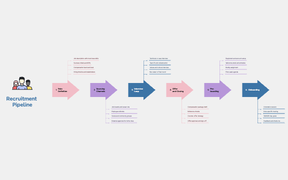
Visualize the entire recruitment funnel from initial sourcing to final offer to identify bottlenecks in your current hiring process.
Map complex headcount forecasts and budget allocations across different departments using a non-linear mind map structure for better clarity.
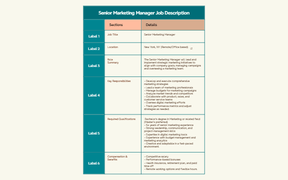
Utilize the AI Copilot to generate interview questions and job description outlines directly within your hiring plan framework.
Organize candidate feedback and interview scores into logical branches to facilitate faster decision-making during final selection meetings.
Export your completed recruitment strategy into high-resolution images or PDFs to present staffing needs to executive stakeholders and board members.
Select a hiring template Browse the library and choose a hiring plan template that matches your specific recruitment scale or departmental structure.
Define your headcount needs Input specific role requirements and forecast your staffing budget across the timeline branches to establish clear hiring goals.
Map the interview workflow Customize the recruitment stages by adding sub-topics for screening calls, technical assessments, and final culture-fit interviews.
Assign sourcing channels Identify and link specific platforms like LinkedIn or niche job boards to different branches to track where your top candidates originate.
Export for stakeholder review Convert your visual hiring map into a professional document to share recruitment progress and candidate pipelines with the leadership team.
Many community Hiring Plan templates are free for anyone to open and use immediately. Premium templates require a one-time purchase per file rather than a recurring subscription. After you buy a template, you own it permanently and can edit the file offline in the Xmind app.
Turn your best mind maps into templates the whole community can use.
