
 Xmind Favorites
甘特图构建
Free


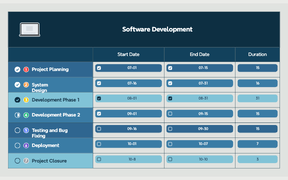
6 templates · Visual Gantt chart templates to schedule tasks, dependencies, and milestones.
Xmind Favorites Xmind Favorites
 Xmind Favorites
 Xmind Favorites
 Xmind Favorites
 Xmind Favorites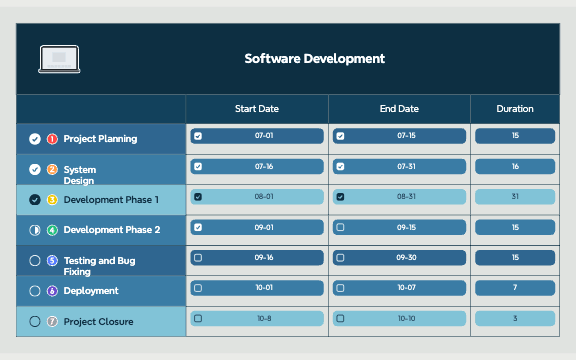
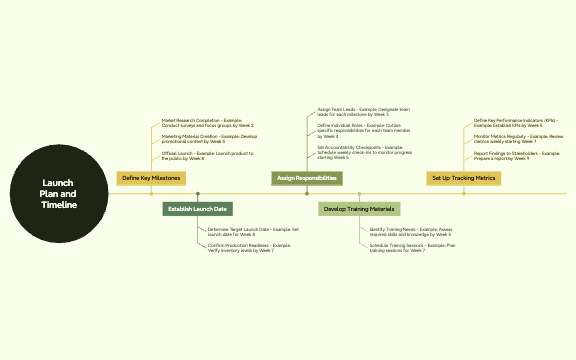
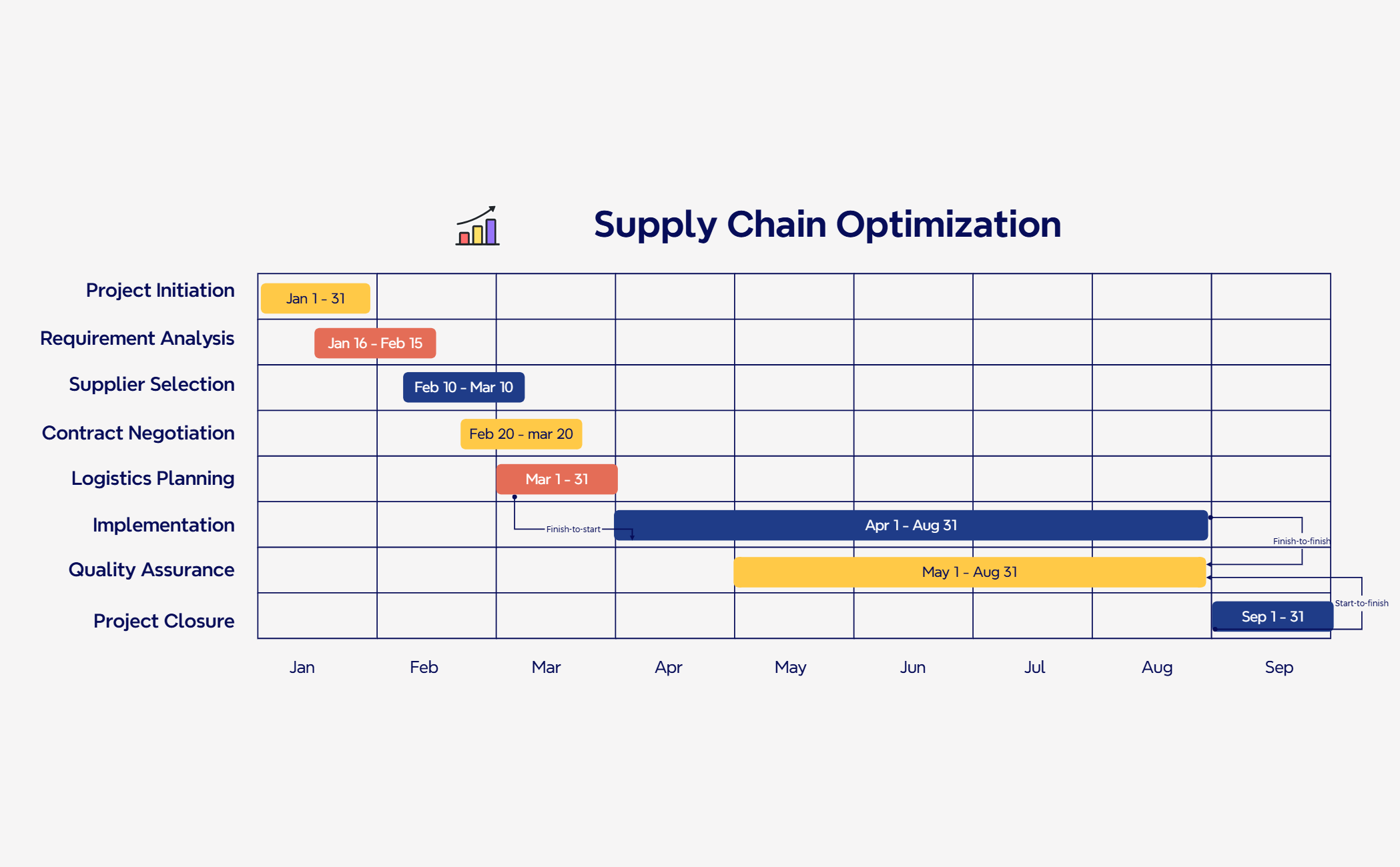
Schedule tasks, map dependencies, and track timelines with Xmind.
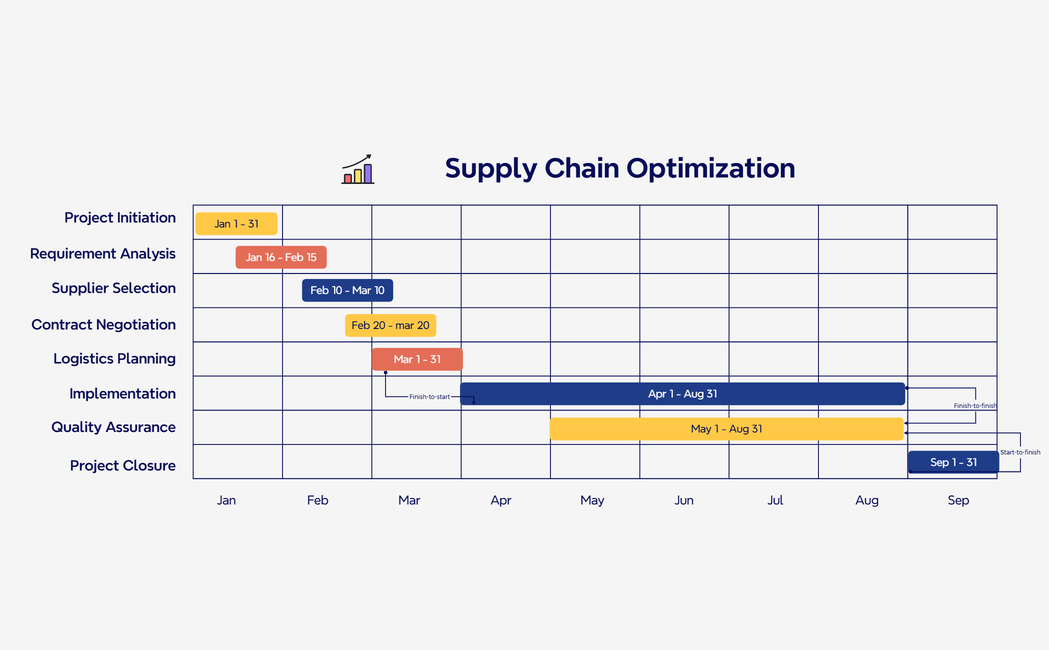
Every gantt chart template in this collection serves as a visual framework for project managers and team leads to manage complex timelines and resource distribution. These templates allow PMs, marketers, founders, and analysts to map out task dependencies and critical paths across diverse industries such as construction, software development, and event planning. By utilizing daily, weekly, or monthly tracking variants, teams can maintain a clear overview of project progress and potential bottlenecks. The library covers specific workflows ranging from high-level strategic roadmaps to granular task execution schedules. Each template is designed to bridge the gap between abstract planning and concrete execution, ensuring that every stakeholder understands their specific role within the larger project timeline. Whether you are coordinating a product launch or managing a large-scale building project, these structured layouts provide the necessary clarity for successful delivery.
Project managers can instantly transform complex task lists into visual timelines to identify overlapping dependencies and resource gaps.
Team leads use the visual-first structure to break down high-level project goals into manageable sub-tasks and milestones.
Xmind AI Copilot helps analysts generate initial project phases and task descriptions to accelerate the planning phase.
Marketers can export their project schedules into high-resolution images or PDFs for stakeholder presentations and status reports.
The multi-branch layout allows founders to manage multiple workstreams simultaneously while maintaining a single source of truth.
Select a template Browse the library to find a gantt chart template that matches your specific project duration and industry requirements.
Define project milestones Input your key deliverables and set specific start and end dates to establish the primary timeline structure.
Map task dependencies Connect related tasks within the Gantt Chart to visualize how delays in one area impact the overall project schedule.
Assign team resources Label each task branch with the responsible team member or department to clarify resource allocation across the timeline.
Sync and export Save your progress to the Xmind app to access your project schedule offline or share it with your collaborators.
Many community Gantt Chart templates are free and available for immediate use. Premium templates require a one-time purchase per file rather than a recurring subscription. After purchasing a premium template, you own the file permanently and can edit it offline within the Xmind app.
Turn your best mind maps into templates the whole community can use.
