 Xmind Favorites
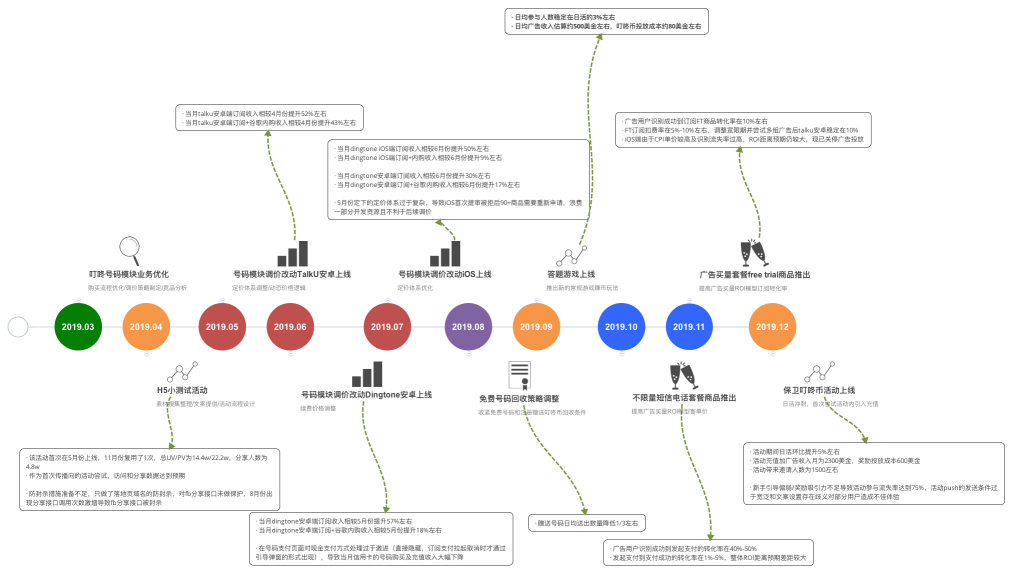
kimi_2019_年度总结
Free


83 templates · Comprehensive annual review templates to reflect on results and plan ahead.
Xmind Favorites Xmind Favorites
 Xmind Favorites
 Xmind Favorites
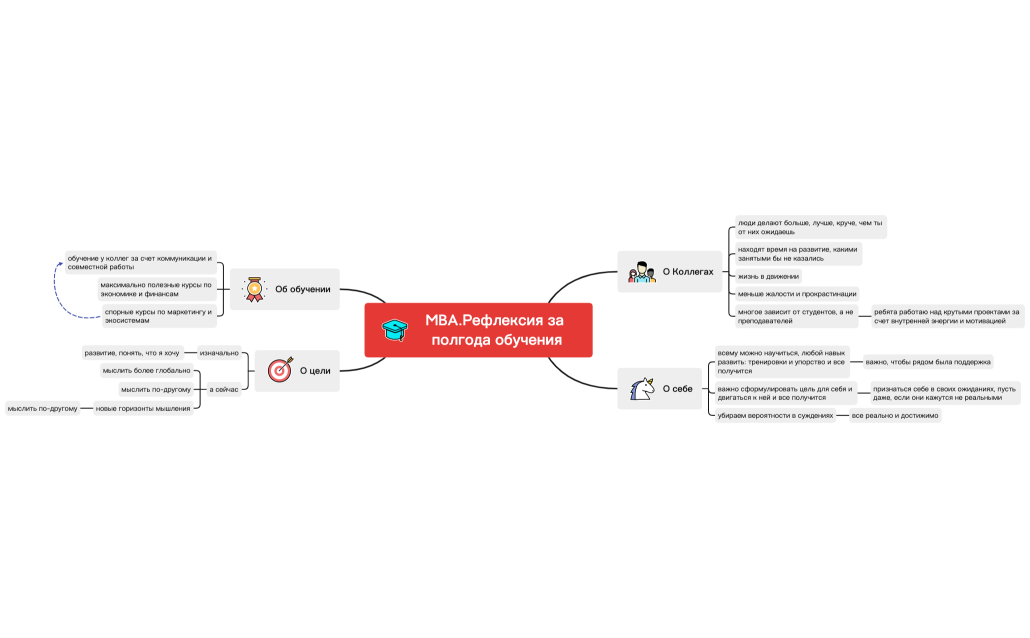
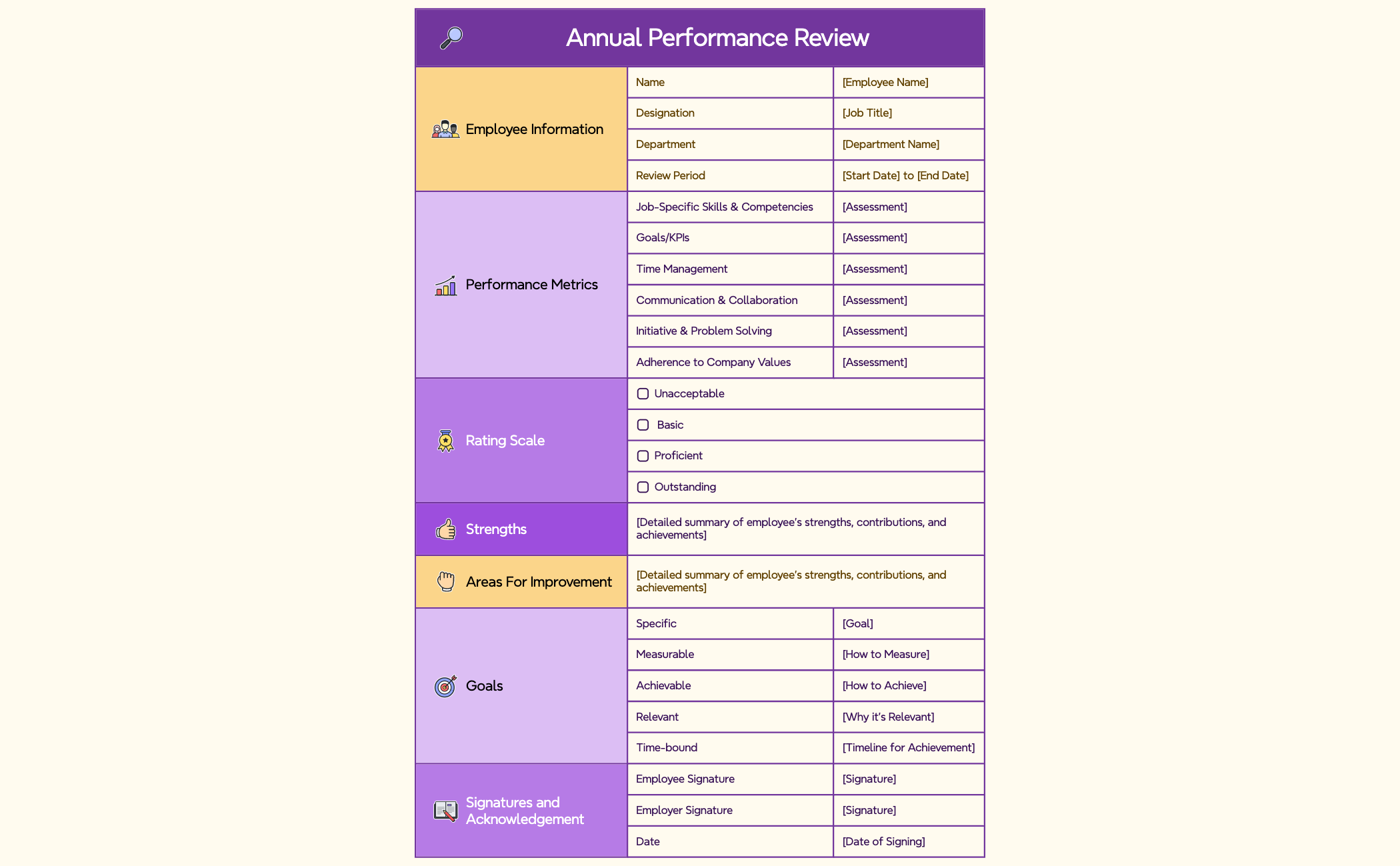
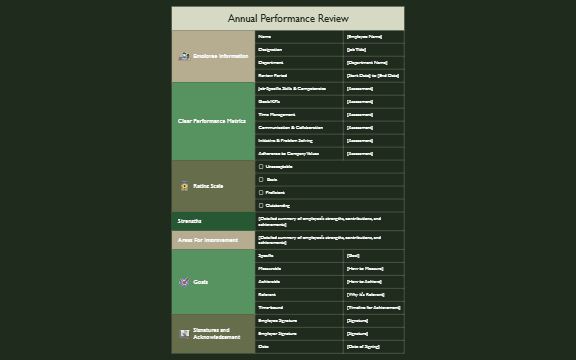
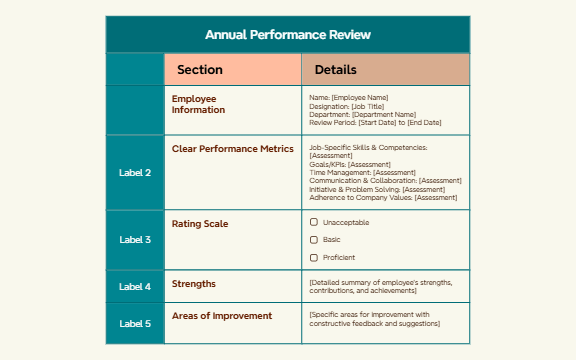
Reflect on the year, capture wins, and set goals for the next with Xmind.
Annual review template options provided by Xmind allow professionals to synthesize twelve months of performance data into a single, cohesive visual map. Team leads, founders, and analysts utilize these frameworks to conduct year-end performance evaluations and track goal achievement across complex business growth cycles. Marketers and product managers find these templates essential for running project retrospectives that identify successes and bottlenecks from the previous four quarters. The library includes structures for individual self-assessments, department-wide growth audits, and strategic personal development planning. By moving beyond linear documents, these templates help users visualize the connection between past actions and future objectives. Each template is designed to facilitate a deeper analysis of key performance indicators and qualitative milestones, ensuring that every annual review is grounded in factual evidence and clear developmental pathways for the upcoming year.
Mind mapping structures allow team leads to visualize the relationship between individual performance metrics and broader company growth targets during evaluations.
Analysts can use the hierarchical layout to break down complex annual data sets into digestible branches for clearer retrospective presentations.
The visual-first structure helps founders identify patterns in business performance that often remain hidden within traditional spreadsheet-based review formats.
Xmind AI Copilot assists in summarizing lengthy project notes into concise bullet points for faster year-end documentation and goal setting.
Flexible export options enable users to transform their visual annual reviews into professional PDF or image files for formal HR submissions.
Select your review framework Browse the library to choose an annual review template that aligns with your specific evaluation focus or organizational growth metrics.
Consolidate performance data Input your key achievements and project outcomes into the main branches to create a centralized map of your yearly progress.
Analyze growth and gaps Use the relationship lines to connect specific actions to their results and identify areas where personal development is still required.
Refine with visual markers Apply icons and color-coded labels to prioritize the most impactful successes and urgent goals for the next fiscal year.
Export for final presentation Save your completed annual review as a high-resolution file to share with stakeholders or keep for your own offline records.
Many community Annual Review templates are free and available for immediate use. Premium templates require a one-time purchase per file rather than a recurring subscription. Once purchased, you own the template permanently and can edit it offline within the app.
Turn your best mind maps into templates the whole community can use.
