 Xmind Favorites
Syllabus
Free


995 templates · Ready-to-use lesson plan templates to structure objectives, activities, and assessment.
Xmind Favorites Xmind Favorites
 Xmind Favorites
 Xmind Favorites
 Xmind Favorites
 Xmind Favorites
 Xmind Favorites
 Xmind Favorites
 Xmind Favorites
 Xmind Favorites
 Xmind Favorites
 Xmind Favorites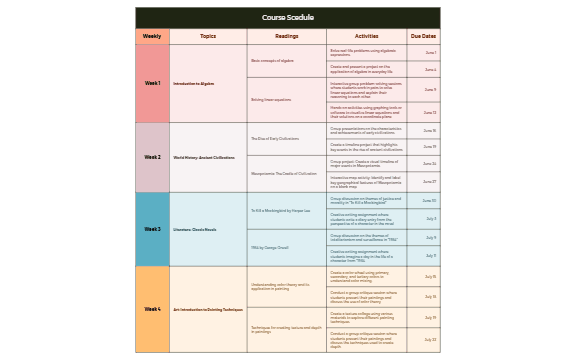
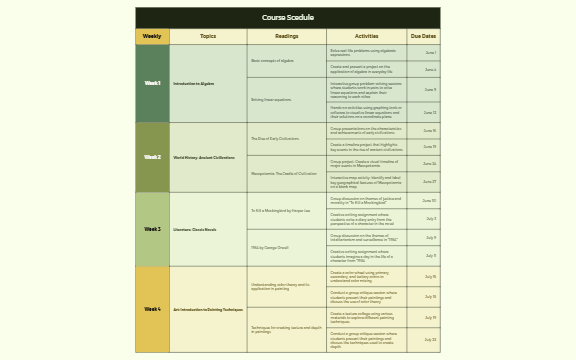
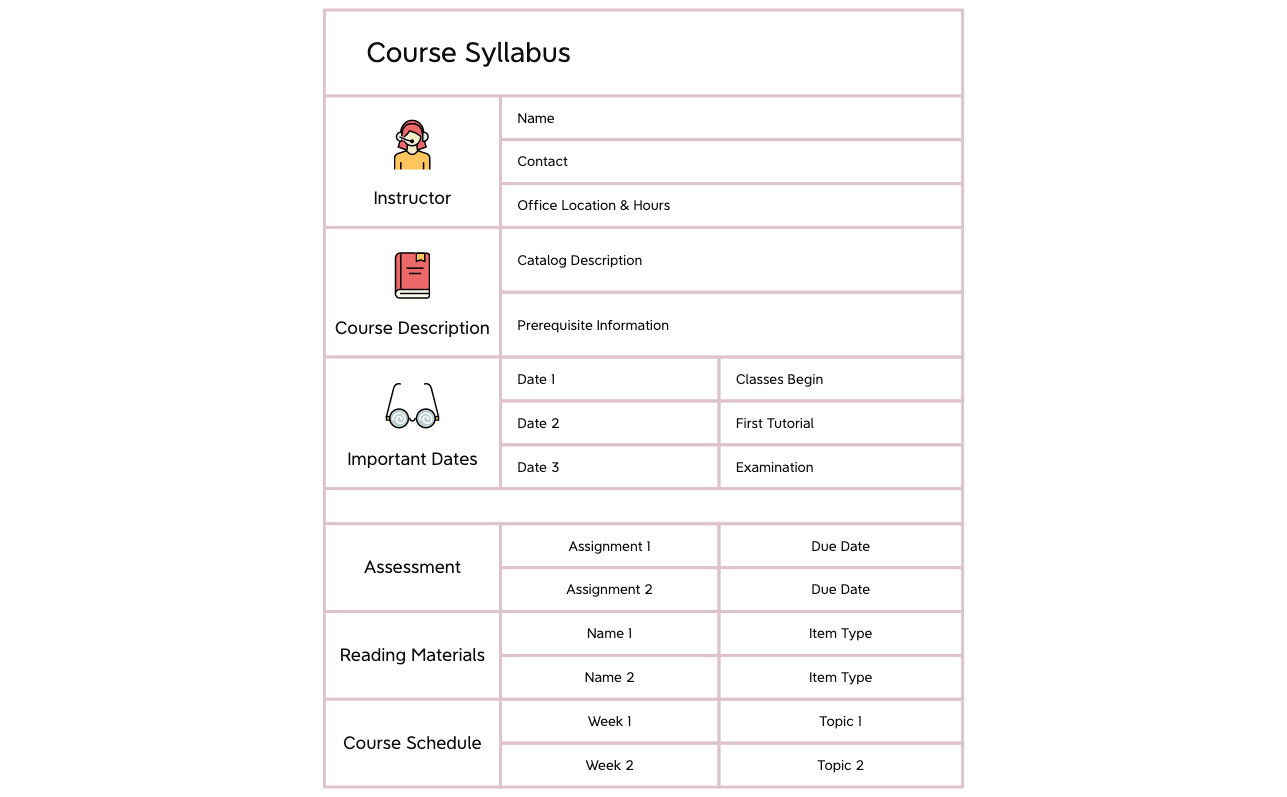
Structure objectives, activities, and assessment into clear lessons with Xmind.
Every lesson plan template in this collection is designed to help educators bridge the gap between curriculum goals and daily classroom execution. Teachers, students, and self-learners utilize these visual frameworks to map out semester syllabi, organize K-12 subject matter, and structure higher education lectures. The library covers a diverse range of instructional needs, from granular daily activity logs to high-level corporate training modules. By using a mind mapping approach, users can visualize the flow of a lecture, ensuring that learning objectives align perfectly with assessment methods and student engagement strategies. These templates serve as a central hub for teaching materials, allowing for the integration of multimedia links and pedagogical notes directly into the lesson flow. Whether you are preparing a primary school science unit or a professional development workshop, these structures provide the clarity needed for effective knowledge transfer.
Educators can use the non-linear structure to branch out complex curriculum topics into digestible sub-units for better student comprehension.
The visual-first layout allows teachers to see the entire semester syllabus at a glance while maintaining the ability to drill into specific details.
Xmind AI Copilot assists in generating creative classroom activity ideas and brainstorming relevant discussion prompts based on your core lesson objectives.
Users can export their completed instructional maps to PDF or PowerPoint formats to share with faculty members or distribute as student handouts.
The Pitch Mode feature transforms your lesson mind map into an automated slideshow presentation for direct use during live classroom instruction.
Select a pedagogical structure Browse the library to find a lesson plan template that matches your specific grade level or corporate training requirement.
Define core learning objectives Input your primary educational goals into the central topic to ensure every subsequent branch supports the desired student outcomes.
Map out instructional sequences Create sub-topics for your introduction, main lecture points, and concluding summaries to establish a logical chronological flow for the class.
Attach essential teaching resources Insert hyperlinks to external research papers or attach local files directly to the map nodes to keep all classroom materials centralized.
Review and refine content Use the relationship lines to connect recurring themes across different weeks of the curriculum before finalizing your instructional strategy.
Many community Lesson Plan templates are free for anyone to open and use immediately. Premium templates require a one-time purchase per file rather than a recurring subscription. After buying a template, you own the file permanently and can edit it offline in the Xmind app.
Turn your best mind maps into templates the whole community can use.
