 Xmind Favorites
Ch 6 and 7 NS
Free


544 templates · Focused exam prep templates to organize topics, schedules, and practice.
Xmind Favorites Xmind Favorites
 Xmind Favorites
 Xmind Favorites
 Xmind Favorites
 Xmind Favorites
 Xmind Favorites
 Xmind Favorites
 Xmind Favorites
 Xmind Favorites
 Xmind Favorites
 Xmind Favorites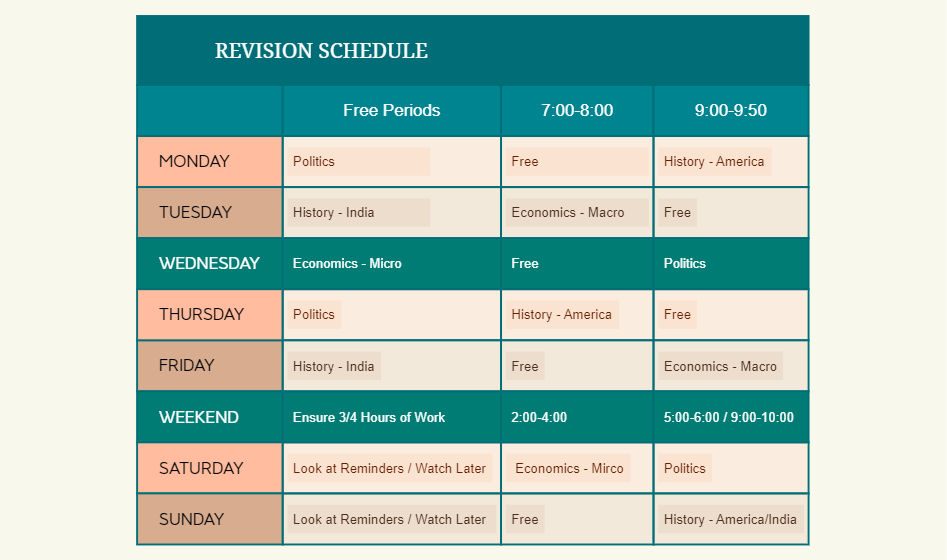
Organize topics, plan revision, and walk into exams prepared with Xmind.
Students and professionals preparing for high-stakes assessments rely on an exam prep template to transform overwhelming syllabi into manageable revision workflows. This library serves students, teachers, and self-learners by providing structured frameworks for academic finals, standardized tests, and professional certifications. These templates cover critical components of the revision process, including detailed study schedules, subject review checklists, and mock exam tracking logs. By using these visual maps, learners can categorize complex topics and monitor their progress across multiple subjects simultaneously. The collection includes various layouts designed to help users organize revision timelines and identify knowledge gaps before test day. Whether you are a teacher organizing a classroom review or an individual studying for a license, these templates provide the spatial organization necessary to retain information and manage time effectively during the weeks prior to an examination.
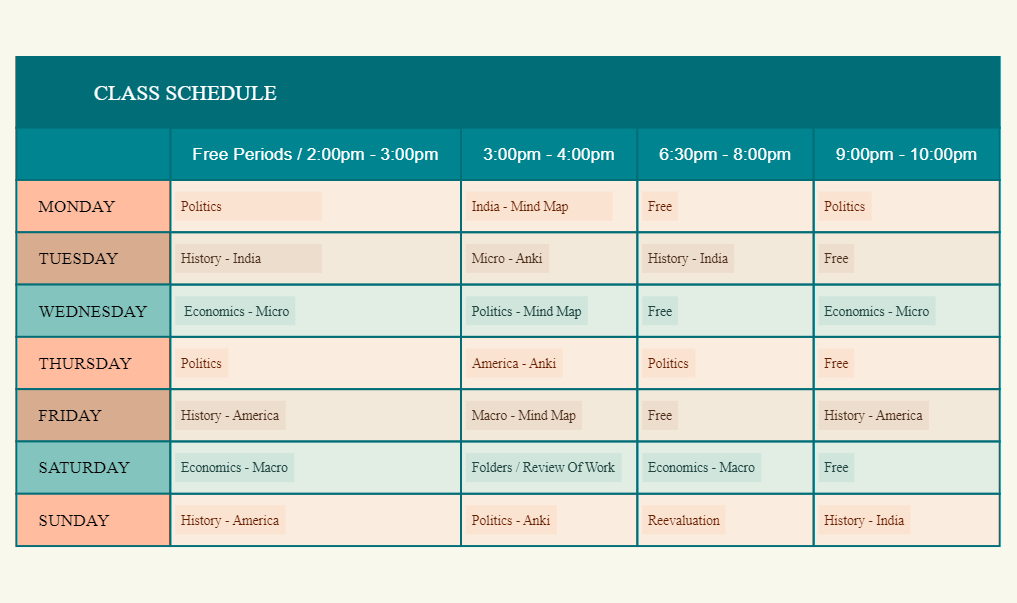
Visualizing a comprehensive study schedule helps students identify overlapping deadlines and allocate specific hours to high-priority subjects.
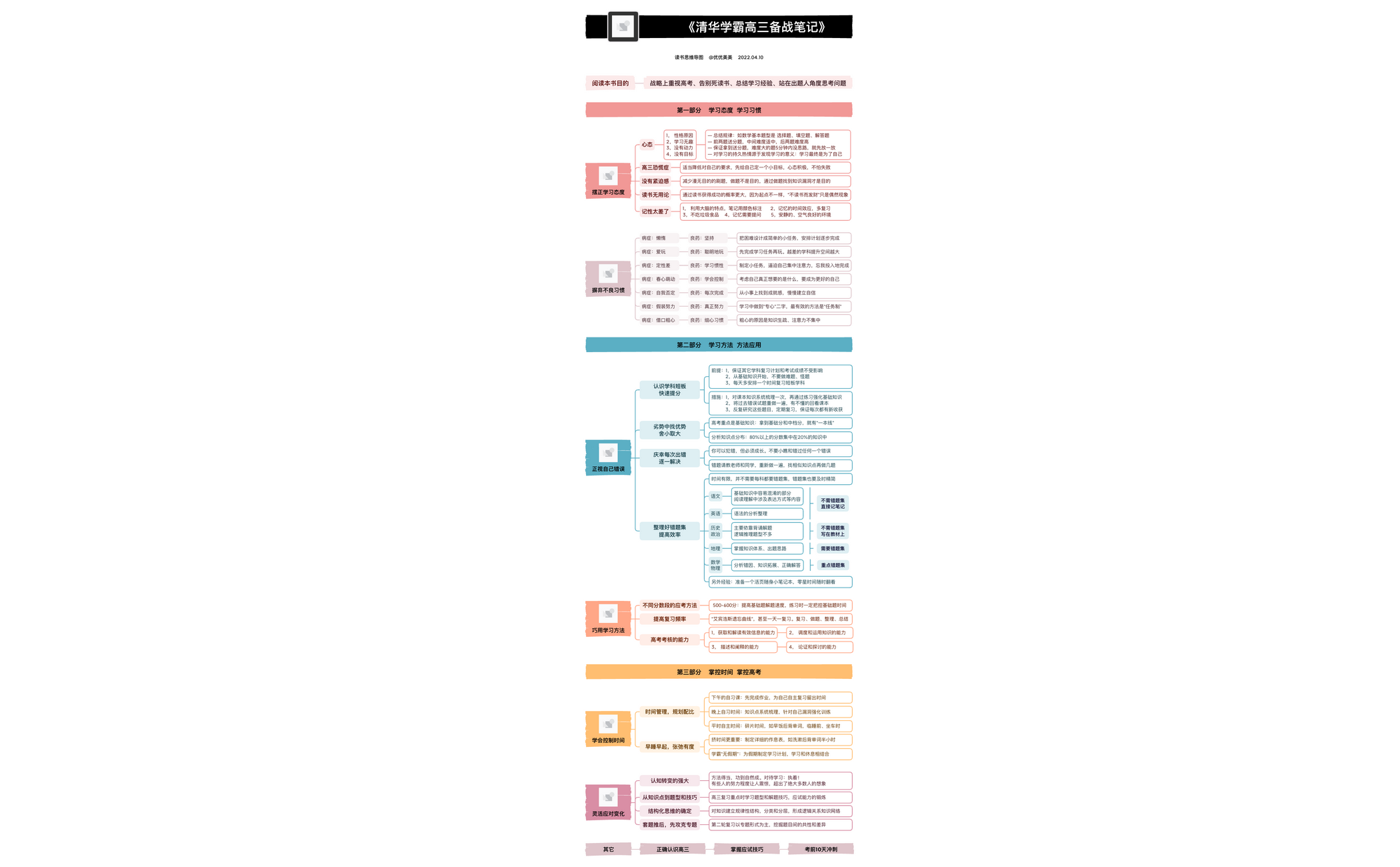
The hierarchical structure of Xmind allows self-learners to break down complex certification syllabi into granular, manageable review modules.
AI Copilot assists in generating initial subject outlines and brainstorming potential practice questions to expand your existing revision notes.
The visual-first structure enables users to see the entire scope of their curriculum at a glance while hiding details for focused memorization.
Exporting maps to PDF or image formats allows for easy sharing of review checklists between teachers and their students.
Select a relevant template Browse the library to find an exam prep template that matches your specific test format or subject requirements.
Map out your syllabus Input your core subject topics and sub-topics into the central nodes to create a visual overview of the curriculum.
Establish a revision timeline Assign specific dates and milestones to each branch to build a chronological study schedule that tracks your daily progress.
Insert mock exam data Use labels or notes to record your scores from practice tests and highlight areas that require additional review sessions.
Refine with visual markers Apply icons and color coding to signify the difficulty level or completion status of different sections within your study plan.
Many community templates are free for anyone to open and use immediately. Premium templates require a one-time purchase per file rather than a recurring subscription. After purchasing a premium template, you own the file permanently and can edit it offline in the Xmind app.
Turn your best mind maps into templates the whole community can use.
