 Xmind Favorites
_Students Organizing Course Lectures
Free

'%3e%3cpath%20d='M8.00039%204.7998H24.0004C24.8804%204.7998%2025.6004%205.5198%2025.6004%206.3998V25.5998C25.6004%2026.4798%2024.8804%2027.1998%2024.0004%2027.1998H8.00039C7.12039%2027.1998%206.40039%2026.4798%206.40039%2025.5998V6.3998C6.40039%205.5198%207.12039%204.7998%208.00039%204.7998Z'%20stroke='%23F07F5D'%20stroke-width='1.92'%20stroke-linejoin='round'/%3e%3cpath%20d='M12%204.7998V27.1998'%20stroke='%23F07F5D'%20stroke-width='1.92'/%3e%3cpath%20d='M15.5%209H22.5M15.5%2013H19'%20stroke='%23F07F5D'%20stroke-width='1.92'%20stroke-linecap='round'/%3e%3cpath%20d='M12%2021H25'%20stroke='%23F07F5D'%20stroke-width='1.92'%20stroke-linecap='round'/%3e%3c/g%3e%3cdefs%3e%3cclipPath%20id='clip0_11502_53305'%3e%3crect%20width='32'%20height='32'%20fill='white'/%3e%3c/clipPath%3e%3c/defs%3e%3c/svg%3e)
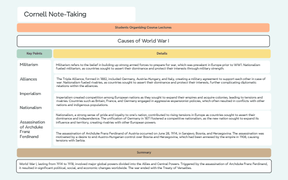
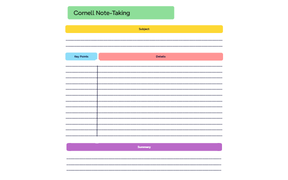
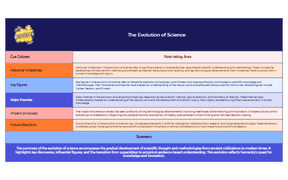
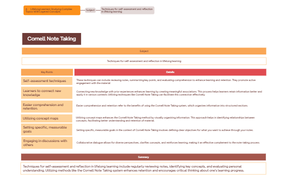
12 templates · Proven Cornell notes templates to capture cues, notes, and summaries.
Xmind Favorites Xmind Favorites
 Xmind Favorites
 Xmind Favorites
 Xmind Favorites
 Xmind Favorites
 Xmind Favorites
 Xmind Favorites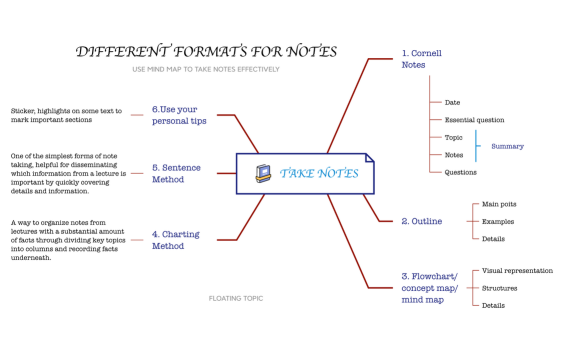
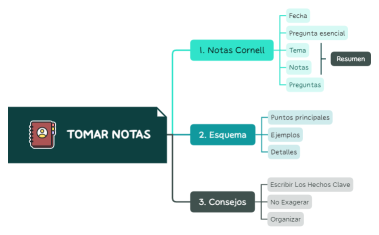
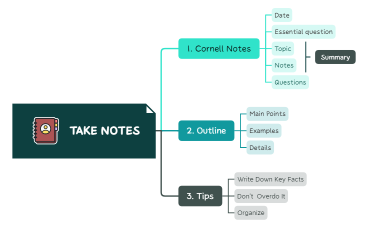
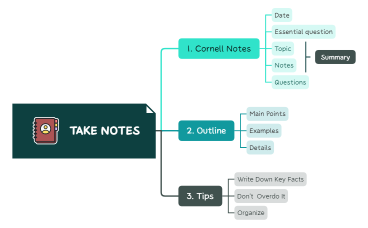
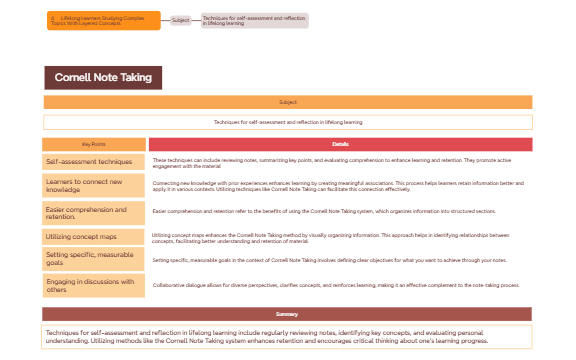
Take Cornell-style notes that make review and recall effortless with Xmind.
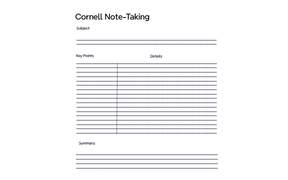
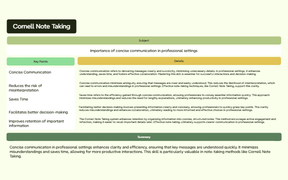
Students and academics often find that a cornell notes template is the most effective way to organize complex lecture information for long-term retention. This collection provides structured layouts designed specifically for students, teachers, and self-learners who need to separate primary content from key cues and summaries. By utilizing the classic three-section system, these templates help users categorize detailed notes during a live session while leaving dedicated space for active recall questions and high-level synthesis. The library includes specialized formats for academic lectures, professional meeting minutes, and intensive self-study modules. Each template is built within a visual mind mapping framework, allowing users to expand on traditional linear note-taking by connecting ideas spatially. Whether you are preparing for exams or documenting research findings, these files provide a consistent methodology for capturing data and reviewing it systematically to ensure no critical information is lost in the process.
The structured layout allows students to separate cues from detailed notes to facilitate active recall during exam preparation sessions.
Teachers can use the summary section to synthesize complex lesson plans into digestible takeaways for their classroom presentations.
The visual-first structure helps self-learners map out relationships between different subjects while maintaining the traditional Cornell organization.
Xmind AI Copilot can automatically generate thought-provoking questions for the cue column based on the content of your detailed notes.
Users can export their completed notes into high-resolution PDFs or Markdown files to share with study groups and colleagues.
Select a specific layout Browse the library and choose a cornell notes template that matches your specific academic subject or meeting format.
Input primary lecture content Record detailed information in the main note-taking column during your lecture or reading session to capture all essential data.
Define cues and keywords Identify key terms and formulate study questions in the left-hand cue section to prepare for future active recall exercises.
Draft a final summary Synthesize the entire session into a concise summary at the bottom of the template to reinforce your understanding of the topic.
Save and sync files Store your completed file locally or in the cloud to access your study materials offline within the Xmind application.
Many Cornell Notes community templates are free for anyone to open and use immediately. Premium templates require a one-time purchase per file rather than a recurring subscription. Once purchased, you own the template permanently and can edit it offline within the Xmind app.
Turn your best mind maps into templates the whole community can use.
