 Xmind Favorites
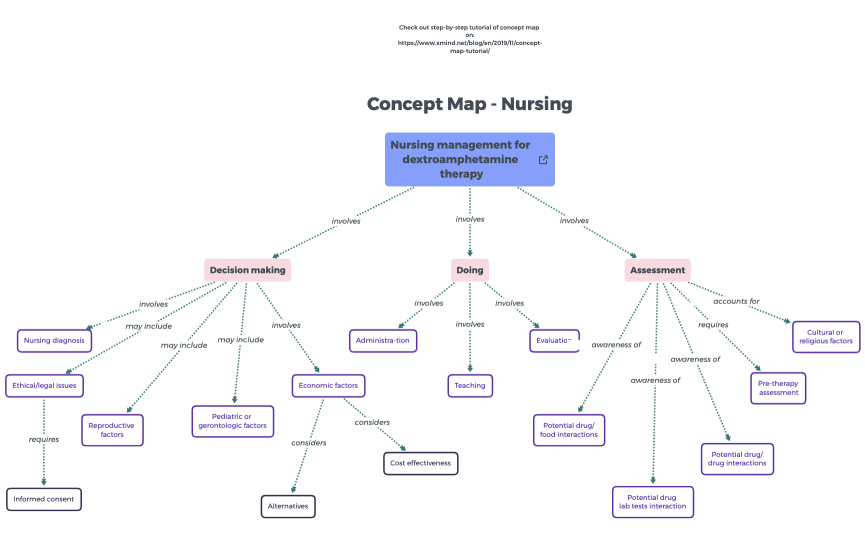
Concept Map - Nursing
Free

'%3e%3cpath%20d='M26.7002%206.05468C26.7002%205.85186%2026.7636%205.68707%2026.8904%205.5603C27.0171%205.43354%2027.1788%205.37332%2027.3753%205.37966L27.9267%205.37966C28.1295%205.37966%2028.2911%205.43987%2028.4116%205.5603C28.532%205.68073%2028.5922%205.84869%2028.5922%206.06419L28.5827%2023.4206L27.8696%2025.8069C27.8506%2025.864%2027.8253%2025.9083%2027.7936%2025.94C27.7555%2025.9781%2027.7112%2025.9971%2027.6605%2025.9971C27.5844%2025.9971%2027.5242%2025.9749%2027.4798%2025.9305C27.4418%2025.8925%2027.4165%2025.8481%2027.4038%2025.7974L26.6907%2023.4301L26.7002%206.05468Z'%20fill='%23F07F5D'/%3e%3cpath%20d='M18.8701%2012.6006C19.3331%2012.6006%2019.6787%2012.9599%2019.6787%2013.4092C19.6786%2013.8694%2019.3338%2014.2295%2018.8701%2014.2295H9.80762C9.33292%2014.2294%208.98744%2013.8702%208.9873%2013.4092C8.9873%2012.9591%209.33368%2012.6007%209.80762%2012.6006H18.8701ZM18.8701%208.44531C19.3313%208.44531%2019.6787%208.79114%2019.6787%209.24219C19.6785%209.70065%2019.3354%2010.0742%2018.8701%2010.0742H9.80762C9.33132%2010.0741%208.98752%209.70148%208.9873%209.24219C8.9873%208.79034%209.33542%208.44539%209.80762%208.44531H18.8701Z'%20fill='%23F07F5D'/%3e%3cpath%20d='M14.0703%2016.7578C14.5315%2016.7578%2014.8789%2017.1036%2014.8789%2017.5547C14.8787%2018.0132%2014.5356%2018.3867%2014.0703%2018.3867H9.80762C9.33132%2018.3866%208.98752%2018.014%208.9873%2017.5547C8.9873%2017.1028%209.33542%2016.7579%209.80762%2016.7578H14.0703Z'%20fill='%23F07F5D'/%3e%3crect%20x='5.8398'%20y='4.2402'%20width='17.12'%20height='21.92'%20rx='2.16'%20stroke='%23F07F5D'%20stroke-width='2.08'/%3e%3c/g%3e%3cdefs%3e%3cclipPath%20id='clip0_11502_53292'%3e%3crect%20width='32'%20height='32'%20fill='white'/%3e%3c/clipPath%3e%3c/defs%3e%3c/svg%3e)
2472 templates · Organized class notes templates to structure lectures, concepts, and questions.
Xmind Favorites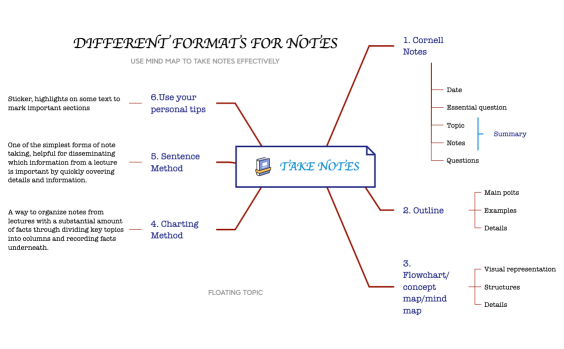 Xmind Favorites
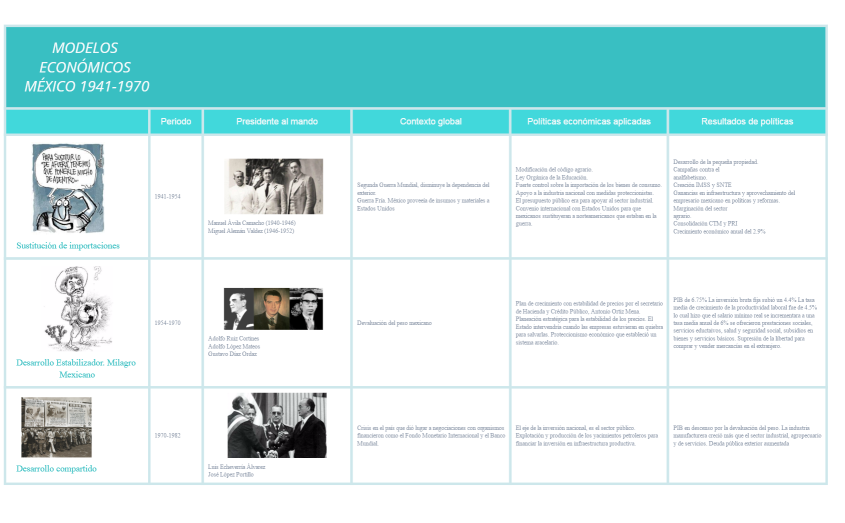 Xmind Favorites
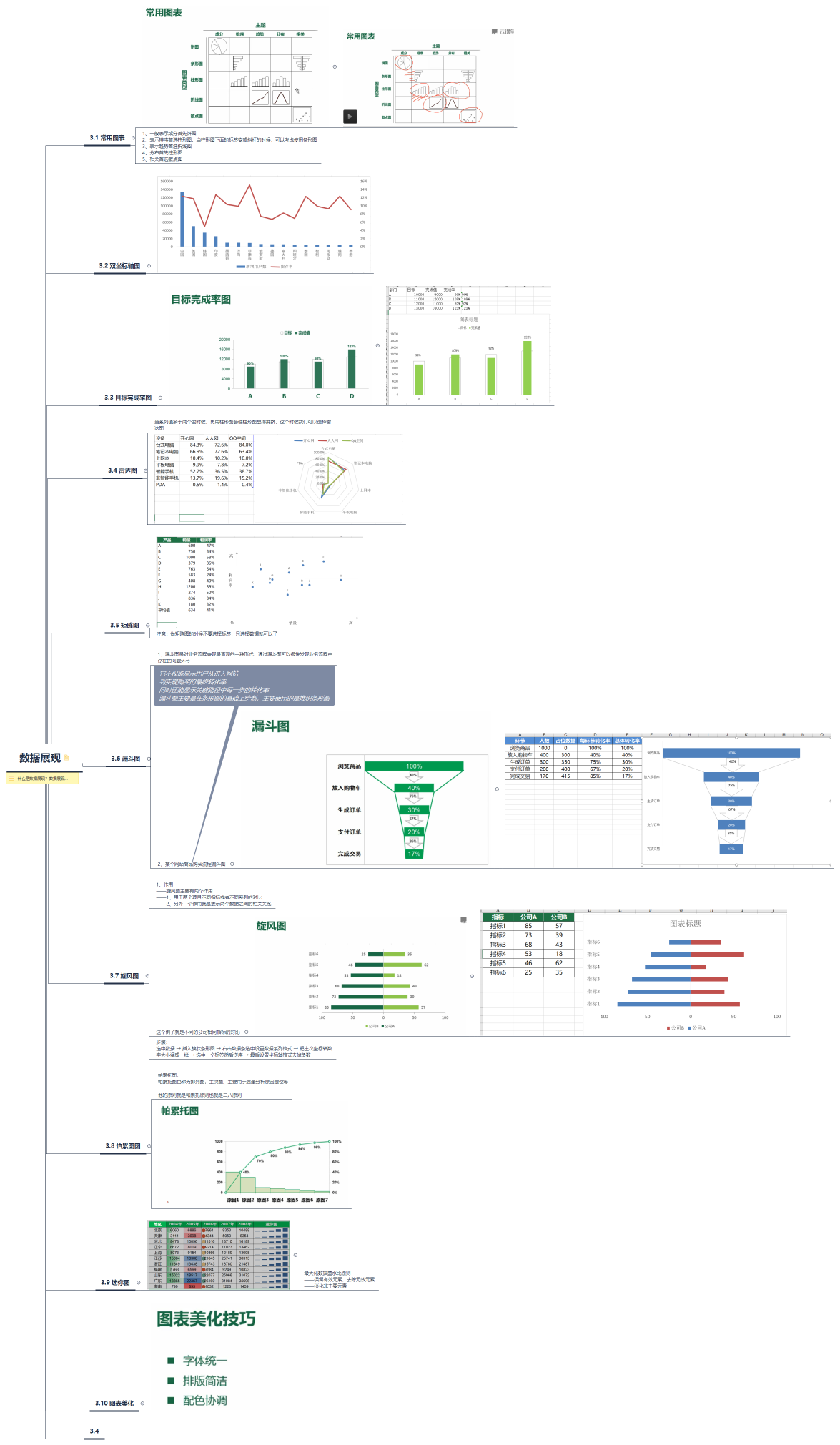 Xmind Favorites
 Xmind Favorites
 Xmind Favorites
 Xmind Favorites
 Xmind Favorites
 Xmind Favorites
 Xmind Favorites
 Xmind Favorites
Structure lectures, link concepts, and study smarter from your notes with Xmind.
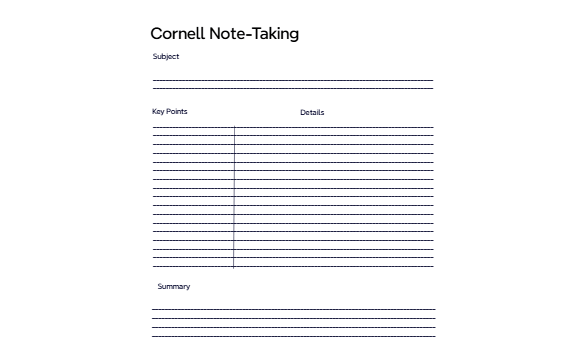
Every class notes template in this library serves as a foundational structure for students, teachers, and self-learners to capture complex academic information. These templates cover a wide range of educational needs, including lecture summaries, textbook outlines, and Cornell-style layouts designed for various subjects. By using these visual frameworks, learners can organize key concepts, definitions, and study materials both during live lessons and during post-class review sessions. The collection includes specialized formats for STEM subjects, humanities, and language learning to ensure that every discipline is supported. Teachers can also utilize these templates to provide students with pre-structured outlines for their lectures, ensuring that the most critical learning objectives are highlighted. Whether you are preparing for a final exam or documenting a research project, these templates provide the hierarchical clarity needed to transform raw information into a permanent knowledge base.
Students can use the non-linear structure of Xmind to connect disparate lecture concepts that a linear document might separate.
The built-in LaTeX equation editor allows learners to insert complex mathematical formulas directly into their academic mind maps.
Xmind AI Copilot assists in expanding brief lecture bullets into detailed explanations or generating related study questions automatically.
Users can export their finalized study guides to PDF or Markdown formats for easy sharing with classmates or printing.
The Pitch Mode feature enables teachers to transform a static class notes map into a dynamic slideshow for classroom presentations.
Select a suitable layout Browse the library to find a class notes template that matches your specific subject or preferred note-taking methodology.
Input core lecture topics Create main branches for each primary concept discussed by the instructor to establish a clear hierarchy for the lesson.
Add supporting details Populate sub-branches with definitions, textbook references, and specific examples to flesh out the skeletal outline of your notes.
Insert visual memory aids Attach images, hyperlinks, or audio notes to your map to create a multi-sensory study resource for better retention.
Review and refine content Reorganize the branches after class to clarify relationships between ideas and ensure the map is ready for exam preparation.
Many community Class Notes templates are free and available for anyone to open and use immediately. Premium templates require a one-time purchase per file instead of a recurring subscription. Once you buy a template, you own the file permanently and can edit it offline within the Xmind app.
Turn your best mind maps into templates the whole community can use.
