 Xmind Favorites
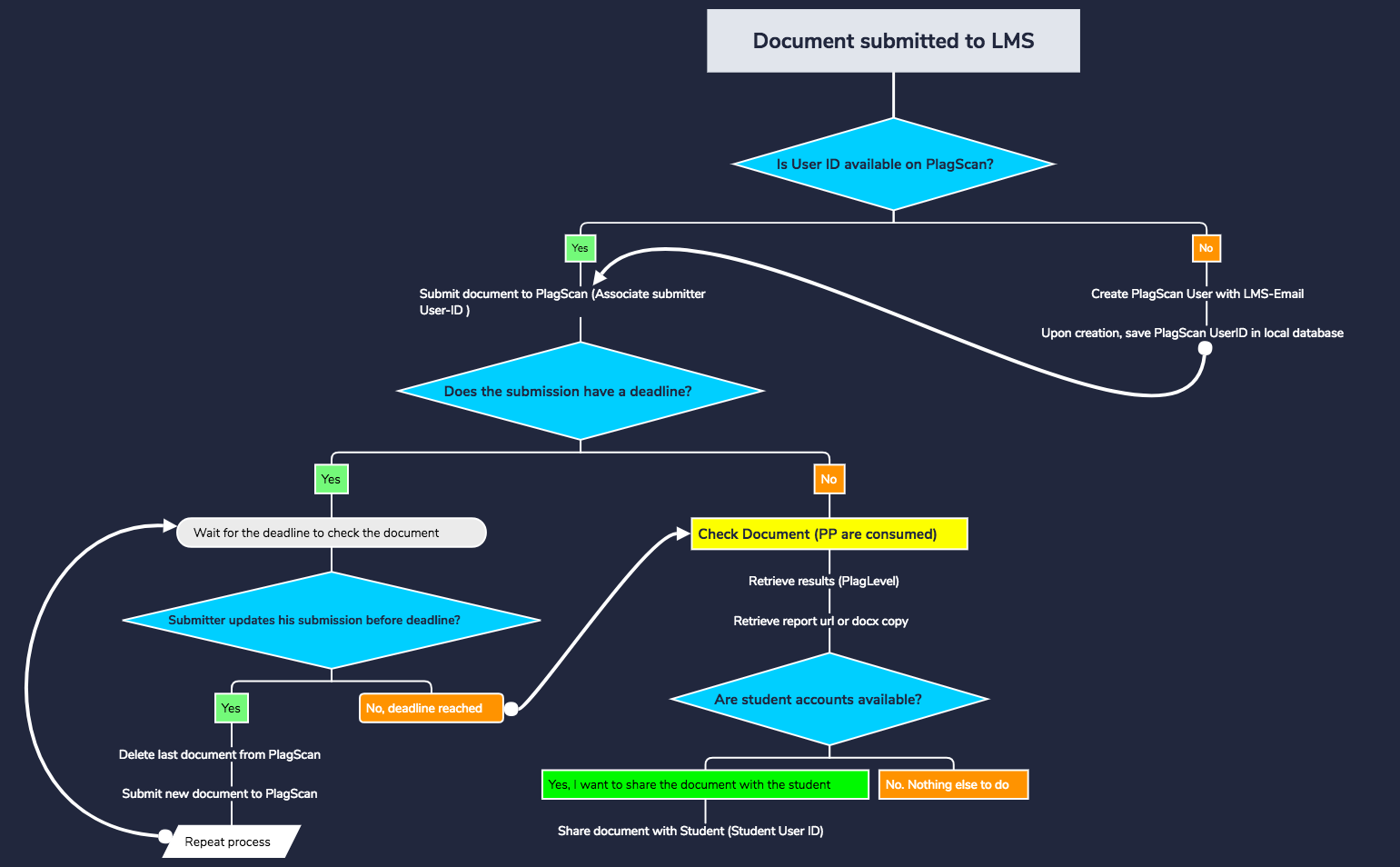
LMS Workflow
Free


7 templates · Practical AI workflow templates to design steps, tools, and automations.
Xmind Favorites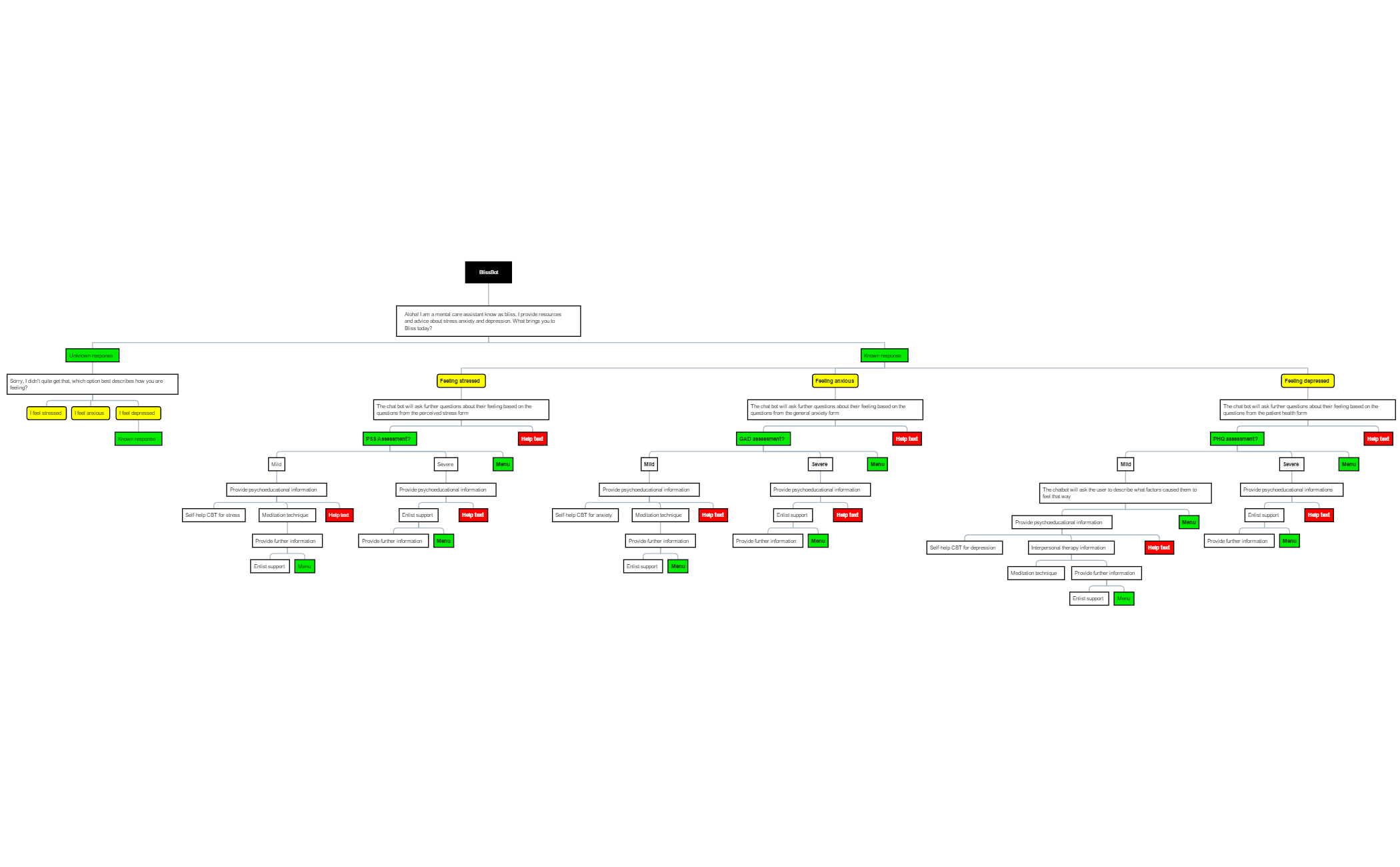 Xmind Favorites
 Xmind Favorites
 Xmind Favorites
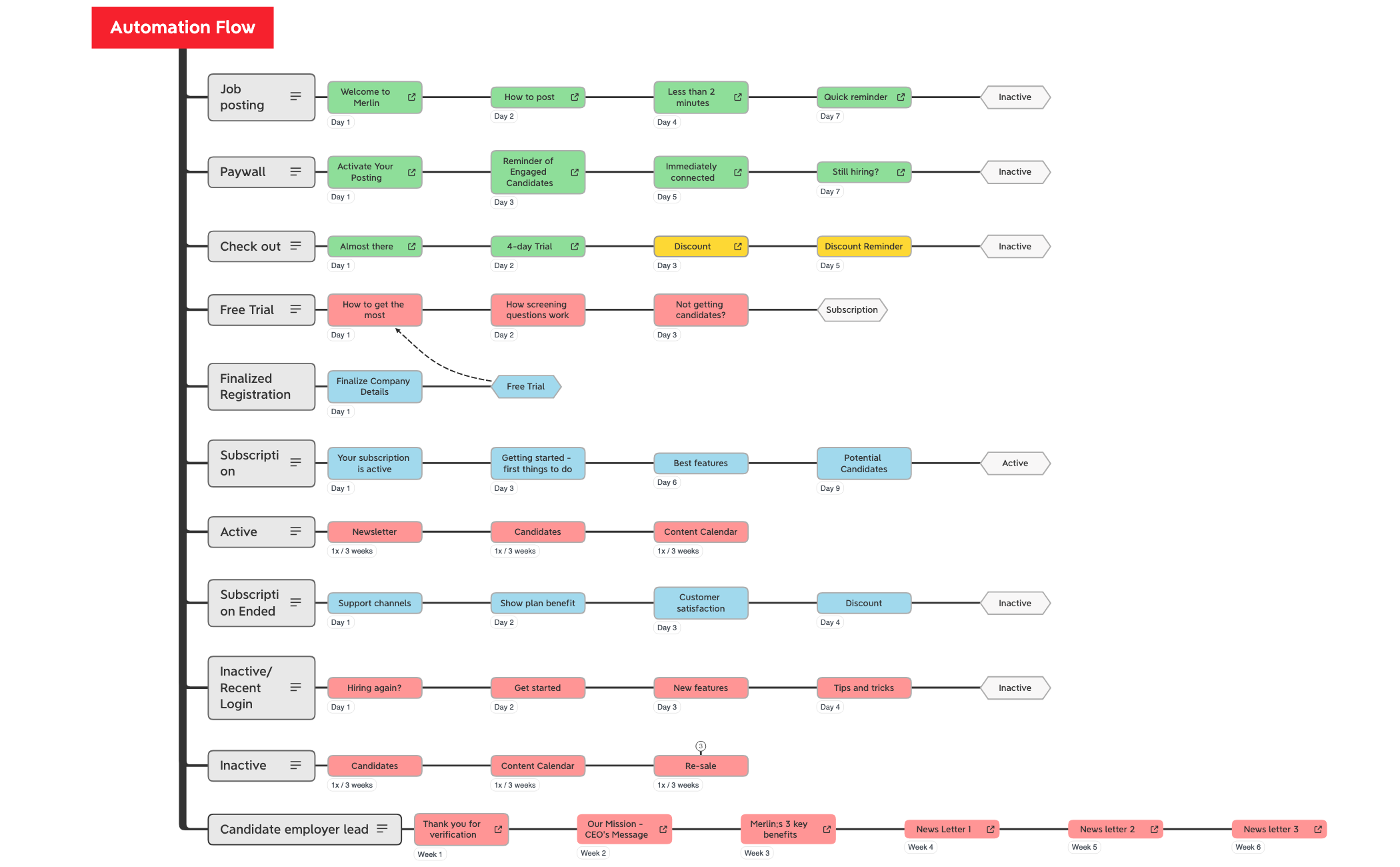
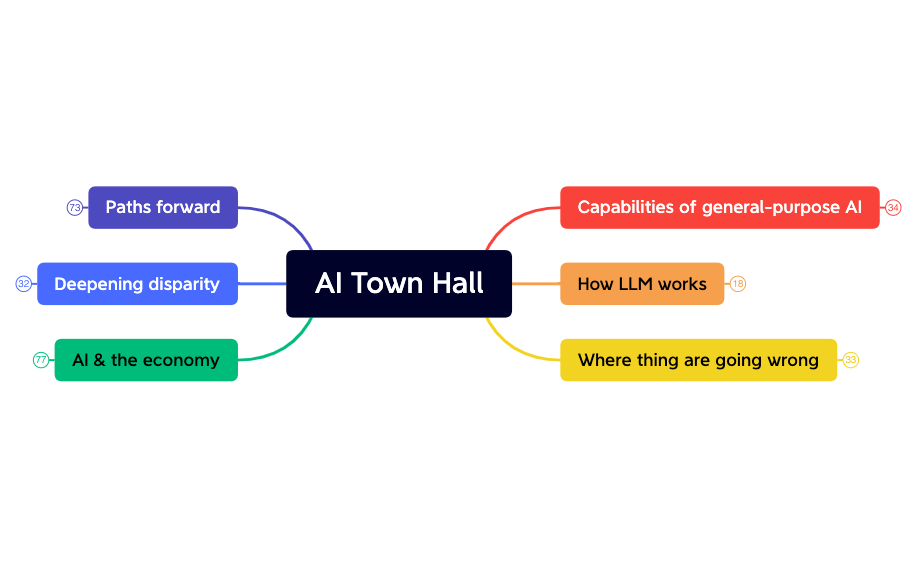
Design steps, connect tools, and automate work with AI in Xmind.
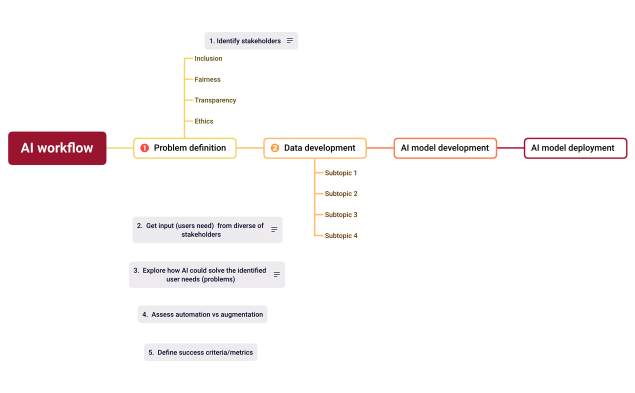
Optimizing complex automation requires a precise AI workflow template to visualize the interaction between data inputs and machine learning outputs. This use case covers the architectural mapping of automated AI application pipelines, LLM integration sequences, and the underlying logic of prompt engineering. Designed specifically for AI practitioners, power users, and developers, these templates provide a structured canvas to document multi-step AI processes from initial data ingestion to final generation. Users can explore a variety of specialized templates that break down recursive loops, conditional branching, and API call sequences. By utilizing these visual frameworks, technical teams can ensure consistency across model deployments and identify potential bottlenecks in their logic flow. The available templates serve as a blueprint for scaling artificial intelligence operations while maintaining a clear overview of the entire technical stack and data journey.
Visualize complex LLM integration sequences and prompt logic chains using Xmind's flexible non-linear mapping structure for clearer technical documentation.
Map multi-step AI application pipelines from data input to final output generation to identify logic errors before deployment.
Utilize the built-in AI Copilot feature to instantly expand nodes and brainstorm alternative branching paths for your automation workflows.
Organize technical requirements and API documentation within a visual-first structure that simplifies communication between developers and stakeholders.
Export your completed workflow diagrams into high-resolution formats or Markdown to integrate directly into your technical project documentation.
Select an AI workflow template Browse the gallery to find an AI workflow template that matches your specific pipeline architecture or LLM integration needs.
Map your model logic Define the sequence of prompt chains and data transformations by adding sub-topics for each processing step in your AI pipeline.
Configure integration nodes Label specific API endpoints and data sources within the map to visualize how information flows between different AI services.
Refine with AI Copilot Use the integrated AI tools to generate additional edge cases or error-handling steps for your automated workflow logic.
Export for development Save your finalized map and export it to share the structural logic with your engineering team for implementation.
Many community templates are free for anyone to open and use immediately. Premium AI Workflow templates require a one-time purchase per file rather than a recurring subscription. After purchasing a premium template, you own the file permanently and can open or edit it offline in the Xmind app.
Turn your best mind maps into templates the whole community can use.
