 Xmind Favorites
最佳免费安卓应用软件
Best Android apps
Free


14 templates · Curated AI tools templates to organize, compare, and choose the right tools.
Xmind Favorites Xmind Favorites
 Xmind Favorites
 Xmind Favorites
 Xmind Favorites
 Xmind Favorites
 Xmind Favorites
 Xmind Favorites
 Xmind Favorites
 Xmind Favorites
 Xmind Favorites
 Xmind Favorites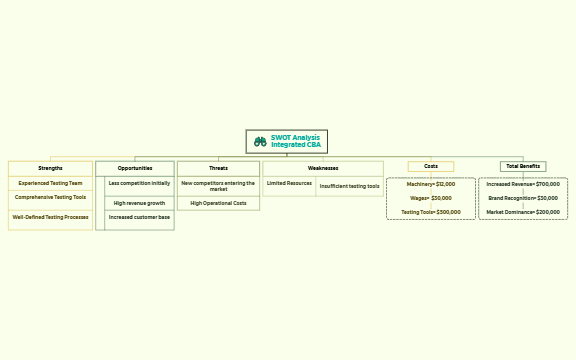
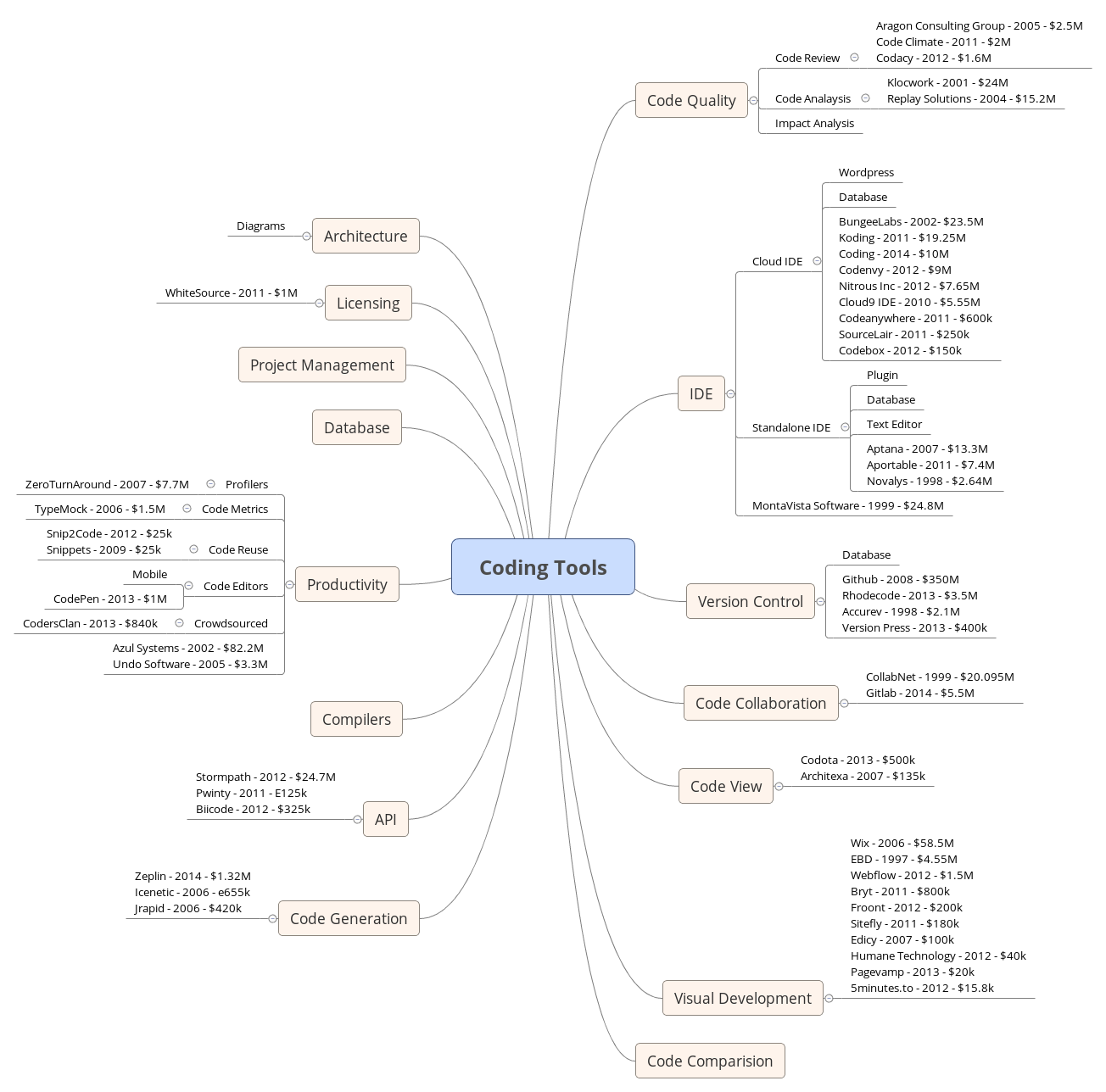
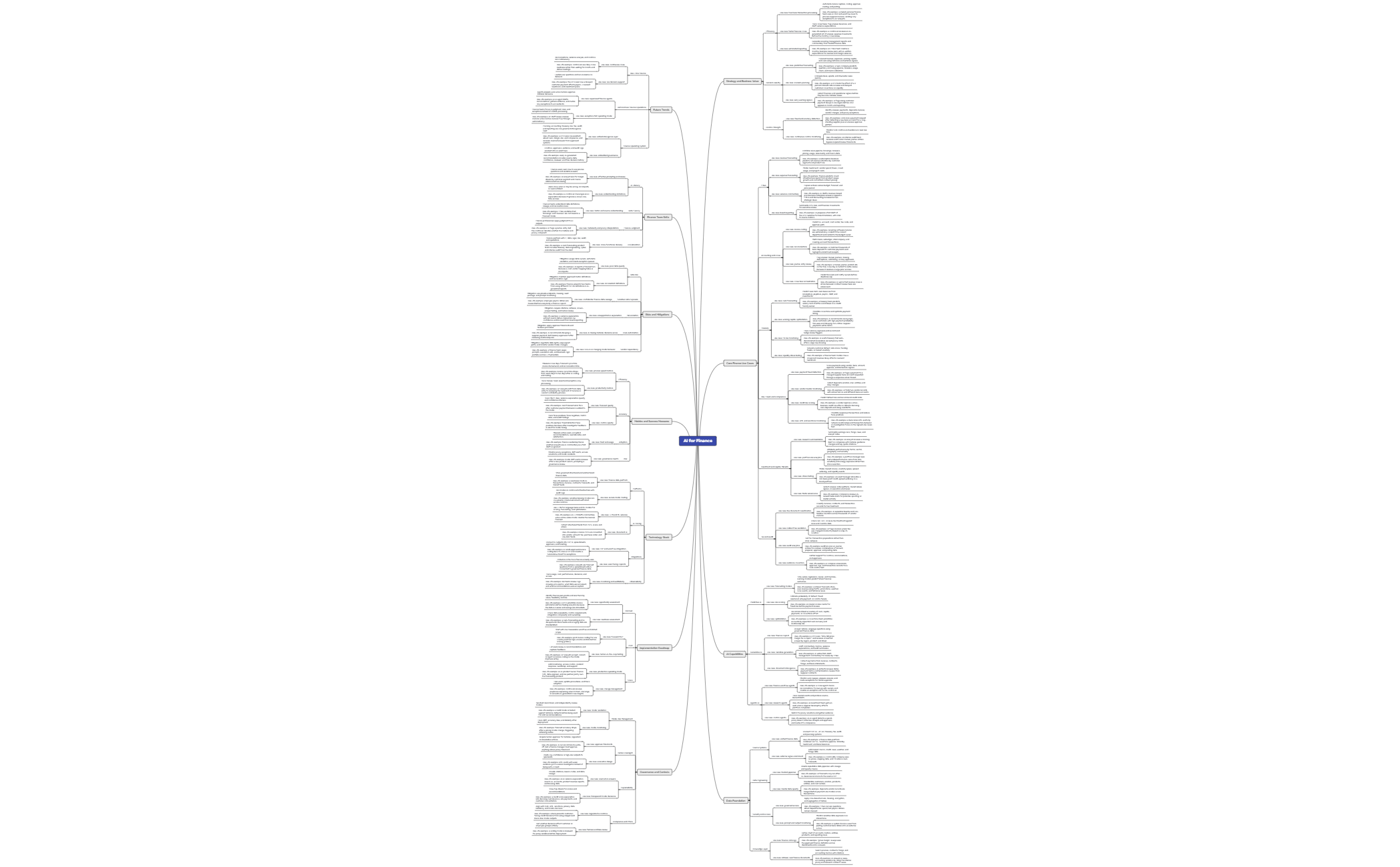
Organize, compare, and pick the right AI tools for the job with Xmind.
AI practitioners and developers utilize an AI tools template to navigate the complex ecosystem of machine learning frameworks and large language models. These templates provide a systematic approach to performance benchmarking, feature comparisons, and cost-benefit analysis across various technology stacks. For power users and technical leads, these visual frameworks assist in selecting the optimal tools for specific deployment needs or research goals. The library includes specialized structures for auditing model accuracy, comparing API latency, and evaluating the scalability of different neural network architectures. By mapping out the technical requirements and financial implications of each tool, teams can make data-driven decisions that align with their operational constraints. These resources cover everything from open-source library evaluations to proprietary platform assessments, ensuring that every layer of the AI stack is scrutinized. Whether you are building a custom RAG pipeline or selecting a cloud provider for model training, these templates offer the clarity needed for complex technical planning.
Xmind enables developers to map complex neural network architectures and data pipelines using a logical, visual hierarchy.
The software provides specialized structures for side-by-side performance benchmarking of multiple large language models and API providers.
Users can utilize the built-in AI Copilot to brainstorm technical features or generate initial comparison criteria for new tools.
The visual-first structure allows practitioners to see dependencies between different libraries and hardware requirements at a single glance.
Exporting maps to high-resolution formats ensures that technical stack decisions can be shared clearly with stakeholders and engineering teams.
Select a technical template Browse the library to find an AI tools template that matches your specific benchmarking or comparison needs.
Define evaluation parameters Input the specific performance metrics and cost variables relevant to your current AI development project.
Map tool features Populate the branches with data regarding model latency, token limits, and training requirements for each tool.
Conduct cost analysis Use the structured layout to calculate the long-term financial implications of different API pricing tiers and infrastructure costs.
Export for documentation Save your completed technical stack map as a PDF or image to include in your project documentation.
Many community AI Tools templates are free for anyone to open and use immediately. Premium templates require a one-time purchase per file rather than a recurring subscription. After purchasing a premium template, you own the file permanently and can open or edit it offline in the Xmind app.
Turn your best mind maps into templates the whole community can use.
