 Xmind Favorites
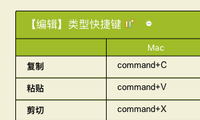
XMind 8 快捷键大全
Free

'%3e%3cpath%20d='M6.42532%207.40439C6.16072%207.40439%205.94575%207.48708%205.78037%207.65244C5.615%207.80127%205.53231%208.01627%205.53231%208.2974V23.7018C5.53231%2023.9664%205.615%2024.1813%205.78037%2024.3467C5.94575%2024.5122%206.16072%2024.5947%206.42532%2024.5947H8.4842C8.76533%2024.5947%208.98032%2024.5203%209.12916%2024.3715C9.29452%2024.2062%209.3772%2023.9829%209.3772%2023.7018V8.2974C9.3772%208.01627%209.29452%207.80127%209.12916%207.65244C8.98032%207.48708%208.76533%207.40439%208.4842%207.40439H6.42532ZM3.42383%208.09895C3.42383%207.25556%203.67188%206.57753%204.168%206.06487C4.68064%205.55223%205.3504%205.2959%206.17727%205.2959H8.68264C9.52604%205.2959%2010.2041%205.55223%2010.7167%206.06487C11.2294%206.561%2011.4857%207.23075%2011.4857%208.07414V11.7702C11.6841%2011.7206%2011.8991%2011.6958%2012.1306%2011.6958H16.7197H16.9677L16.6949%2010.7532C16.5957%2010.4224%2016.5461%2010.1165%2016.5461%209.83535C16.5461%209.24001%2016.7197%208.72737%2017.0669%208.2974C17.4308%207.85089%2017.9353%207.54495%2018.5801%207.37958L20.9615%206.75943C21.2095%206.69329%2021.4825%206.66022%2021.7801%206.66022C22.425%206.66022%2022.9791%206.84212%2023.4421%207.20595C23.9217%207.56975%2024.2524%208.07414%2024.4343%208.7191L28.4529%2022.5358C28.5356%2022.8667%2028.5769%2023.1643%2028.5769%2023.429C28.5769%2024.0243%2028.3949%2024.5451%2028.0311%2024.9917C27.6839%2025.4382%2027.1877%2025.7442%2026.5428%2025.9094L24.1615%2026.5048C23.8306%2026.5875%2023.5413%2026.6288%2023.2932%2026.6288C22.6813%2026.6288%2022.1356%2026.4469%2021.6561%2026.0832C21.193%2025.7194%2020.8705%2025.2149%2020.6887%2024.5699L19.498%2020.4522V23.9002C19.498%2024.7437%2019.2417%2025.4216%2018.729%2025.9342C18.2329%2026.4469%2017.5714%2026.7032%2016.7445%2026.7032H12.1803C11.4692%2026.7032%2010.8904%2026.5296%2010.4439%2026.1824C9.98082%2026.5296%209.41028%2026.7032%208.73226%2026.7032H6.22688C5.38348%2026.7032%204.70546%2026.4469%204.1928%2025.9342C3.68015%2025.4382%203.42383%2024.7766%203.42383%2023.9498V8.09895ZM12.3787%2013.8043C12.1141%2013.8043%2011.8991%2013.887%2011.7337%2014.0523C11.5684%2014.2012%2011.4857%2014.4162%2011.4857%2014.6973V23.7018C11.4857%2023.9664%2011.5684%2024.1813%2011.7337%2024.3467C11.8991%2024.5122%2012.1141%2024.5947%2012.3787%2024.5947H16.4964C16.7777%2024.5947%2016.9925%2024.5203%2017.1413%2024.3715C17.3068%2024.2062%2017.3895%2023.9829%2017.3895%2023.7018V14.6973C17.3895%2014.4162%2017.3068%2014.2012%2017.1413%2014.0523C16.9925%2013.887%2016.7777%2013.8043%2016.4964%2013.8043H12.3787ZM19.3988%209.33924C18.9522%209.47153%2018.729%209.73614%2018.729%2010.133C18.729%2010.1992%2018.7455%2010.2984%2018.7786%2010.4307L22.673%2023.8506C22.8385%2024.2971%2023.1196%2024.5203%2023.5165%2024.5203C23.6322%2024.5203%2023.7233%2024.5122%2023.7893%2024.4955L25.7242%2023.9498C26.1708%2023.8176%2026.394%2023.553%2026.394%2023.156C26.394%2023.0899%2026.3773%2022.9907%2026.3444%2022.8584L22.4746%209.46327C22.4085%209.24828%2022.301%209.08291%2022.1522%208.96715C22.0199%208.83486%2021.8628%208.76871%2021.6809%208.76871C21.6148%208.76871%2021.5154%208.78524%2021.3833%208.81831L19.3988%209.33924Z'%20fill='%239F6EF0'/%3e%3c/g%3e%3cdefs%3e%3cclipPath%20id='clip0_11502_53434'%3e%3crect%20width='32'%20height='32'%20fill='white'/%3e%3c/clipPath%3e%3c/defs%3e%3c/svg%3e)
29 templates · Handy AI cheat sheet templates to organize tools, prompts, and tips.
Xmind Favorites Xmind Favorites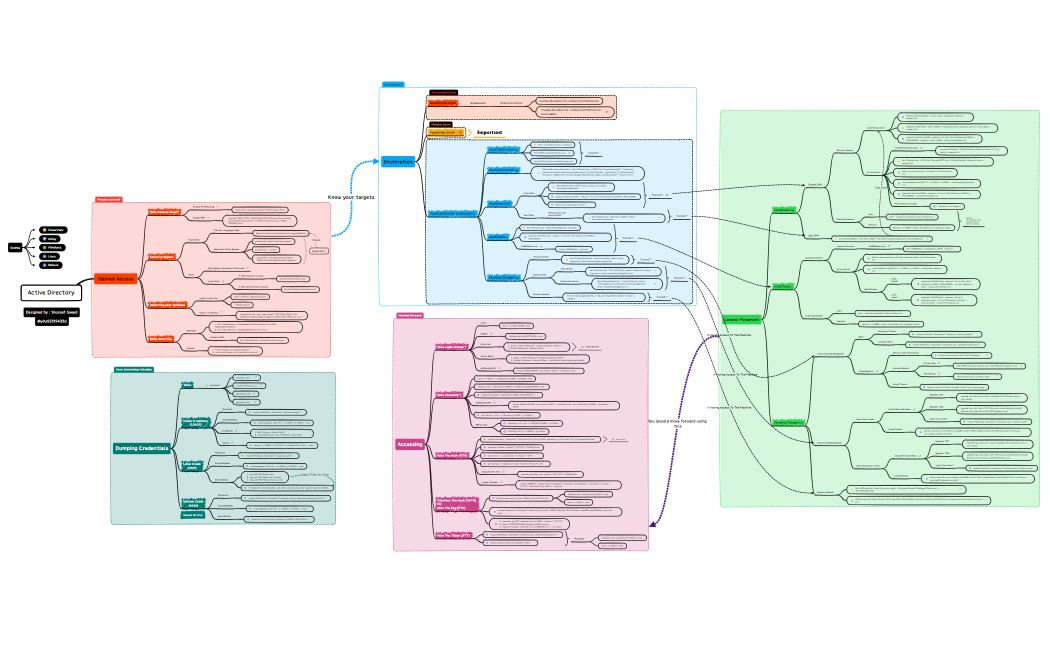
 Xmind Favorites
 Xmind Favorites
 Xmind Favorites
 Xmind Favorites
 Xmind Favorites
 Xmind Favorites
 Xmind Favorites
 Xmind Favorites
 Xmind Favorites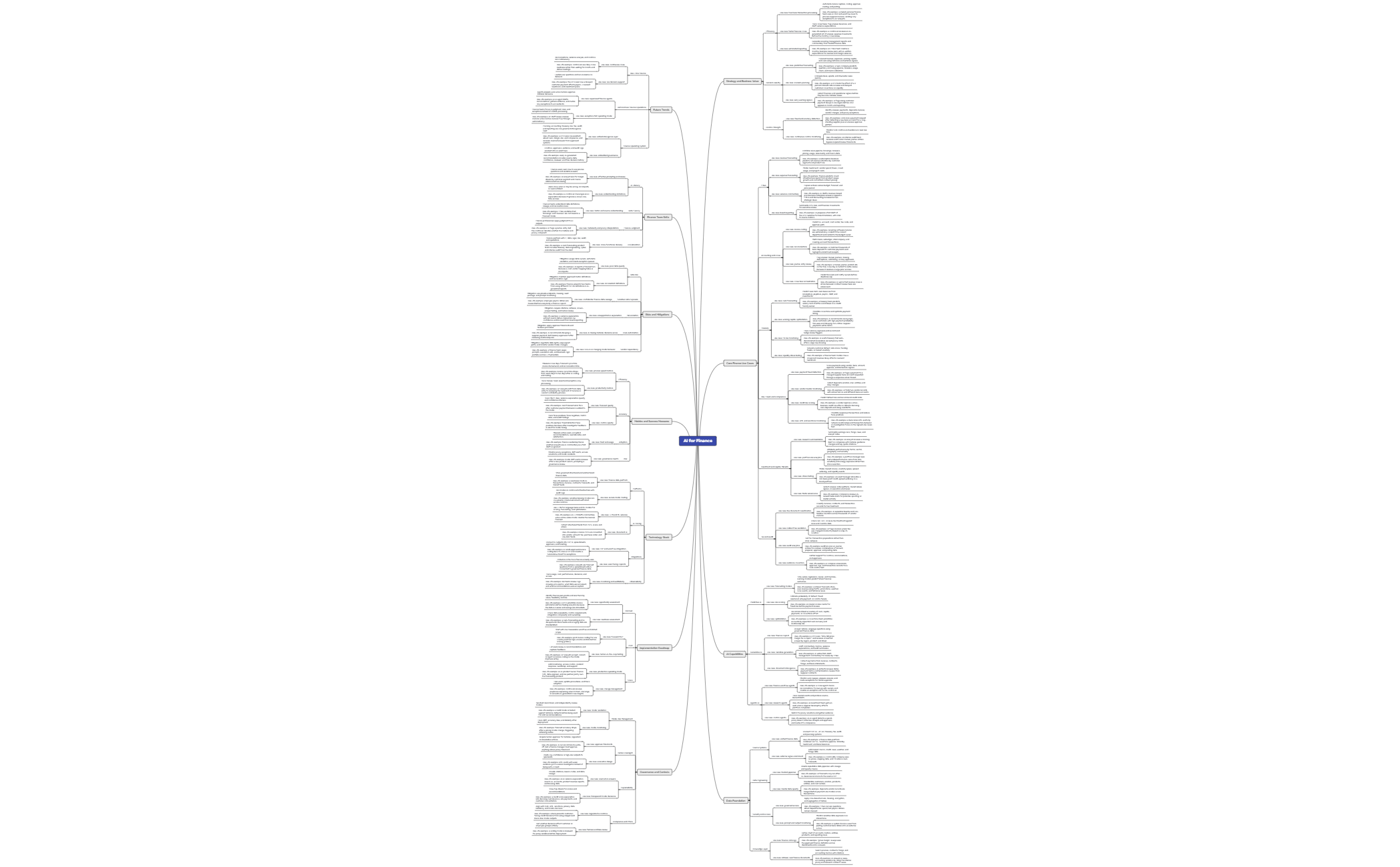
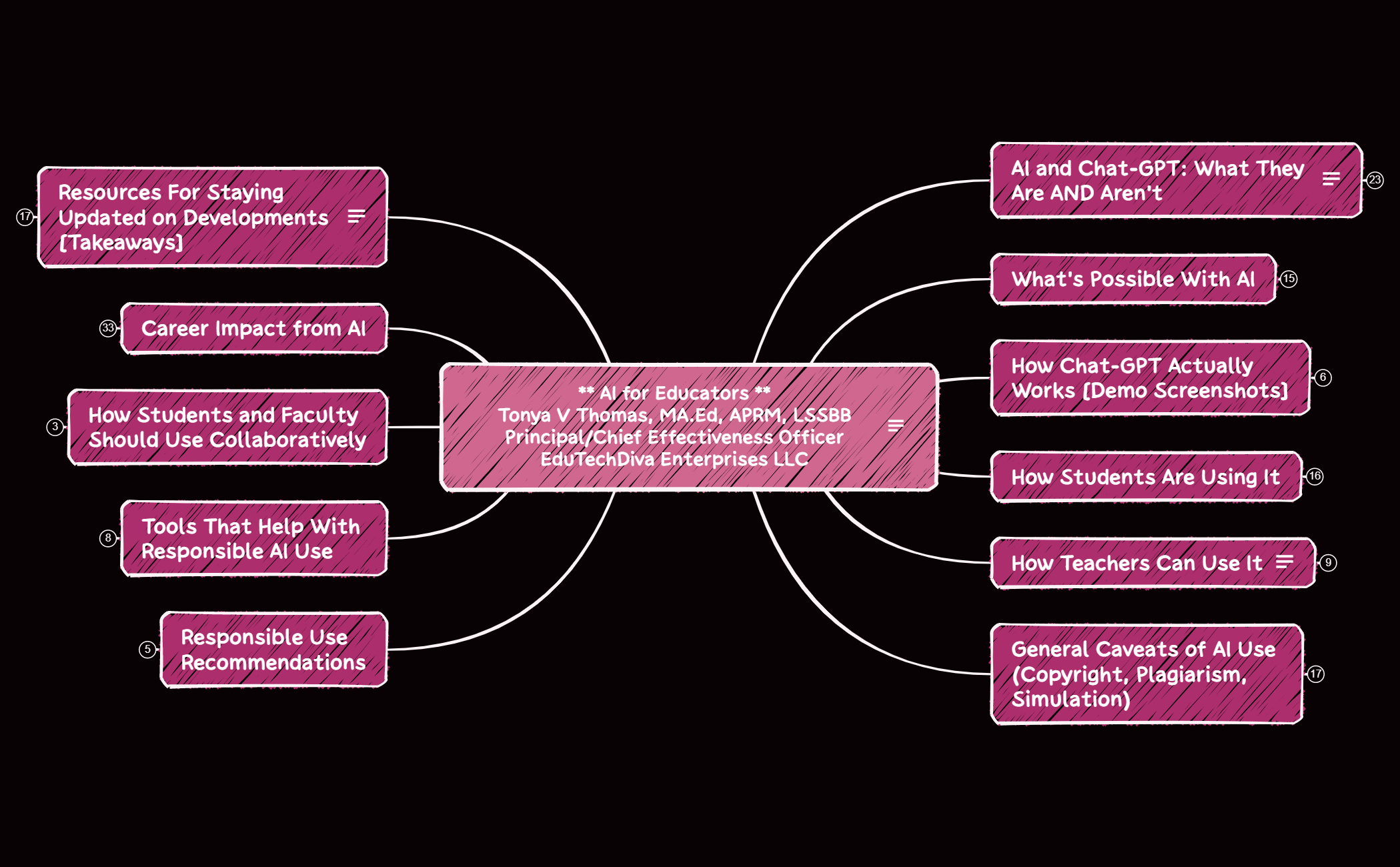

Organize tools, prompts, and tips into a handy reference with Xmind.
AI practitioners, power users, and developers utilize an AI cheat sheet template to distill the rapidly evolving landscape of machine learning into actionable visual maps. This library provides structured references for prompt engineering frameworks, technical terminology, and core automation workflows. Users can access specialized templates for model-specific parameters, neural network architectures, and comprehensive AI tool directories that organize the ecosystem by function. These templates serve as a centralized knowledge base for technical teams needing to bridge the gap between complex documentation and daily implementation. By mapping out large language model capabilities and integration patterns, these guides help developers maintain a high-level view of their tech stack. The collection includes both foundational concepts for those mastering new frameworks and advanced logic trees for power users optimizing their generative AI outputs.
Developers can visualize complex neural network layers and model architectures using Xmind's non-linear canvas for better technical clarity.
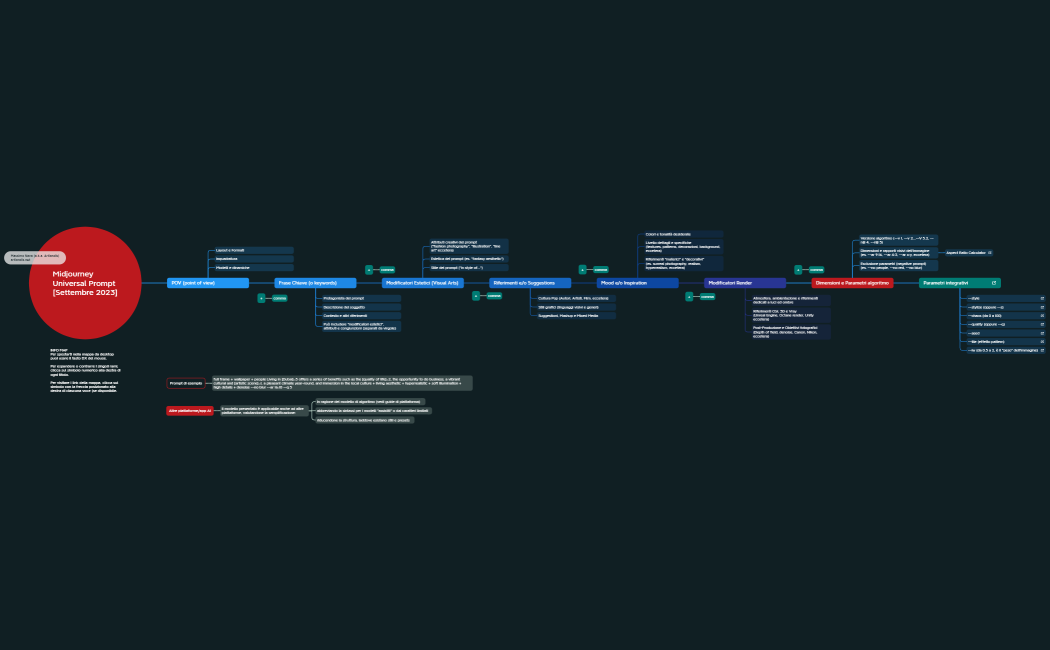
Prompt engineers use the hierarchical structure to categorize different framing techniques and output constraints for specific AI models.
The visual-first layout allows users to map out multi-step automation workflows and API integrations without losing track of logic.
Xmind AI Copilot assists in expanding technical branches by generating related sub-topics and definitions for new machine learning concepts.
Users can export their technical cheat sheets into high-resolution images or PDFs for quick reference during intensive coding sessions.
Select a technical framework Choose an AI cheat sheet template that aligns with your specific focus, such as prompt engineering or machine learning terminology.
Input model parameters Fill in the specific temperature settings, token limits, and system prompts required for your particular AI model implementation.
Organize tool directories Categorize your most frequently used AI tools and API endpoints into logical branches to create a functional resource map.
Refine with visual markers Apply distinct icons and colors to differentiate between experimental features and stable production-ready AI workflows within your map.
Sync for offline access Save your completed reference guide to your local device to ensure technical documentation is available even without an internet connection.
Many community templates are free and available for anyone to open and use immediately. Premium templates require a one-time purchase per file instead of a recurring subscription. After buying a template, you own the file permanently and can edit it offline in the Xmind app.
Turn your best mind maps into templates the whole community can use.
